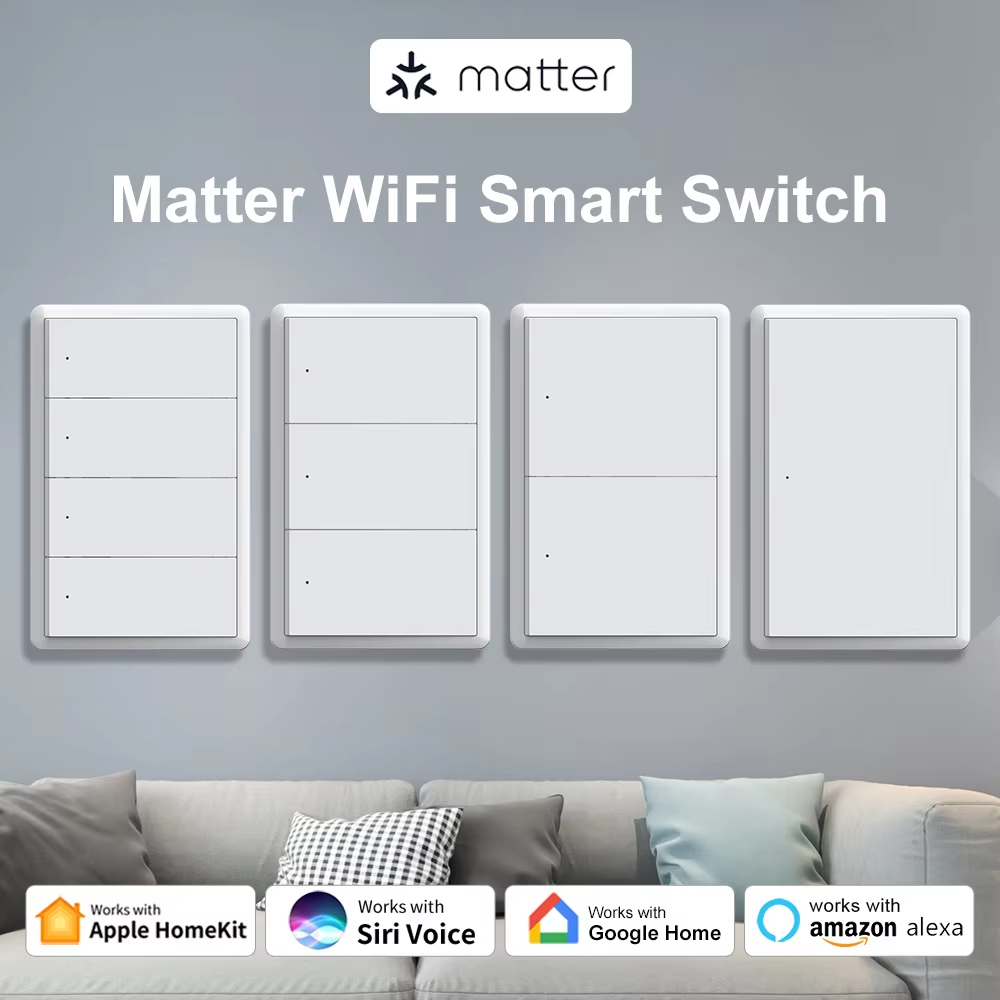
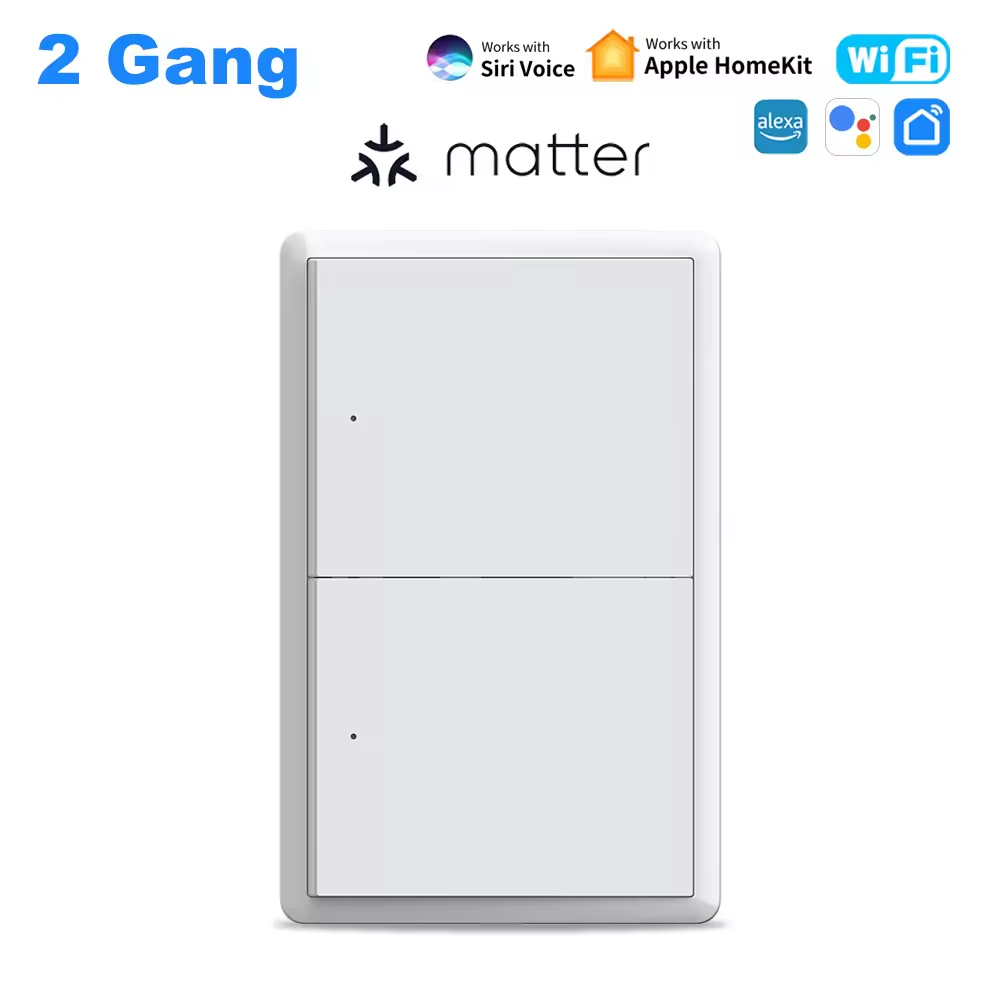
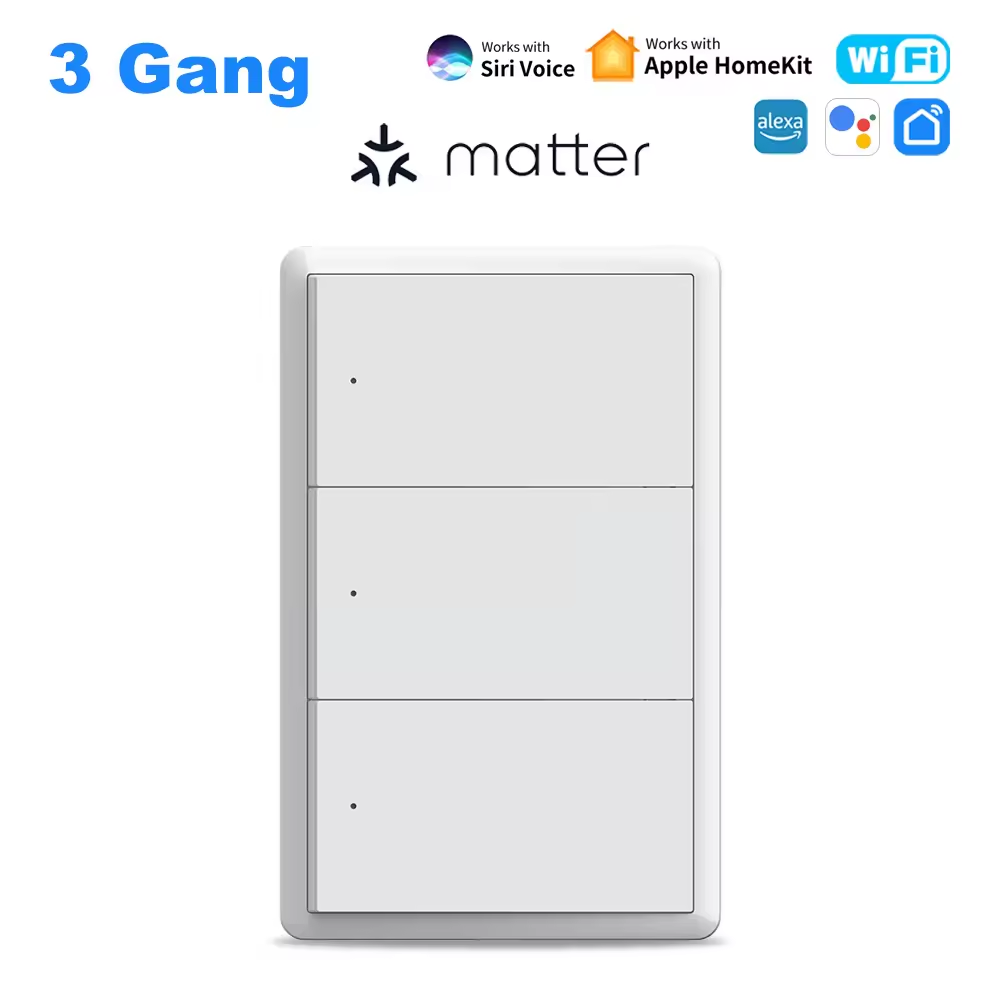
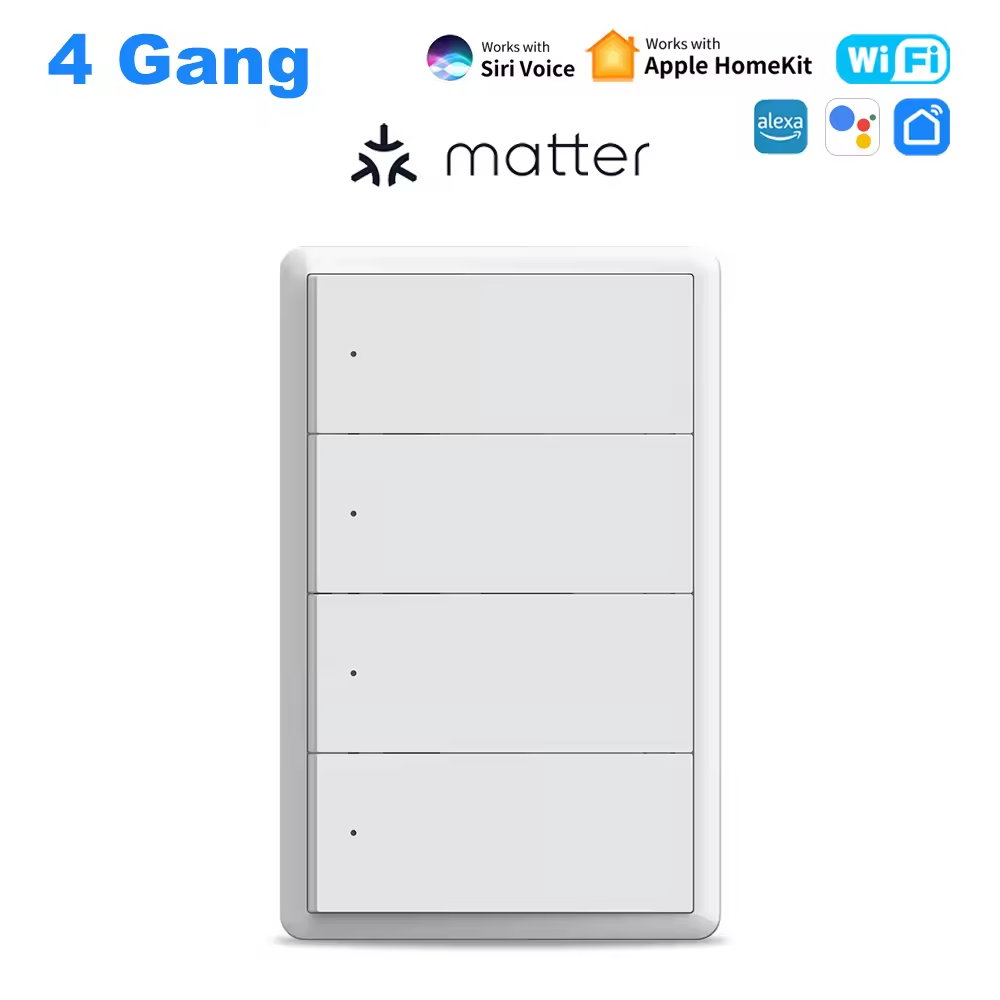
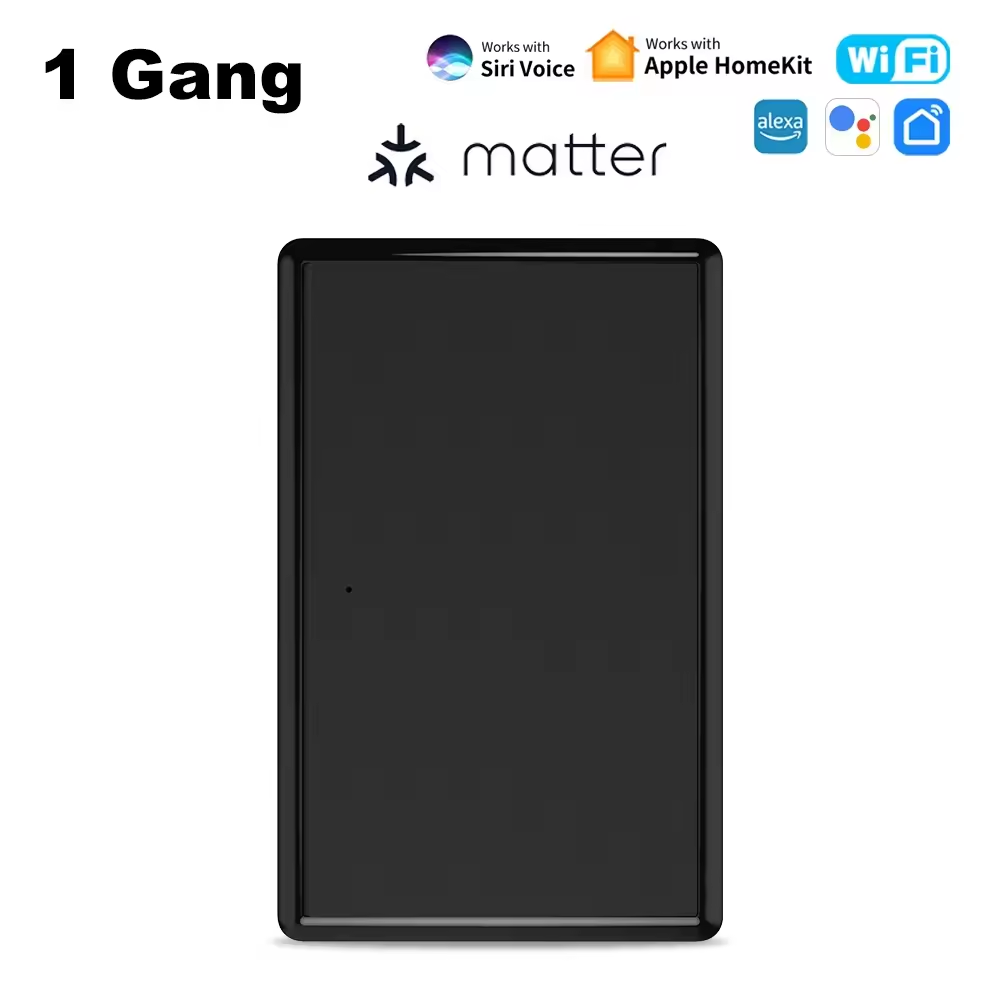
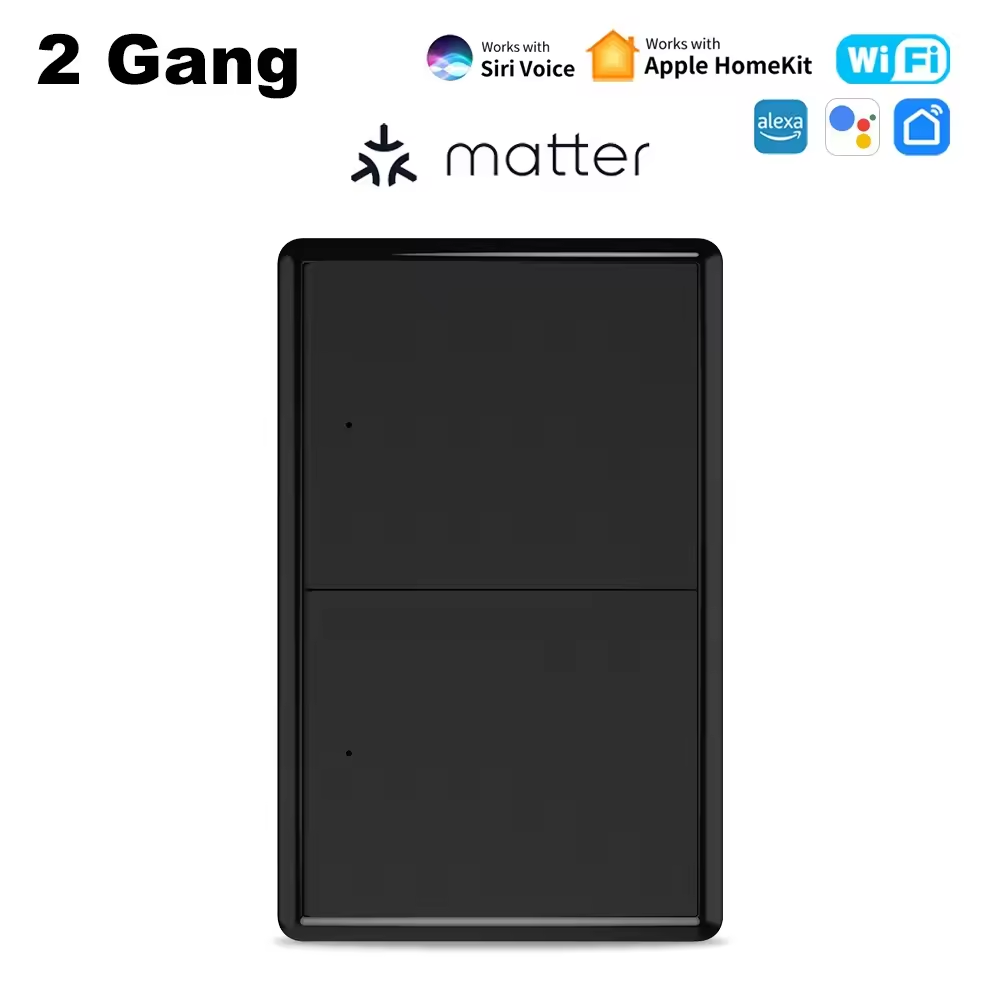
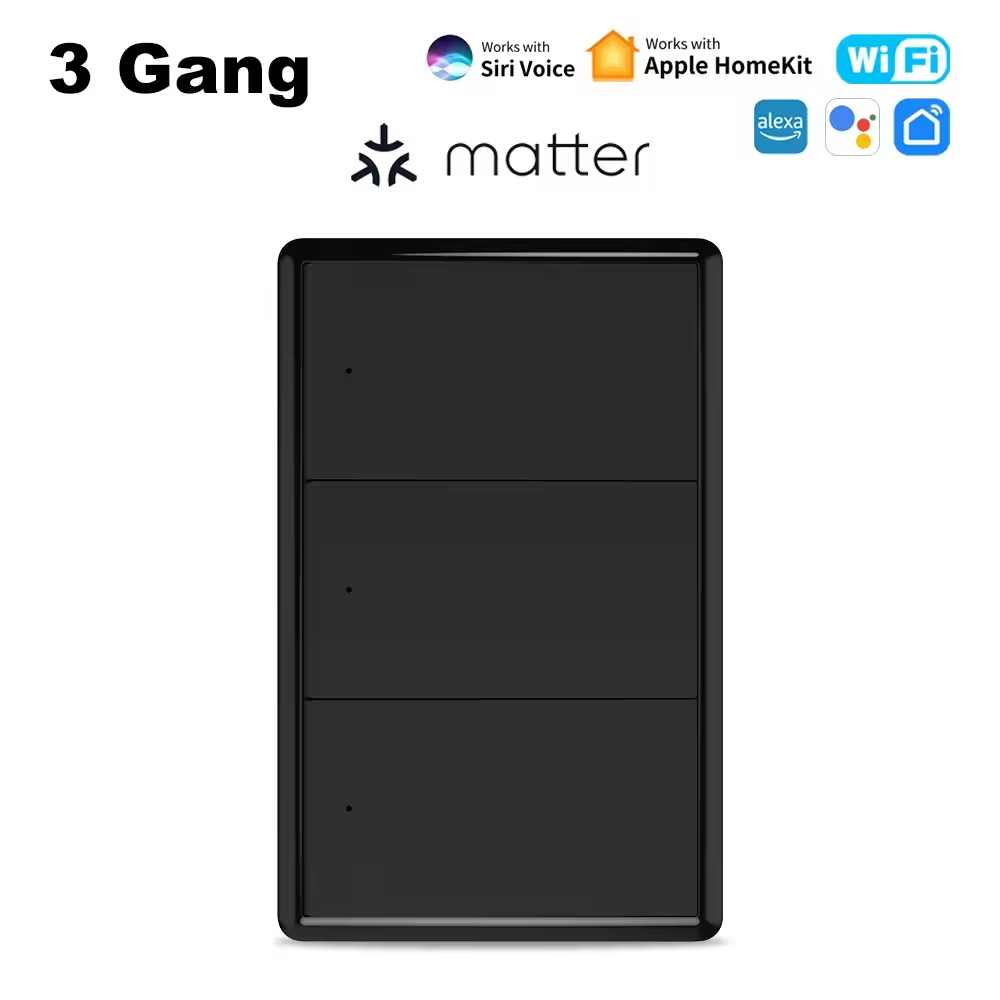
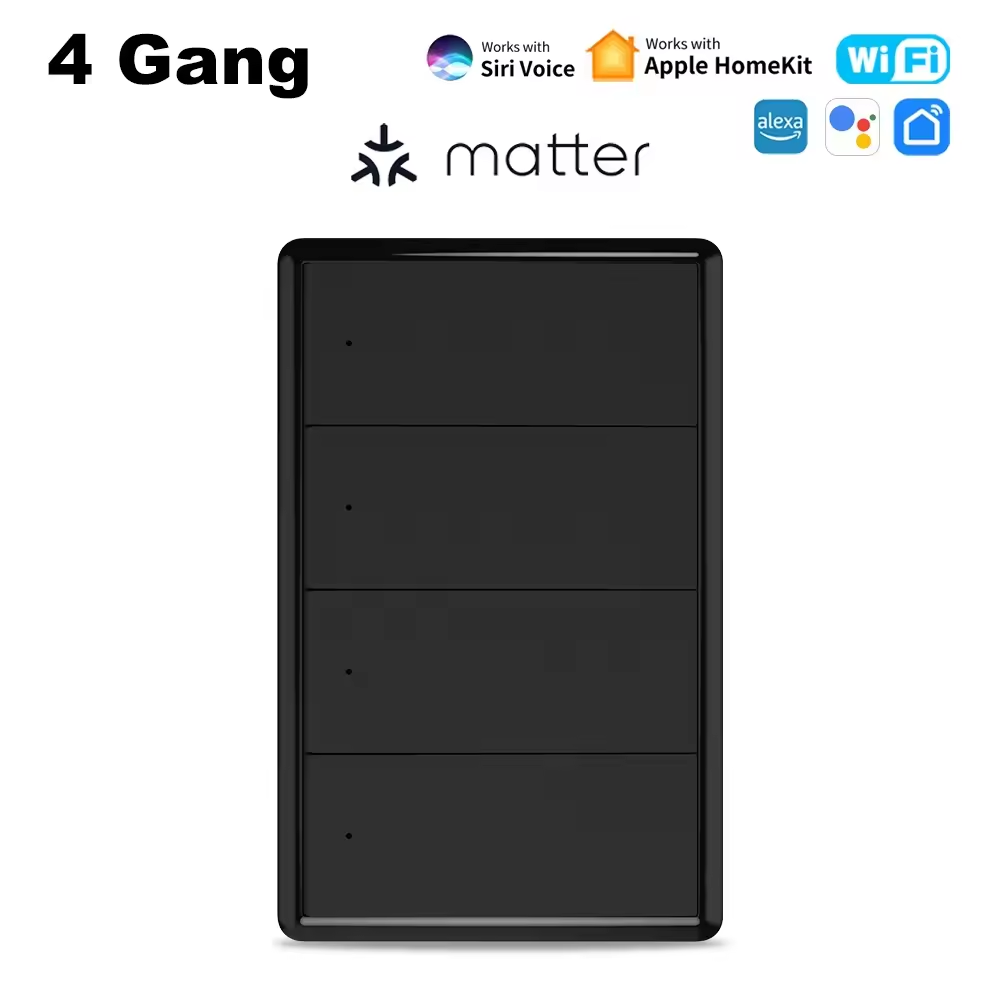
Matter over WiFi Smart Wall Light Switch 1/2/3/4 Gang, Smart Push Button Light Switch, Compatible with Apple Home, Siri, Alexa & Google Home, 2.4GHz WiFi, Neutral & No Neutral Wire Installation Options, AC 100–240V
Product Overview
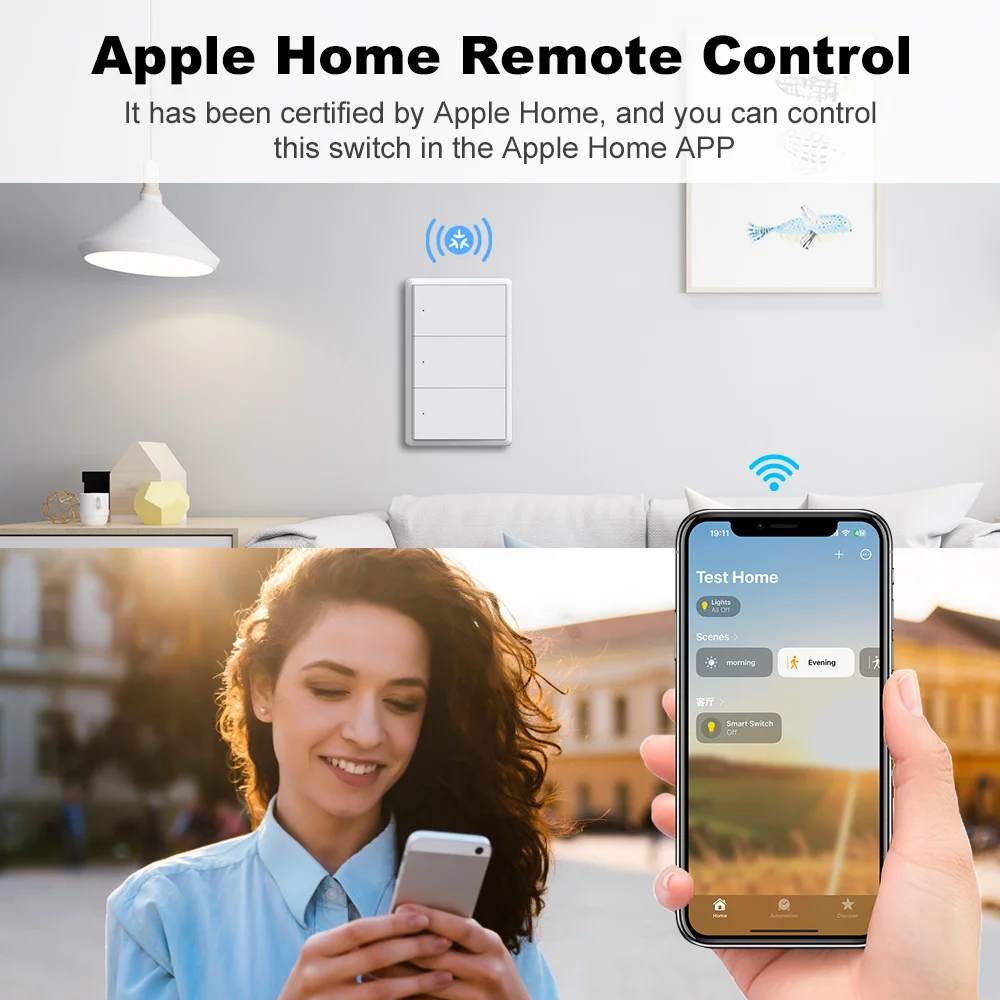
Upgrade your home lighting with the Matter over WiFi Smart Wall Light Switch, combining classic physical push-button operation with modern smart home technology.
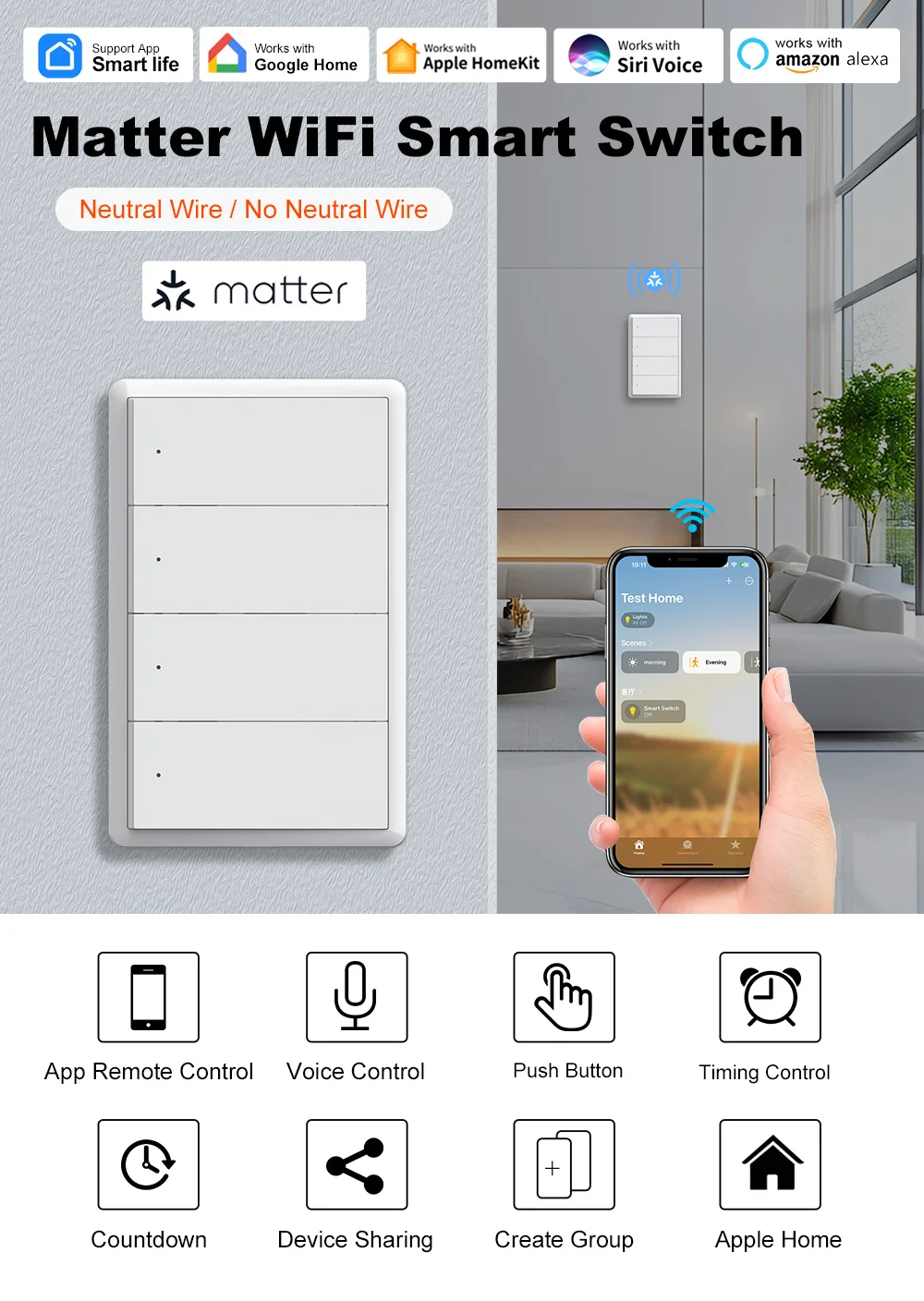
Powered by the Matter smart home standard and 2.4GHz WiFi connectivity, this intelligent wall switch is designed to work across major smart home ecosystems, including Apple Home, Amazon Alexa, Google Home and other compatible Matter platforms.
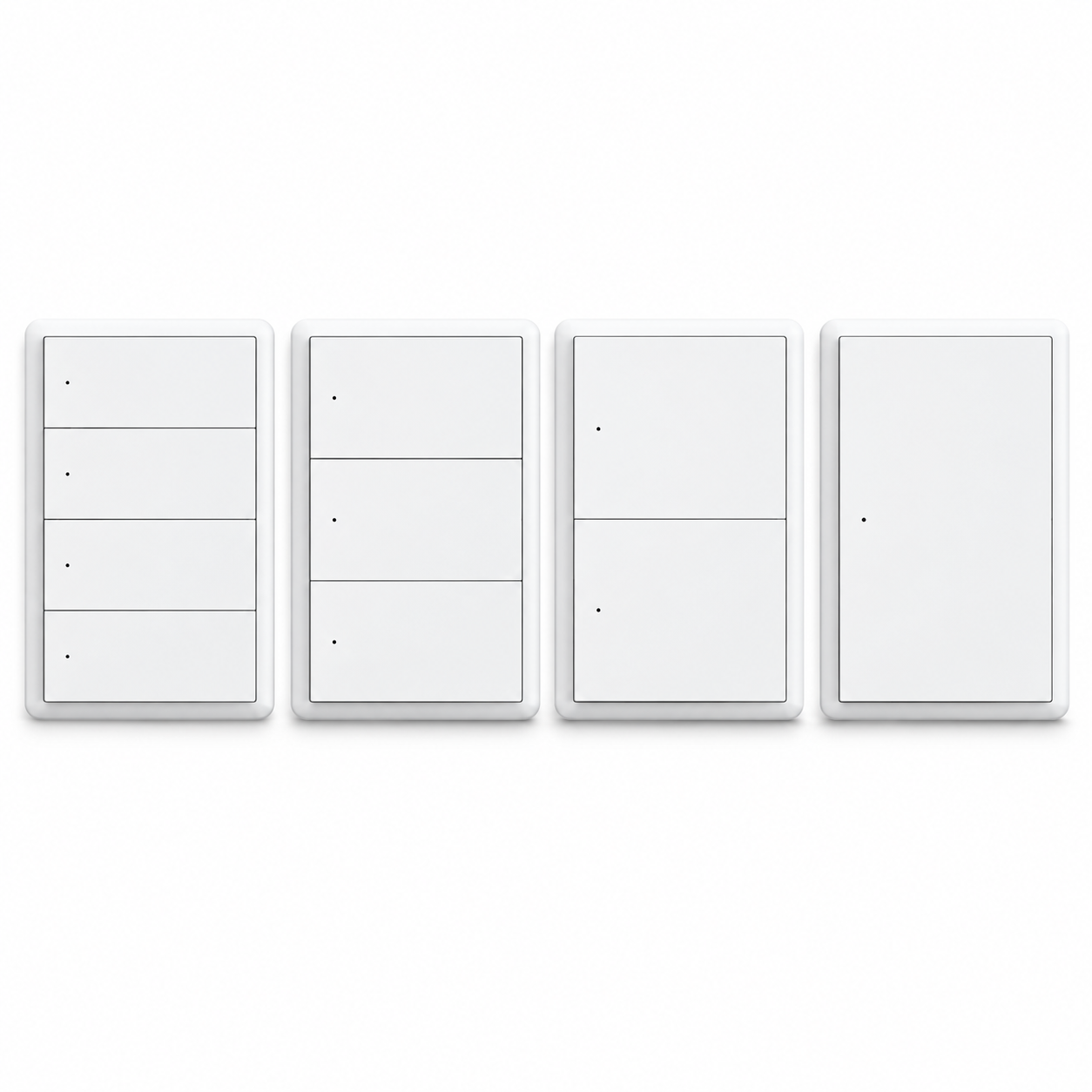
Available in 1 Gang, 2 Gang, 3 Gang and 4 Gang configurations, the switch provides convenient independent control of multiple lighting circuits.
The elegant rectangular push-button design maintains the familiar feeling of a traditional wall switch while adding smart features such as remote control, voice commands, scheduling, group control and smart home automation.
With both neutral-wire and no-neutral-wire installation configurations, this smart switch offers flexible installation possibilities for different household wiring systems.
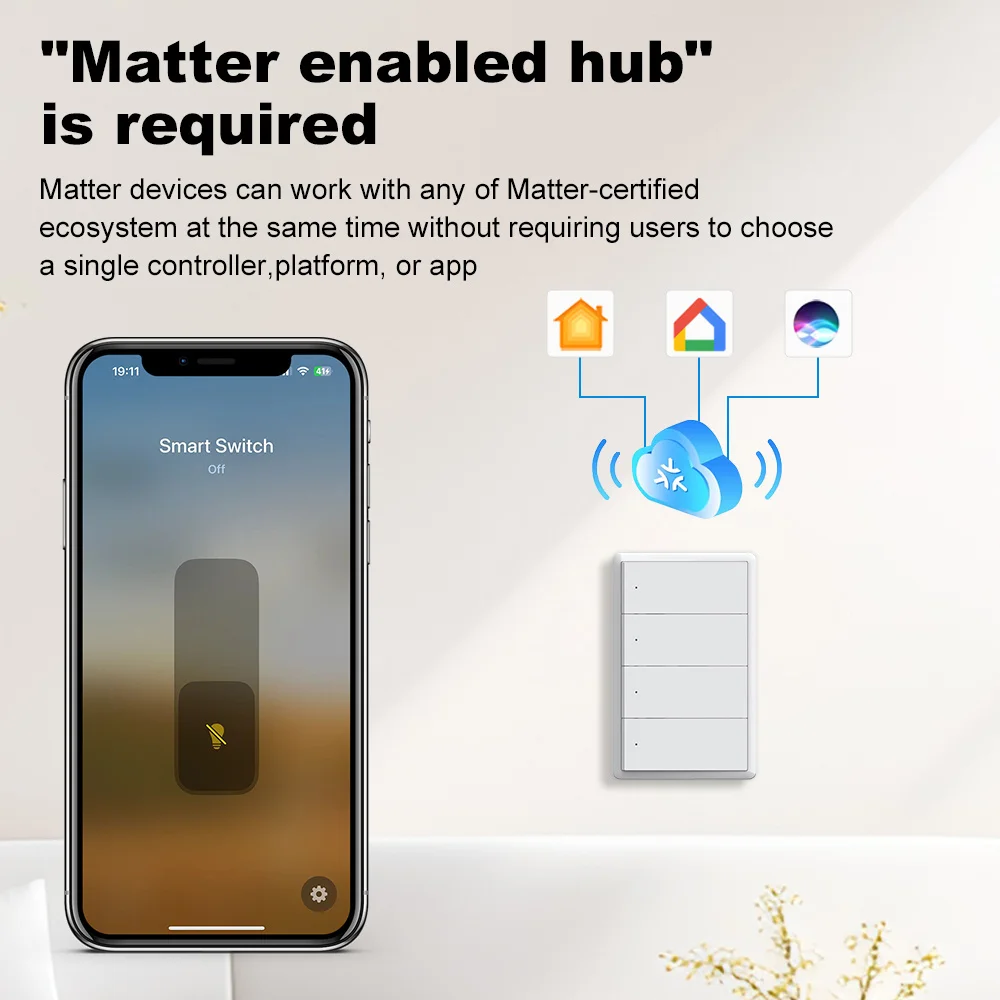
Important: Matter commissioning requires a compatible Matter controller. A compatible Matter hub or Thread border router may be necessary for certain platform functions, including remote access and automation. This product communicates over 2.4GHz WiFi and does not require a Thread radio for connectivity.
Key Features & Benefits
1. Matter over WiFi – Universal Smart Home Compatibility
Experience enhanced interoperability with the Matter smart home standard.
-
Supports Matter over 2.4GHz WiFi.
-
Designed for integration with compatible Matter ecosystems.
-
Compatible with Apple Home, Google Home and Amazon Alexa through supported Matter controllers.
-
Supports integration into multiple Matter ecosystems using Matter multi-admin functionality.
-
Reduces dependence on a single smart home platform.
-
Convenient smart home management with compatible devices.
One Smart Switch, Multiple Smart Home Ecosystems.
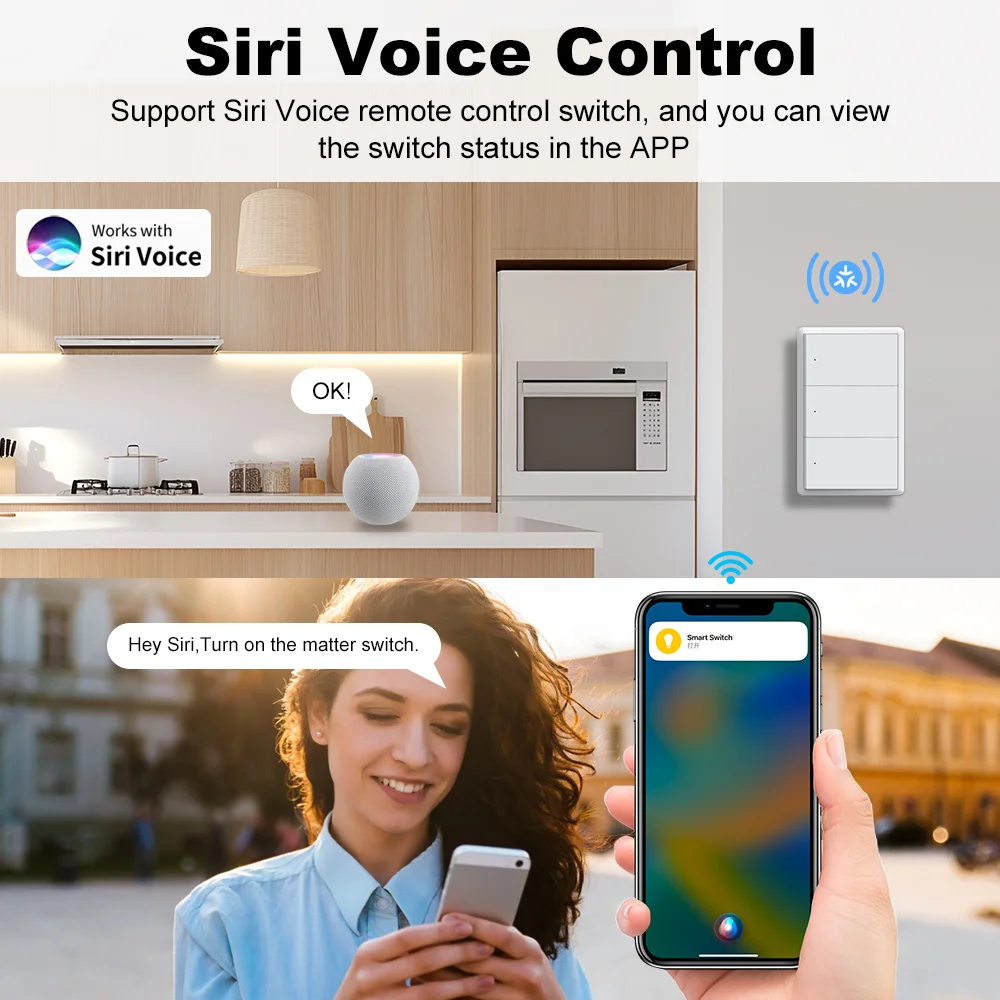
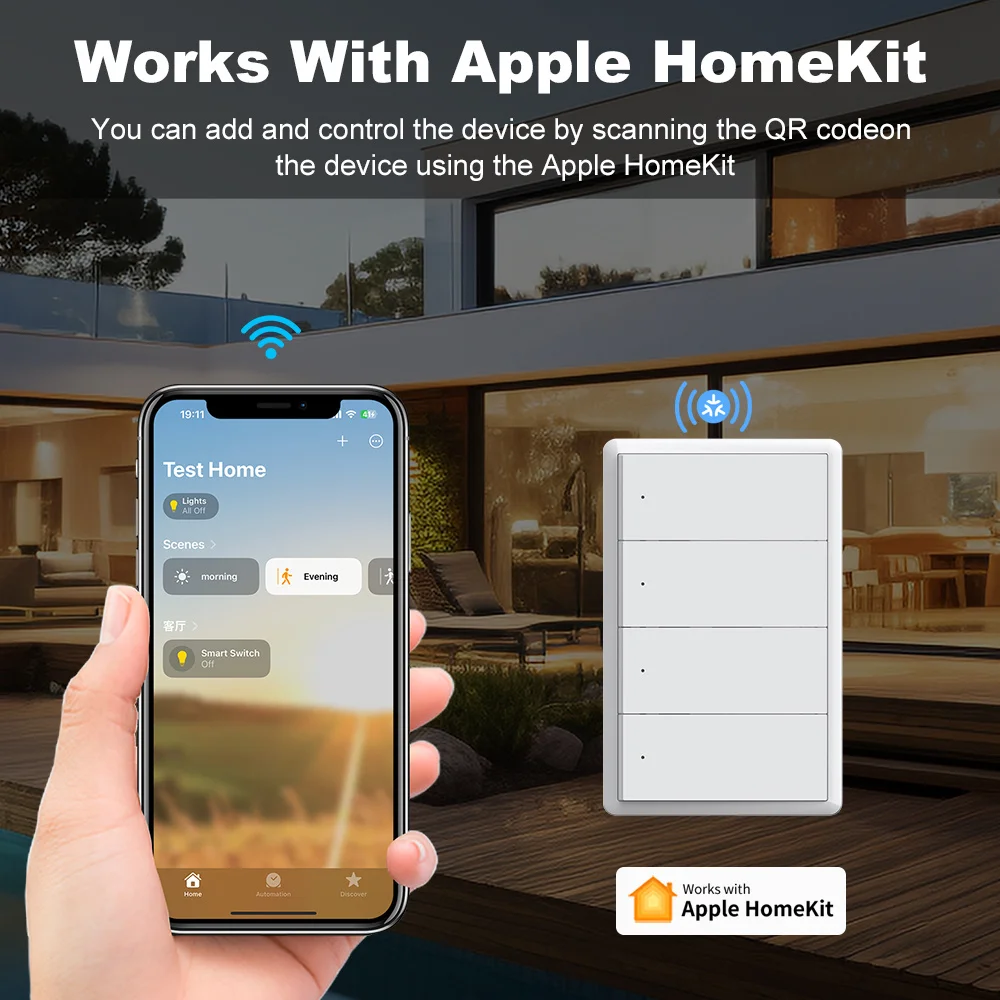
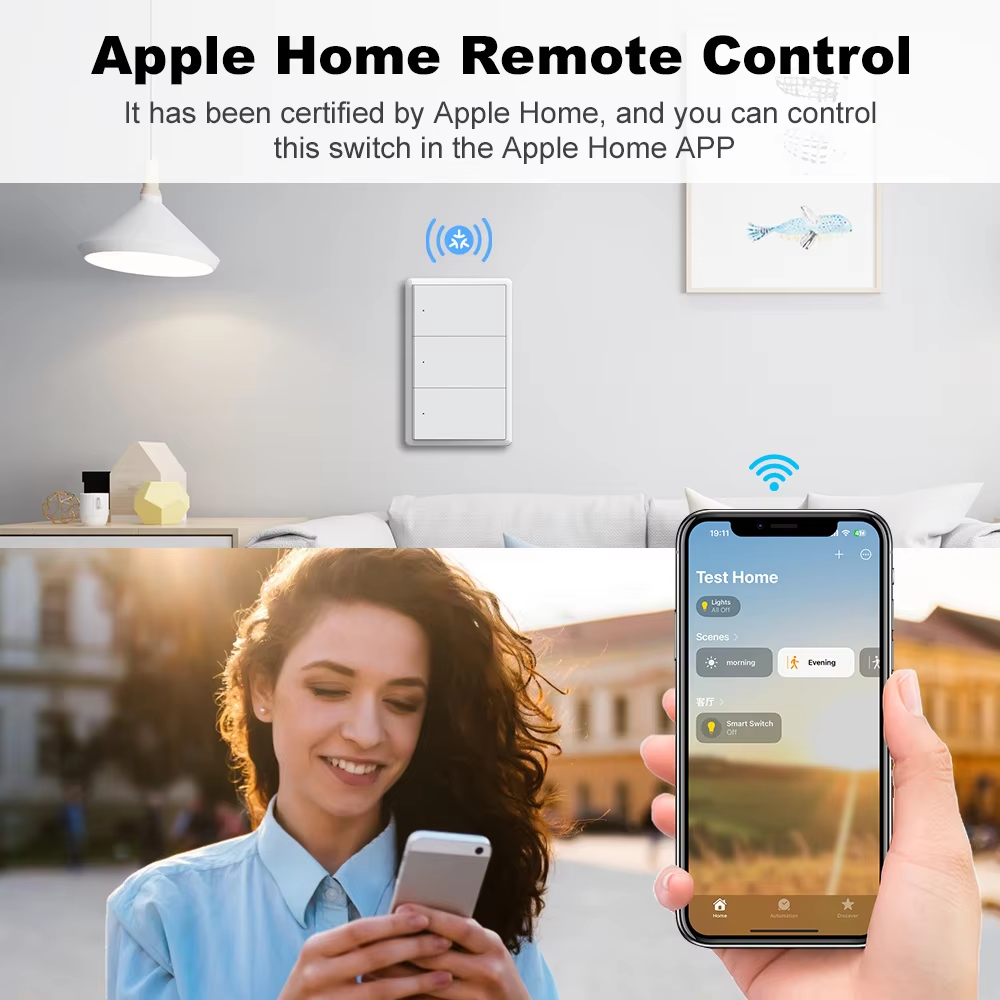
2. Apple Home Integration & Siri Voice Control
Integrate your lighting into the Apple smart home ecosystem.
-
Control compatible lighting circuits through the Apple Home app.
-
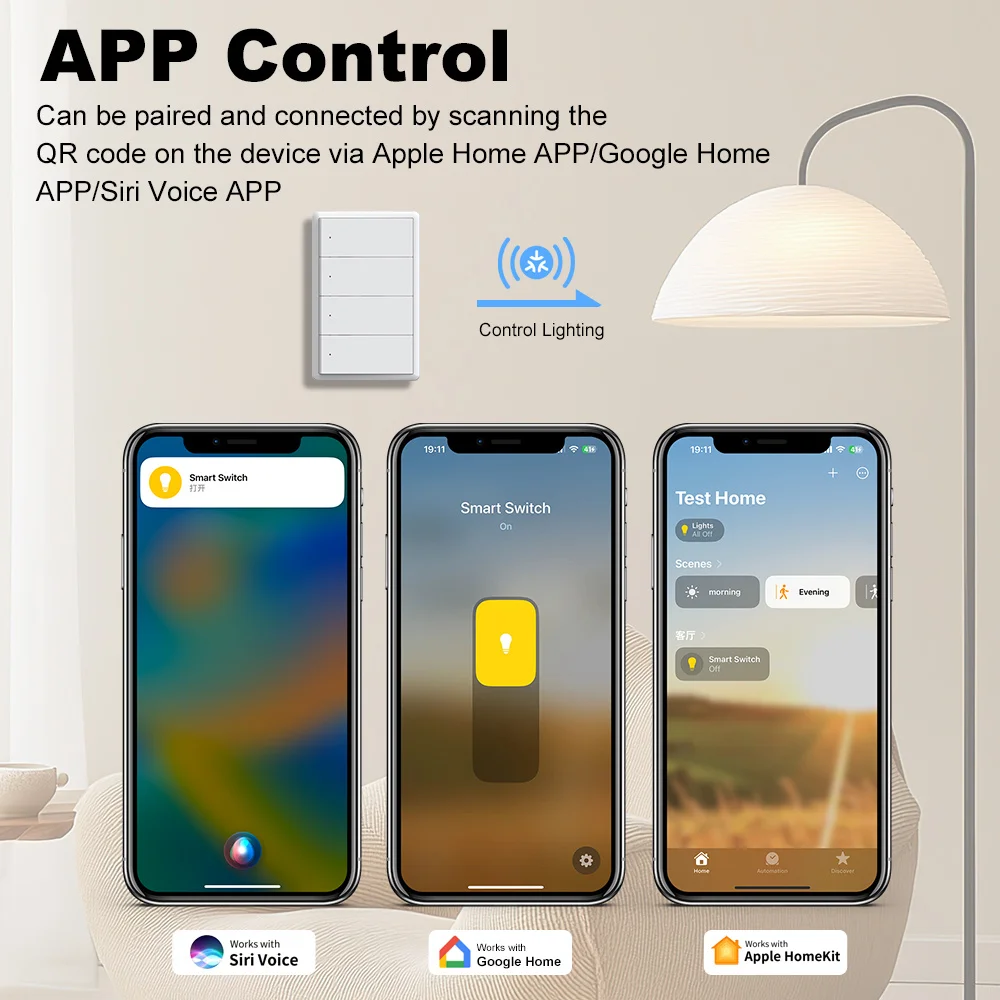
Use Siri voice commands to turn connected lights on or off.
-
Monitor current switch status.
-
Create smart scenes and personalized automations.
-
Manage multiple switches within your Apple Home environment.
-
Use a compatible Apple home hub for supported remote-access and automation functions.
Example voice commands:
"Hey Siri, turn on the living room lights."
"Hey Siri, turn off the bedroom lights."
"Hey Siri, turn off all the lights."
Enjoy convenient hands-free lighting control throughout your home.
3. Compatible with Alexa & Google Home
Take control of your home lighting with your voice.
Connect the switch to a compatible Amazon Alexa or Google Home Matter ecosystem.
Supported functions may include:
-
Voice-controlled light switching.
-
Smart home routines.
-
Group lighting management.
-
Remote control through supported platform applications.
-
Integration with other compatible smart devices.
Examples:
"Alexa, turn on the kitchen lights."
"Hey Google, turn off the bedroom lights."
Note: Available functions depend on the Matter controller, ecosystem and software version.
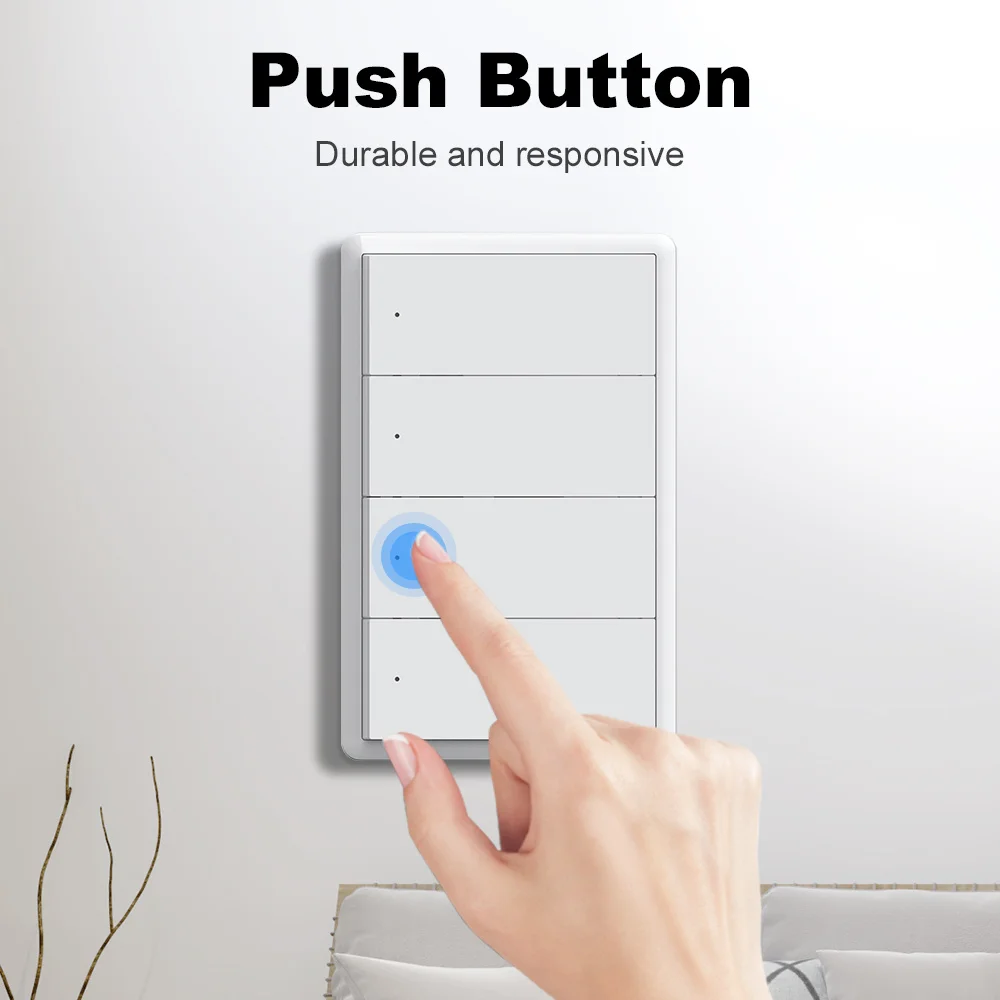
4. Classic Physical Push-Button Design
Combining traditional operation with intelligent control, the switch features a practical physical push-button mechanism.
-
Responsive manual switching.
-
Familiar traditional switch operation.
-
Minimalist rectangular design.
-
Clean white or black finish.
-
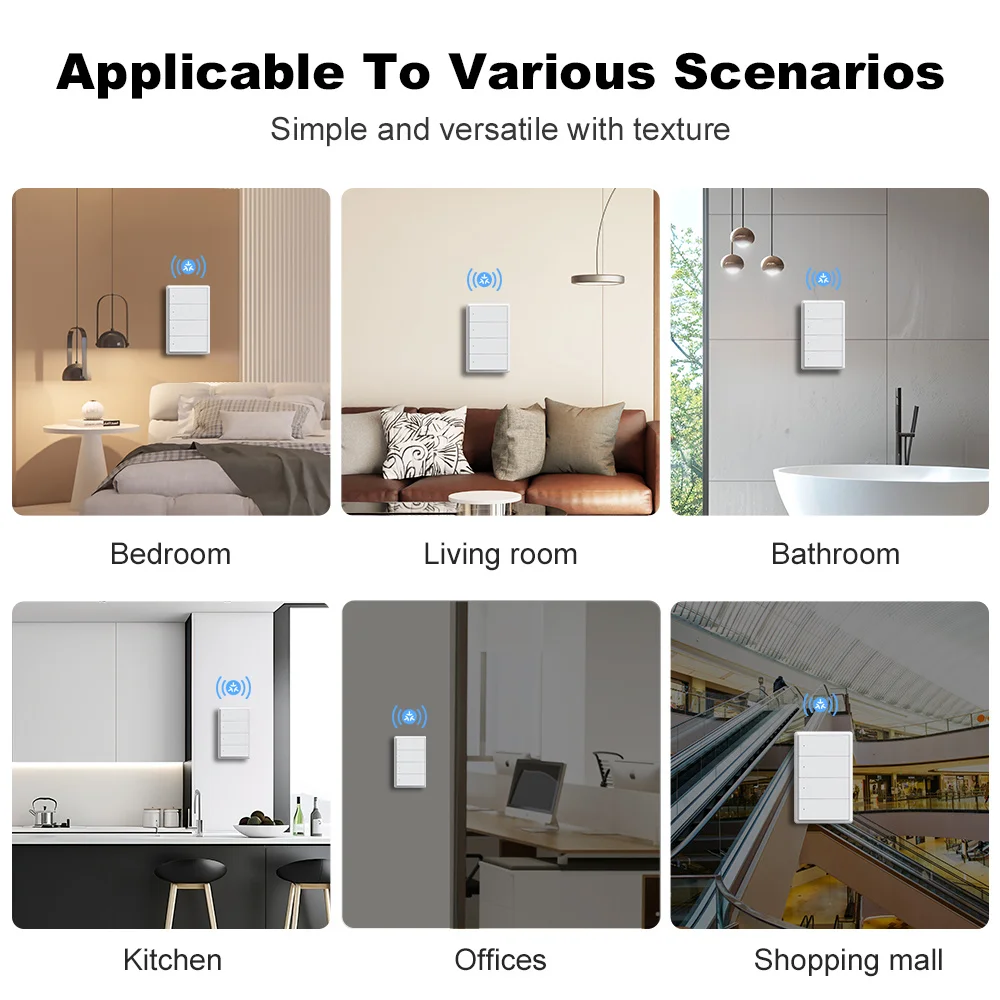
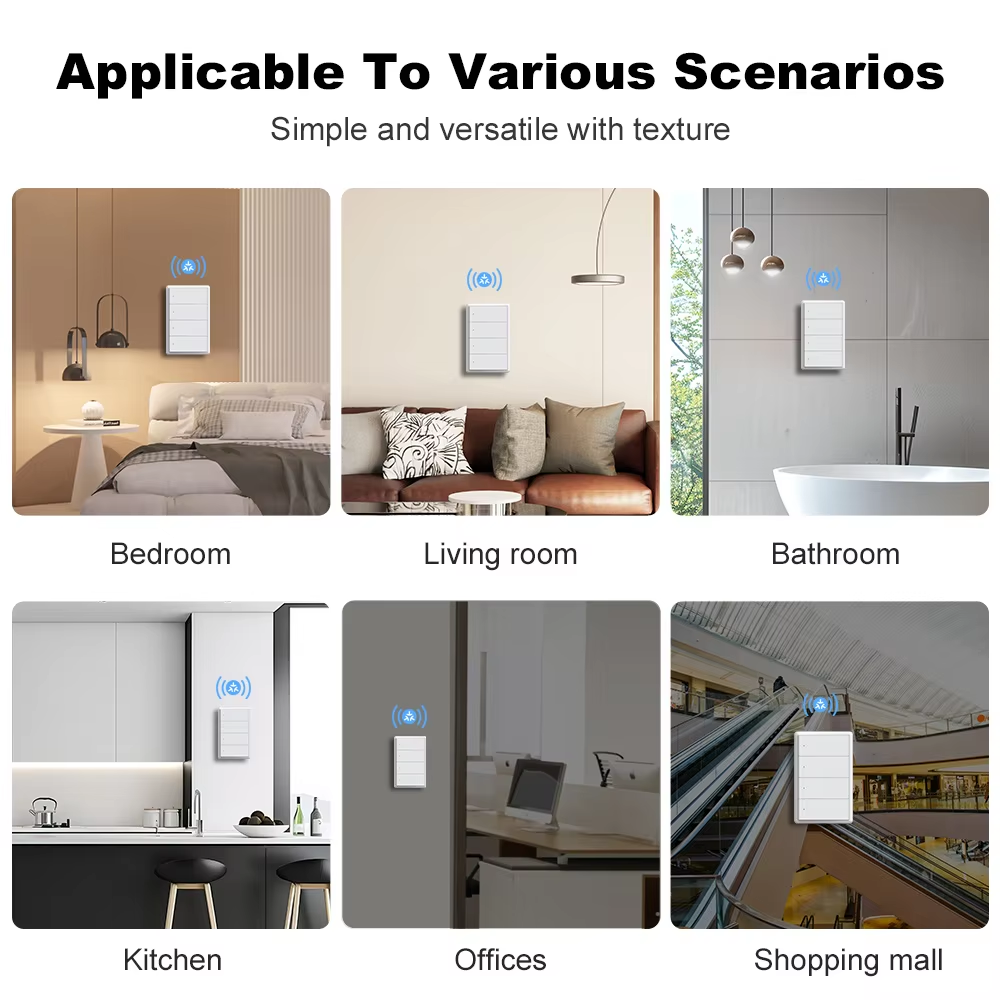
Suitable for bedrooms, kitchens, living rooms and offices.
-
Convenient operation even without using a smartphone.
Manual lighting control remains available after installation, including when internet connectivity is unavailable.
5. 1/2/3/4 Gang – Independent Lighting Control
Choose the configuration that matches your lighting requirements.
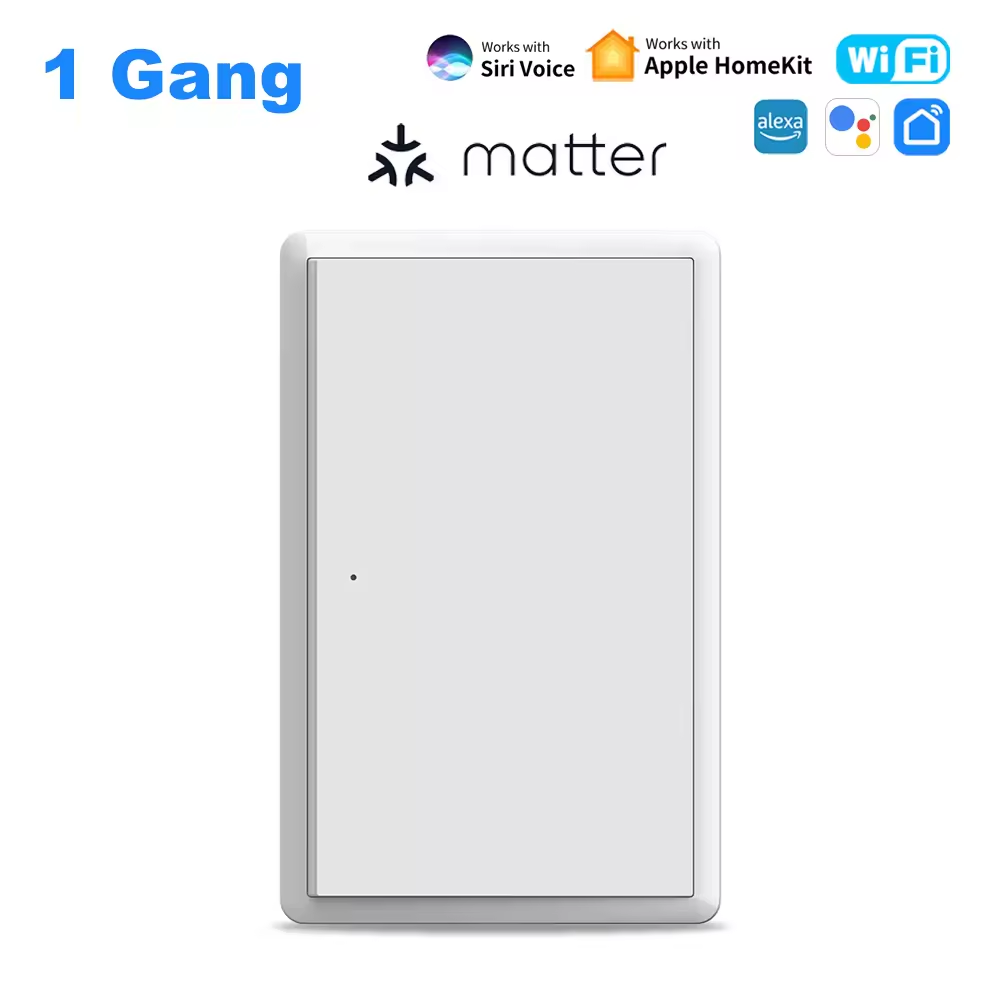
1 Gang: Control one lighting circuit.
2 Gang: Independently control two lighting circuits.
3 Gang: Independently control three lighting circuits.
4 Gang: Independently control four lighting circuits.
Each button operates its corresponding lighting circuit, providing flexible lighting management.
Suitable for rooms with multiple lamps or independently controlled lighting zones.
6. 2.4GHz WiFi Wireless Connectivity
The smart switch uses 2.4GHz WiFi technology for wireless communication.
-
Wireless standard: IEEE 802.11 b/g/n.
-
Operates on 2.4GHz WiFi networks.
-
Connects using Matter over WiFi.
-
No separate Zigbee gateway required.
-
Designed for convenient smart home integration.
Important: A 2.4GHz WiFi network is required. The switch does not support direct connection to a 5GHz-only WiFi network.
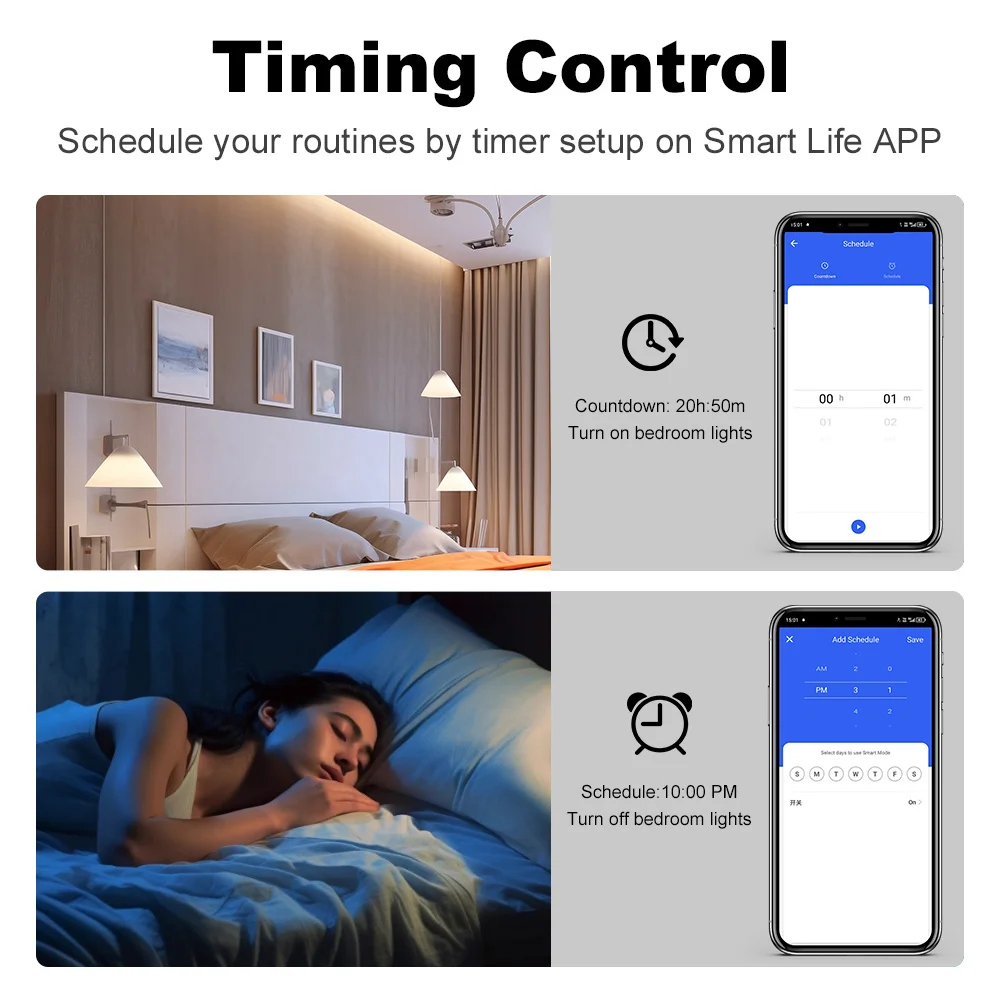
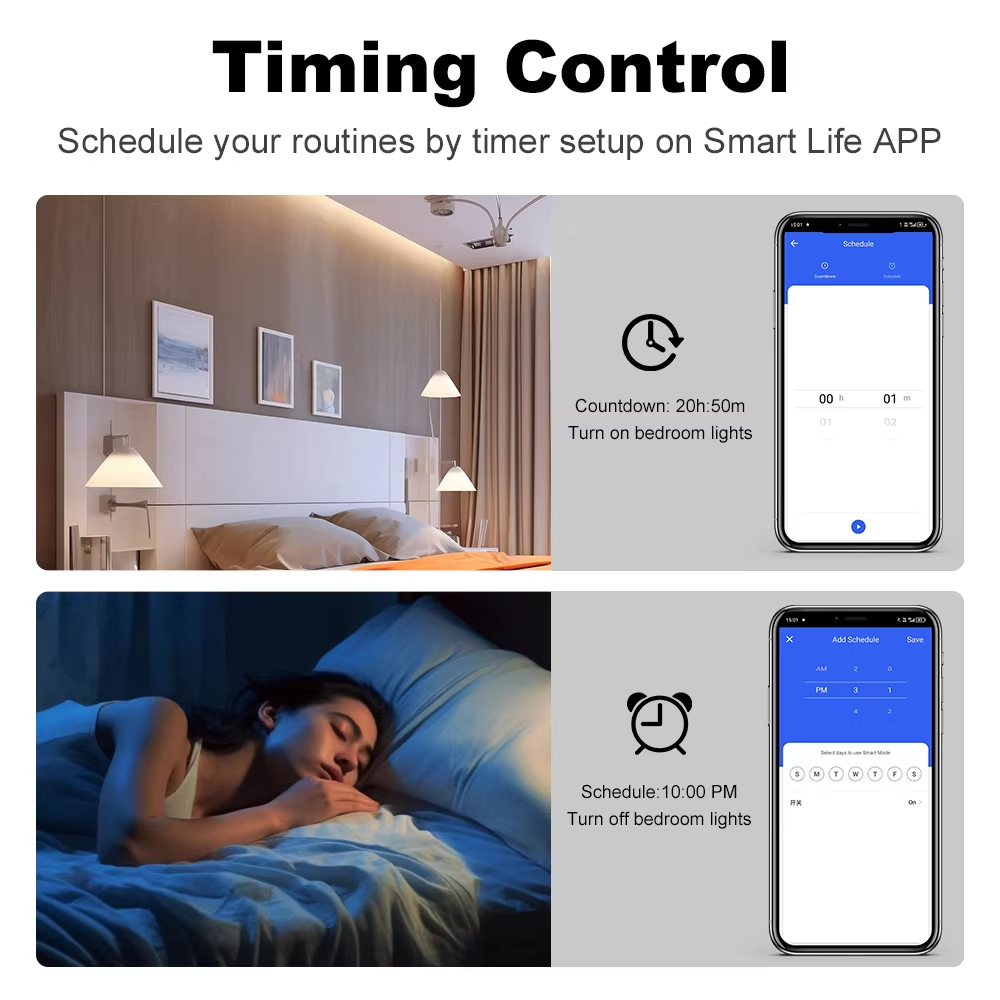
7. Smart Scheduling & Timer Control
Automate your household lighting according to your daily routine.
Depending on the connected application and ecosystem, supported functions may include:
-
Scheduled ON/OFF operation.
-
Daily lighting routines.
-
Automatic lighting control at selected times.
-
Smart home scenes.
-
Coordinated operation with other compatible devices.
Example applications:
Morning: Automatically turn on bedroom lighting.
Evening: Turn on living room lighting according to your schedule.
Bedtime: Turn off selected lights automatically.
Create a convenient, energy-conscious smart living environment.
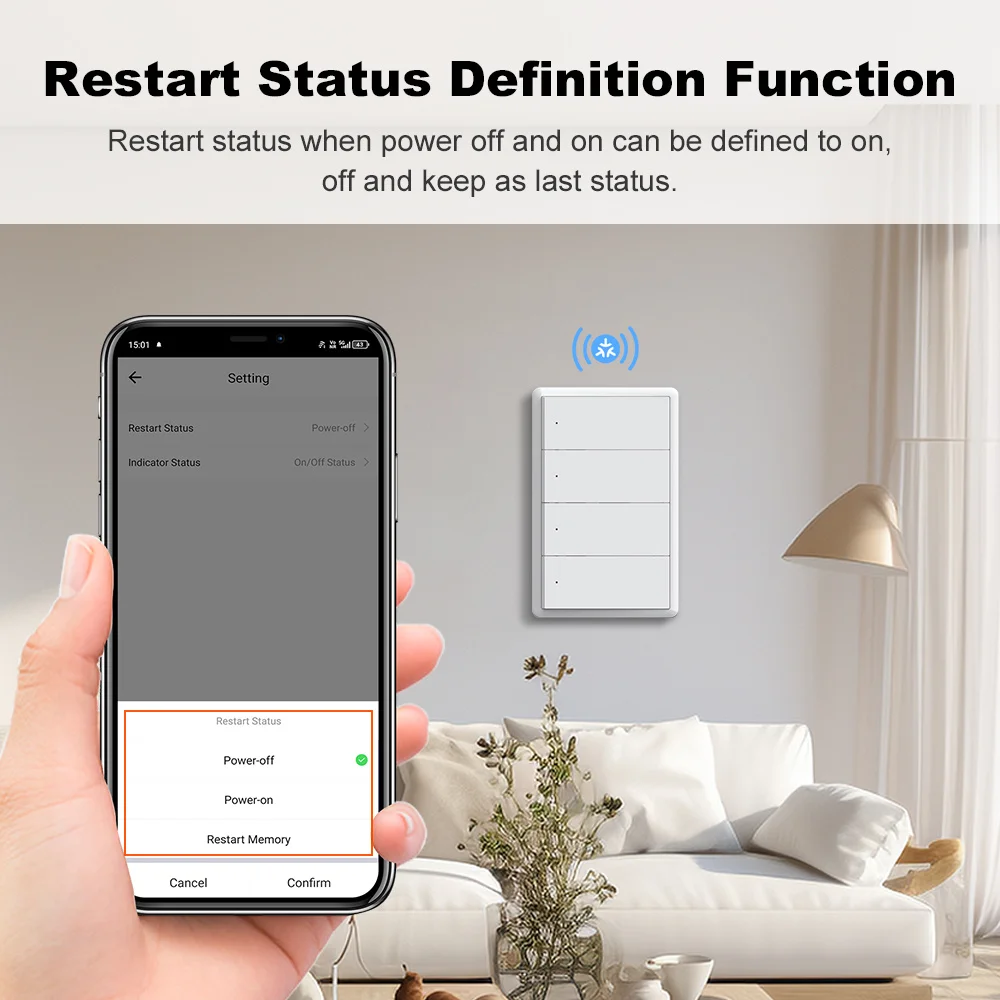
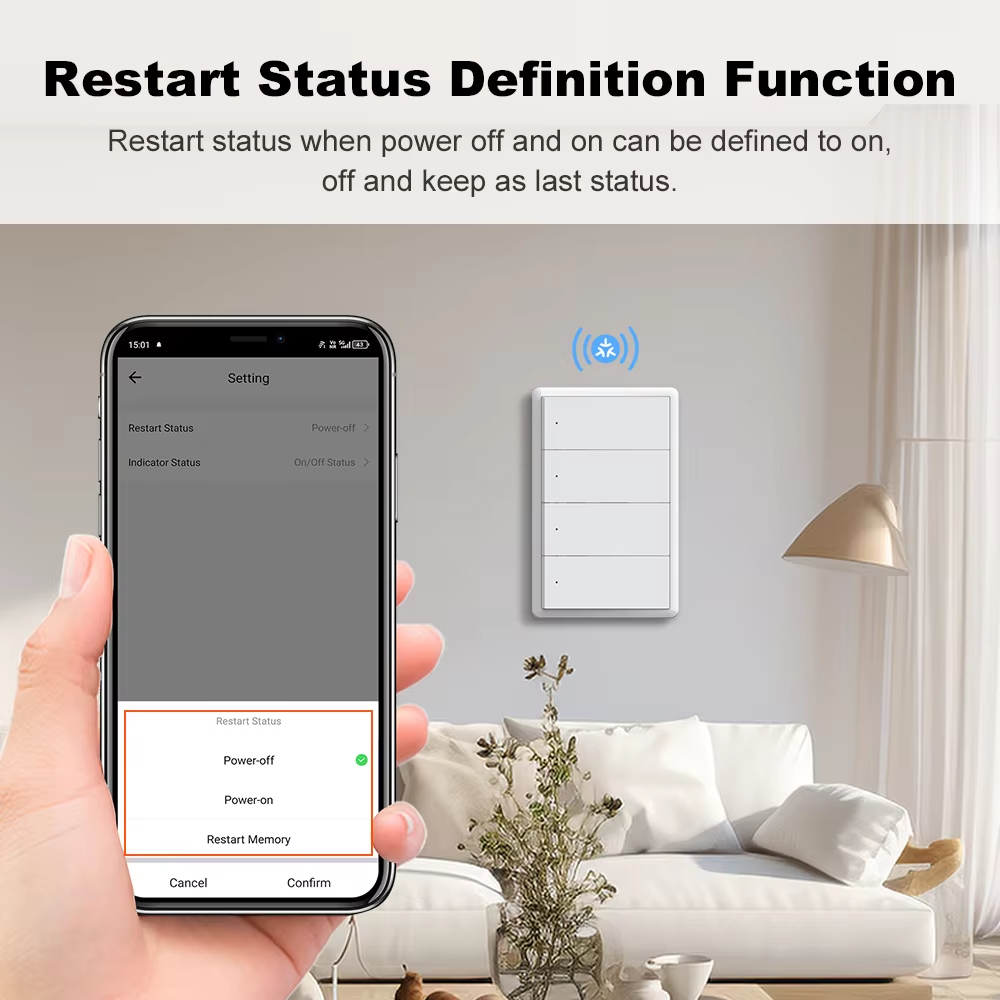
8. Power-On State Memory
Customize how your lighting behaves when electricity is restored after a power interruption.
Supported power-on settings:
-
ON: Automatically turn on when power returns.
-
OFF: Remain off when electricity is restored.
-
Last State: Restore the previous switching status.
This function helps personalize lighting behavior for different rooms and applications.
Availability and configuration may depend on the supported firmware and application.
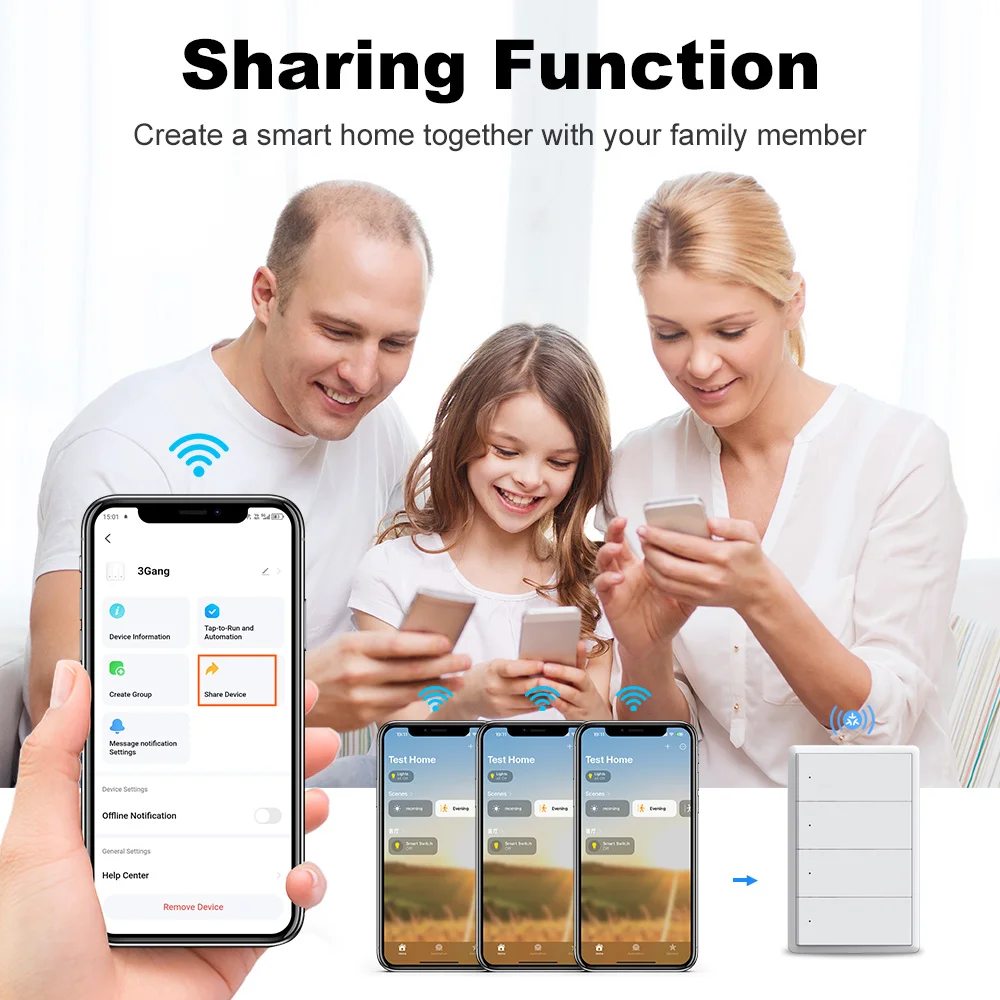
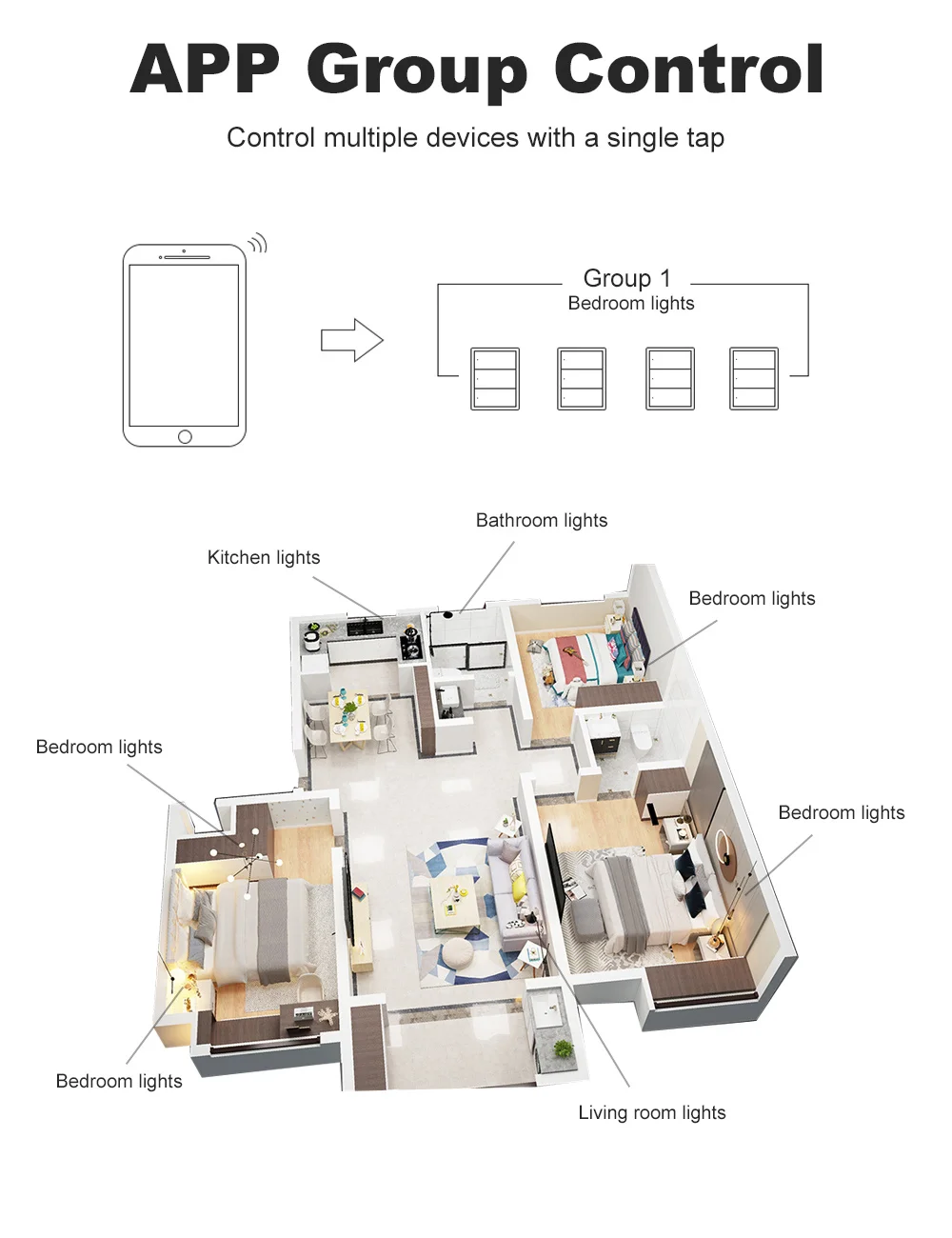
9. Smart Group Control & Family Sharing
Simplify the management of multiple lighting devices.
Group Control
Organize compatible smart switches or lighting devices into groups for convenient simultaneous operation.
Family Sharing
Allow household members to manage shared smart home devices through supported ecosystem applications.
Smart Scenes
Create lighting scenarios that combine multiple compatible devices.
For example, configure a Good Night scene to turn off the living room, kitchen and hallway lights together.
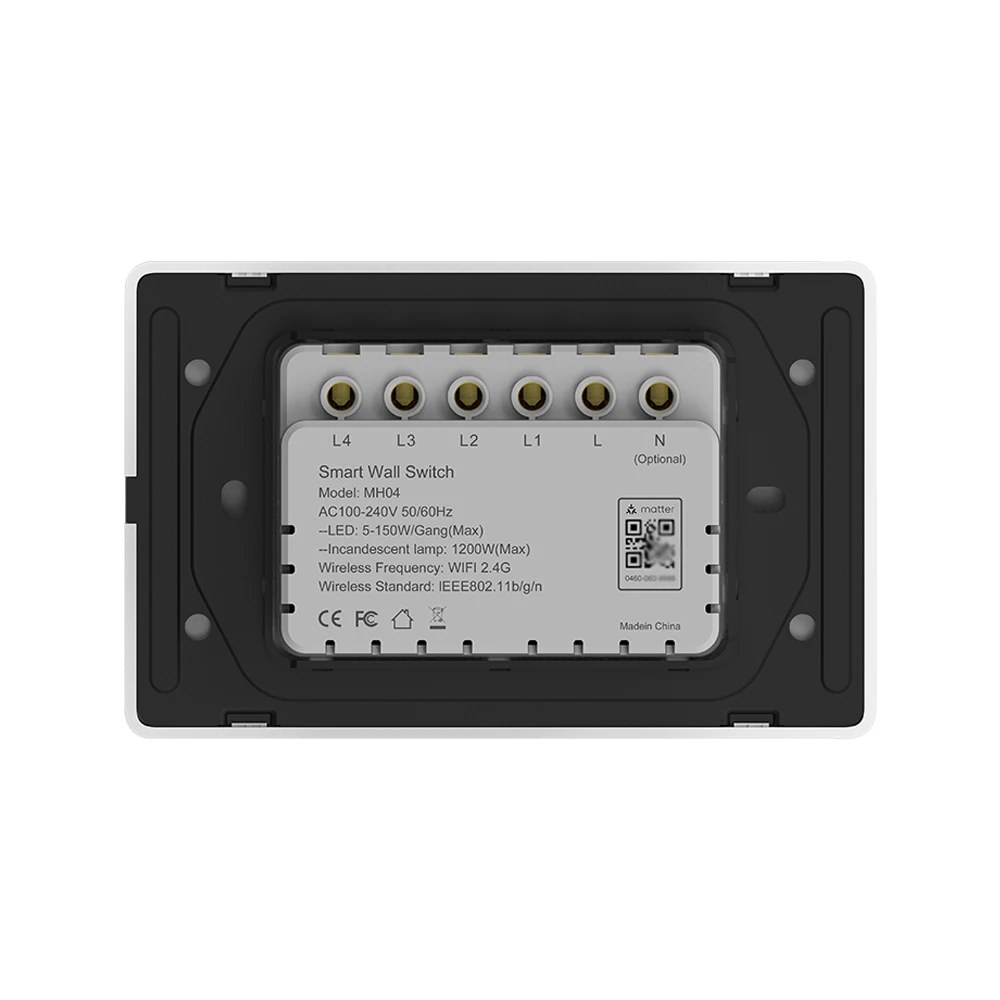
10. Flexible Neutral Wire & No-Neutral-Wire Installation
Designed to accommodate different household wiring configurations.
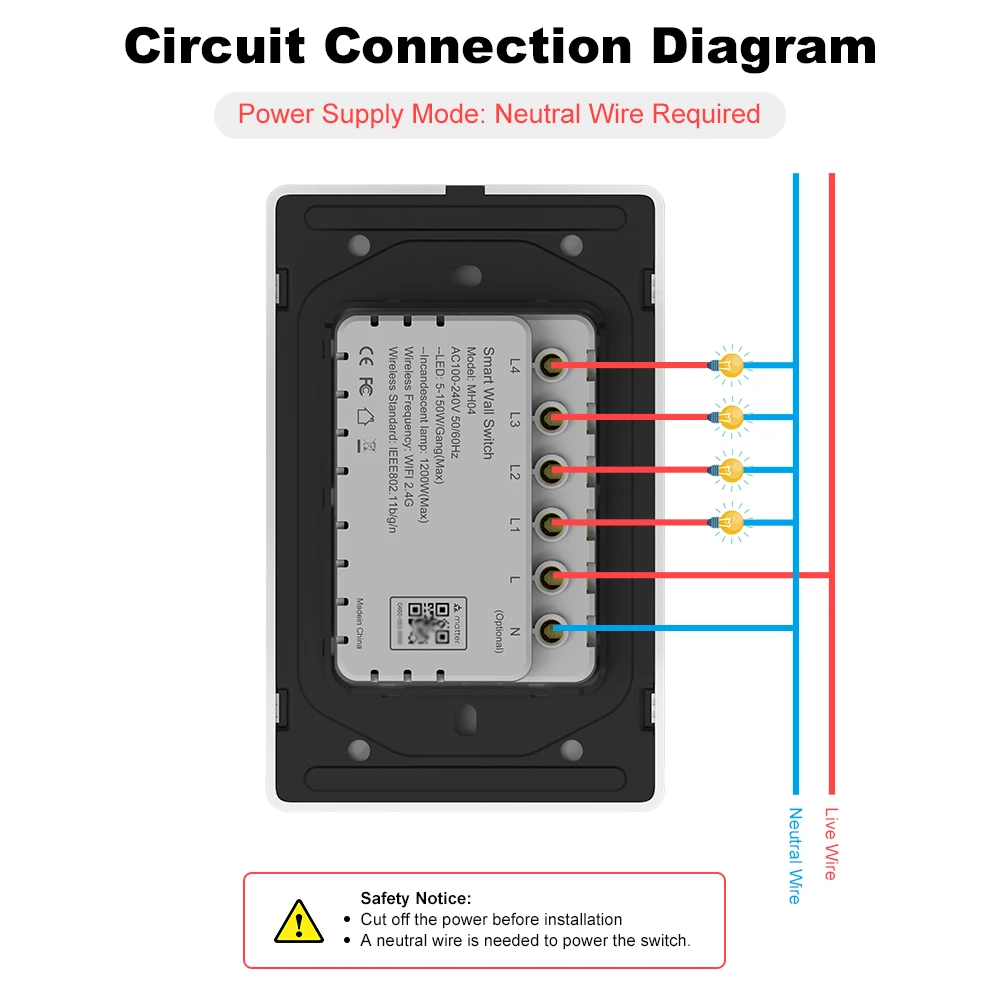
Installation Option A: With Neutral Wire
-
Connect the live wire (L).
-
Connect the neutral wire (N).
-
Connect the corresponding lighting load wires.
-
Follow the terminal markings and supplied wiring diagram.
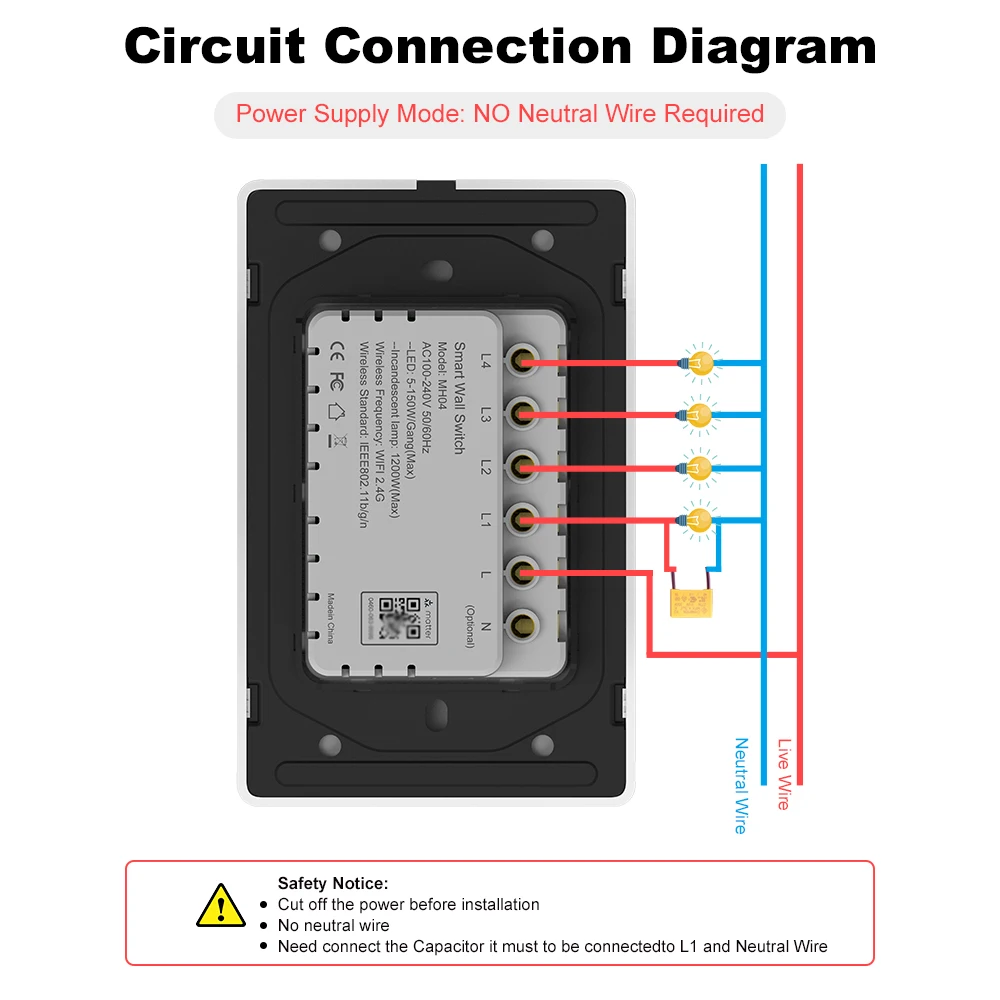
Installation Option B: Without Neutral Wire
-
Connect the live wire (L).
-
Connect the corresponding lighting load wires.
-
Install the supplied capacitor across the designated lighting load where required by the manufacturer's wiring diagram.
-
Follow the instructions for no-neutral-wire installation.
Important Installation Notice:
For no-neutral-wire installation, the specified bypass capacitor must be installed across the appropriate lighting load, normally at the light fitting, according to the official wiring diagram. It must not simply be connected between the switch's L and L1 terminals.
Only use the wiring method supported by the exact purchased product variant.
Installation must be performed by a qualified electrician.
Technical Specifications
| Parameter | Specification |
|---|---|
| Product Name | Matter over WiFi Smart Wall Light Switch |
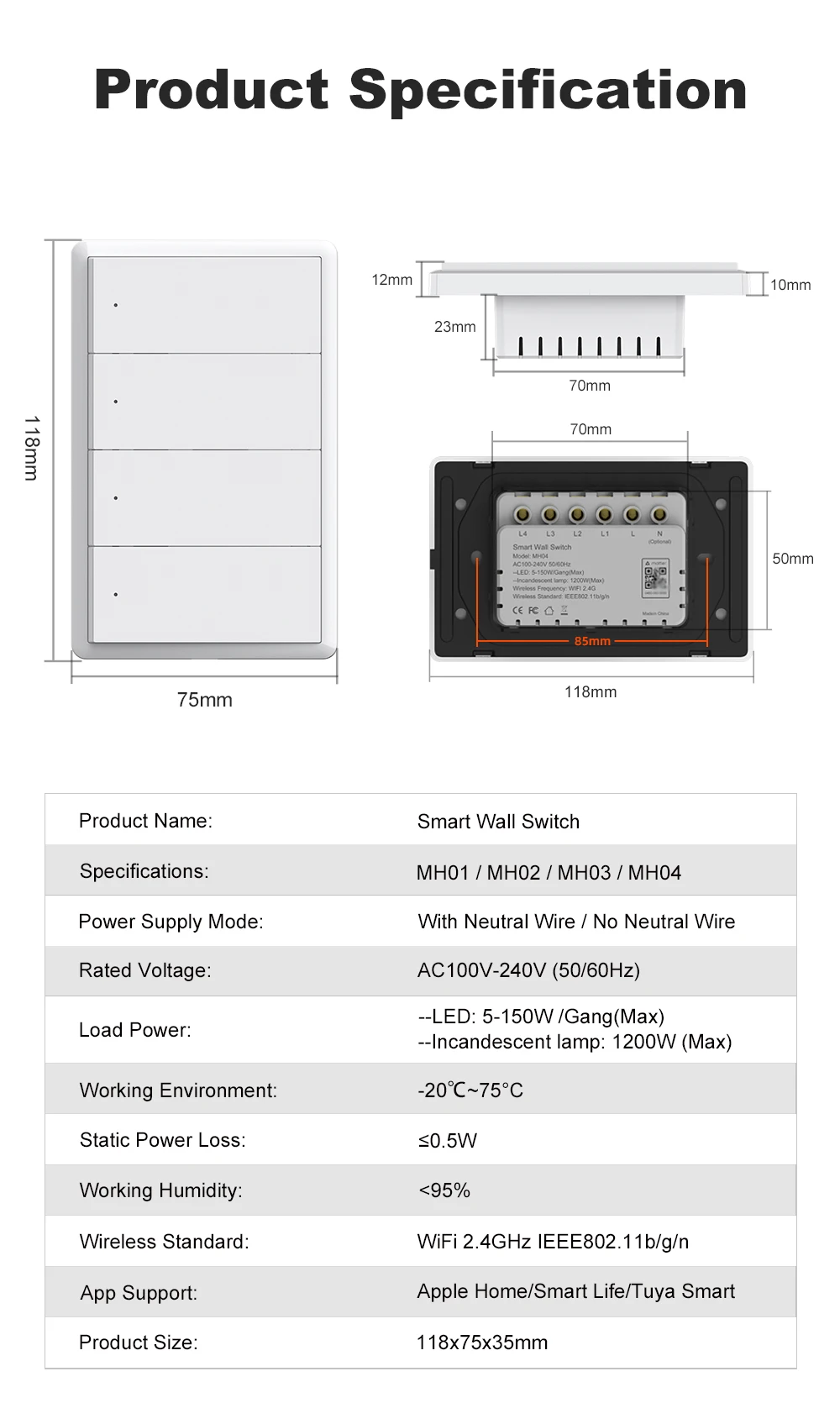
| Product Models | MH01-1 / MH02-2 / MH03-3 / MH04-4 |
| Switch Configuration | 1 / 2 / 3 / 4 Gang |
| Switch Type | Physical Push-Button |
| Available Colors | White / Black |
| Wireless Protocol | Matter over WiFi |
| WiFi Frequency | 2.4GHz |
| Wireless Standard | IEEE 802.11 b/g/n |
| Rated Voltage | AC 100–240V |
| Rated Frequency | 50/60Hz |
| LED Load | 5–150W per gang |
| Incandescent Load | Up to 1200W (subject to applicable model rating) |
| Standby Power | Approximately 0.5W |
| Operating Temperature | -20°C to +75°C (manufacturer-stated range) |
| Operating Humidity | Below 95% RH, non-condensing |
| Product Dimensions | 118 × 75 × 35mm |
| Installation Options | Neutral / No Neutral, according to product variant |
| Smart Home Standard | Matter |
| Supported Ecosystems | Apple Home / Amazon Alexa / Google Home |
| Additional APP Support | Smart Life / Tuya Smart, subject to firmware compatibility |
| Voice Control | Siri / Alexa / Google Assistant |
| Power-On State Setting | ON / OFF / Last State, where supported |
| Scheduling | Supported through compatible applications |
| Multi-Admin | Supported through Matter-compatible ecosystems |
| Application | Indoor Lighting Control |
Matter over WiFi Setup Instructions
Step 1: Install the Smart Switch
Switch off the power supply at the circuit breaker.
Install the smart switch using the correct wiring configuration for your product.
For no-neutral-wire installation, install the specified bypass capacitor in accordance with the manufacturer's official wiring instructions.
Secure the switch and restore power only after confirming that all connections are correct.
Step 2: Prepare the WiFi Network
Make sure your home WiFi network supports 2.4GHz.
Prepare a Matter-compatible controller, smartphone and the Matter setup QR code or numeric pairing code supplied with the product.
Step 3: Enter Pairing Mode
Put the switch into Matter commissioning mode using the pairing procedure specified in the supplied manual.
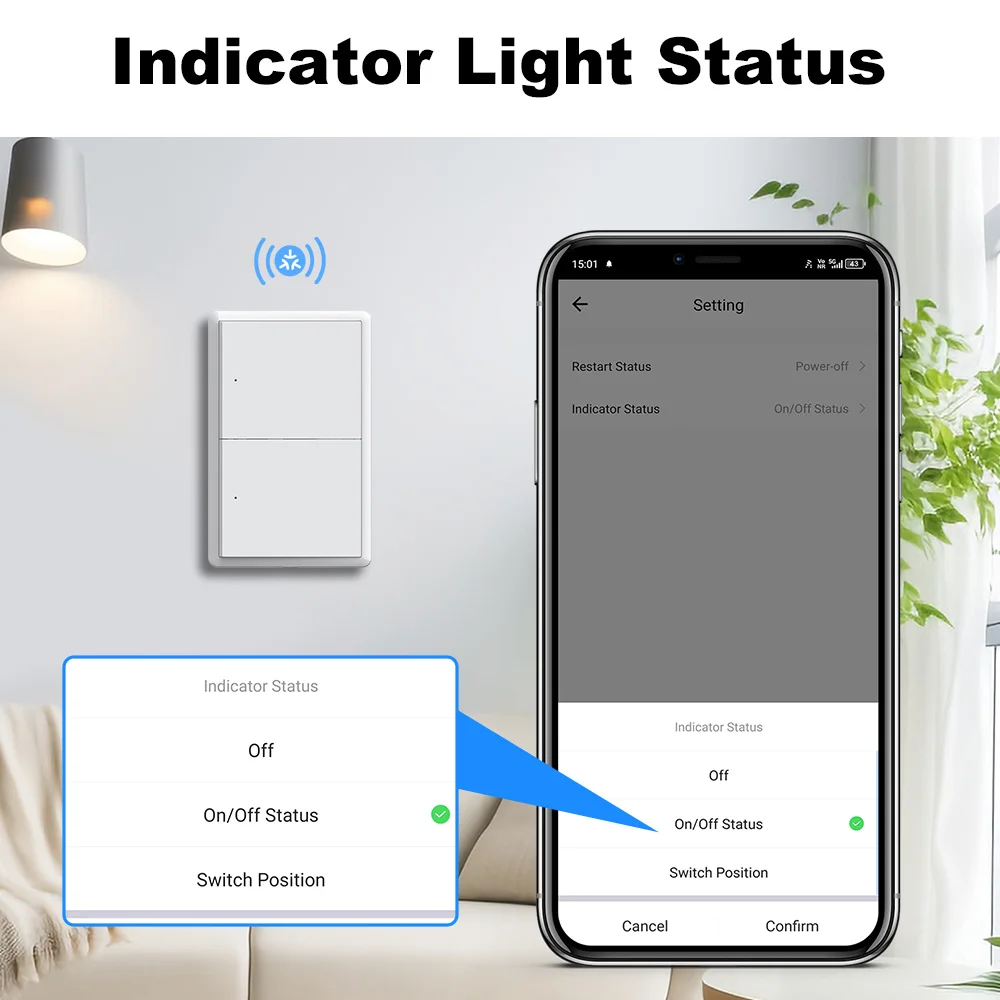
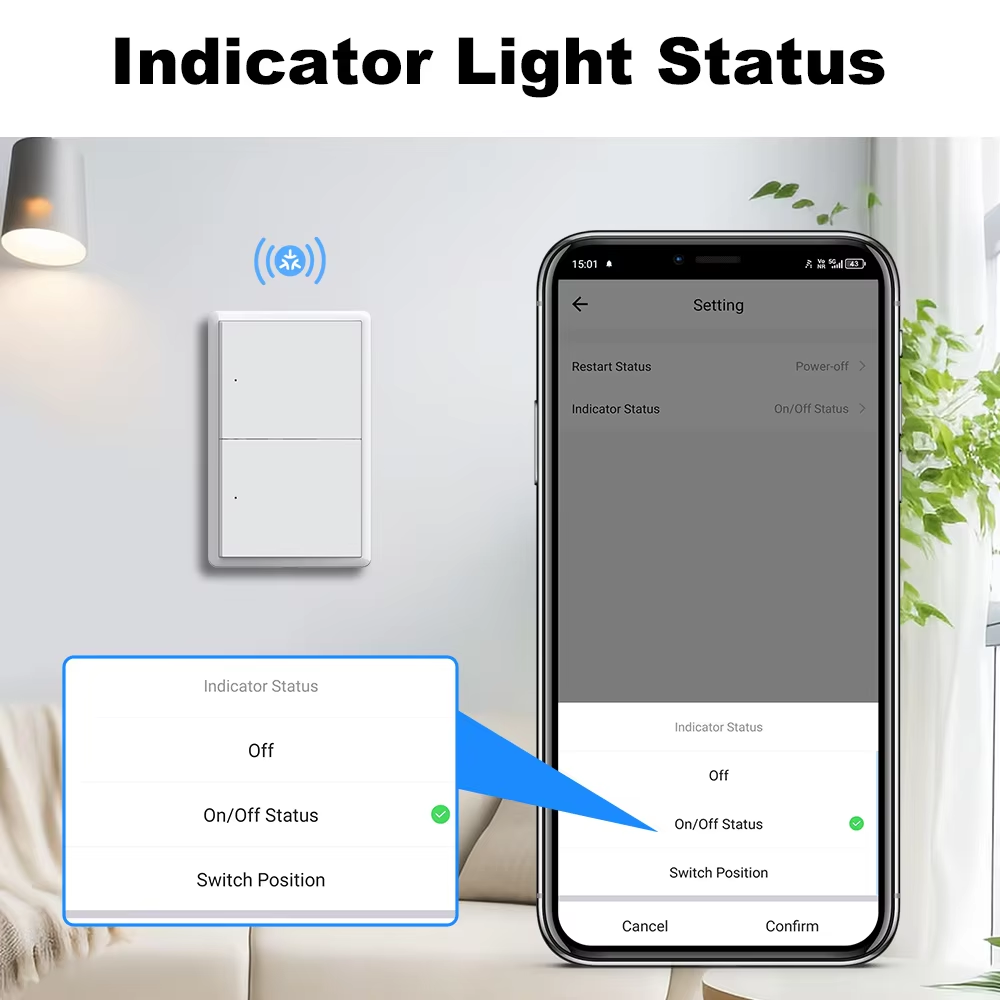
The indicator should show the corresponding pairing status.
Step 4: Add to Apple Home
-
Open the Apple Home application on your iPhone or iPad.
-
Select Add Accessory.
-
Scan the Matter setup QR code or enter the pairing code.
-
Follow the onscreen setup instructions.
-
Assign a room and device name.
-
Complete pairing and test switching operation.
Step 5: Configure Voice Control
After successful integration, use Siri to control connected lighting.
For other Matter-compatible ecosystems, follow the corresponding Alexa or Google Home commissioning procedure.
Step 6: Create Smart Home Automations
Configure scenes, groups, schedules or other supported automation functions in your preferred smart home platform.
Note: Smart Life/Tuya Smart pairing, additional ecosystem sharing and advanced functions depend on the specific firmware implementation. Follow the instructions provided with the purchased version.
Package Contents
-
1 × Matter over WiFi Smart Wall Switch
-
1 × User Manual
-
2 × Mounting Screws
-
1 × Bypass Capacitor
-
1 × Metal Mounting Plate
Package accessories may vary by model and installation configuration.
Safety Information
WARNING: RISK OF ELECTRIC SHOCK OR FIRE
-
Disconnect the mains power supply before installation, servicing or removal.
-
Installation must be performed by a qualified electrician.
-
Use only with the rated AC 100–240V, 50/60Hz power supply.
-
Do not exceed the rated electrical load.
-
Use the correct wiring configuration for the specific switch model.
-
For no-neutral-wire installations, use only the specified bypass capacitor and approved installation method.
-
Do not install the switch in damp or outdoor environments unless specifically approved for such use.
-
Do not operate the switch if its housing, buttons or wiring terminals are damaged.
-
Keep the product away from excessive heat, moisture and flammable materials.
-
Do not disassemble or modify the internal electronic components.
-
Follow applicable local electrical installation regulations.
Suitable Applications
The Matter over WiFi Smart Wall Light Switch is suitable for smart lighting installations in:
-
Living Rooms
-
Bedrooms
-
Kitchens
-
Dining Rooms
-
Home Offices
-
Hallways
-
Apartments
-
Residential Smart Homes
Its classic physical button design makes it particularly suitable for households upgrading traditional lighting switches to a Matter-compatible smart home system.
Why Choose This Matter Smart Switch?
Matter Connectivity: Designed for interoperability across compatible smart home ecosystems.
Apple Home Compatibility: Convenient lighting control through Apple Home and Siri.
Physical Push-Button Operation: Traditional switch convenience combined with smart functions.
Multiple Configurations: Choose 1, 2, 3 or 4 Gang for different lighting applications.
Flexible Installation Options: Supports appropriate neutral and no-neutral installation variants.
Remote & Voice Control: Convenient control using supported platforms.
Smart Scheduling: Automate lighting to match daily routines.
Elegant Appearance: Minimalist white or black design suitable for modern interiors.
Upgrade Your Traditional Lighting with Matter over WiFi and Enjoy a Smarter, More Connected Home.