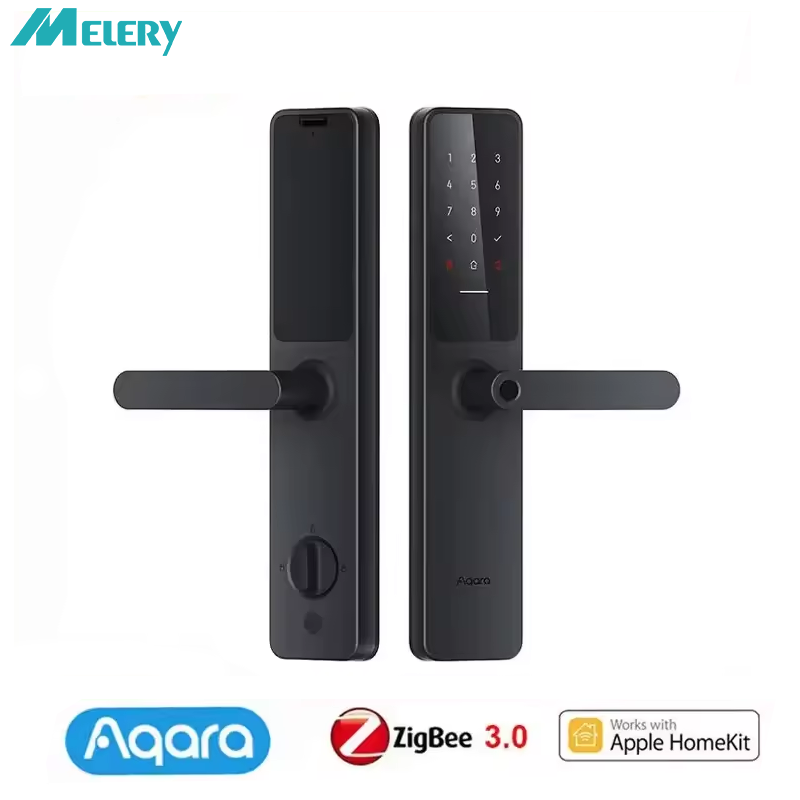



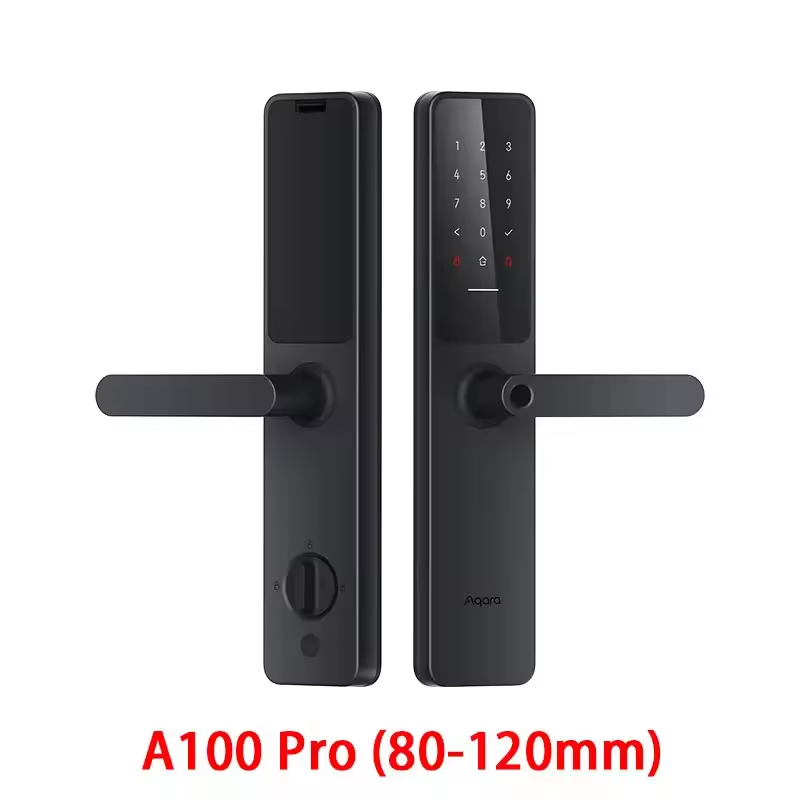
Melery × Aqara Smart Door Lock A100 Pro | 7-in-1 Unlock | Mi Home & Apple HomeKit Compatible
Elevate your home security and convenience with the Melery Aqara A100 Pro Smart Door Lock — a premium biometric smart lock designed for seamless smart home integration, bank‑level security, and effortless daily access. It combines great convenience and extreme safety, bringing you a carefree smart life experience.
Great Convenience and Safety
-
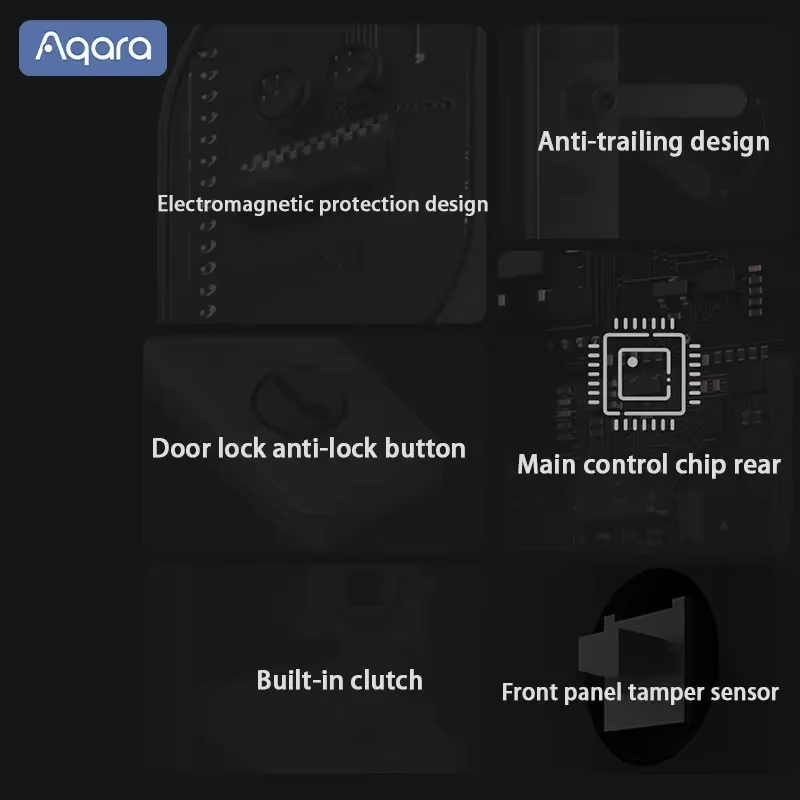
Late Home Mode: Equipped with a key clutch for intelligent protection, ensuring safety even when you get home late.
-
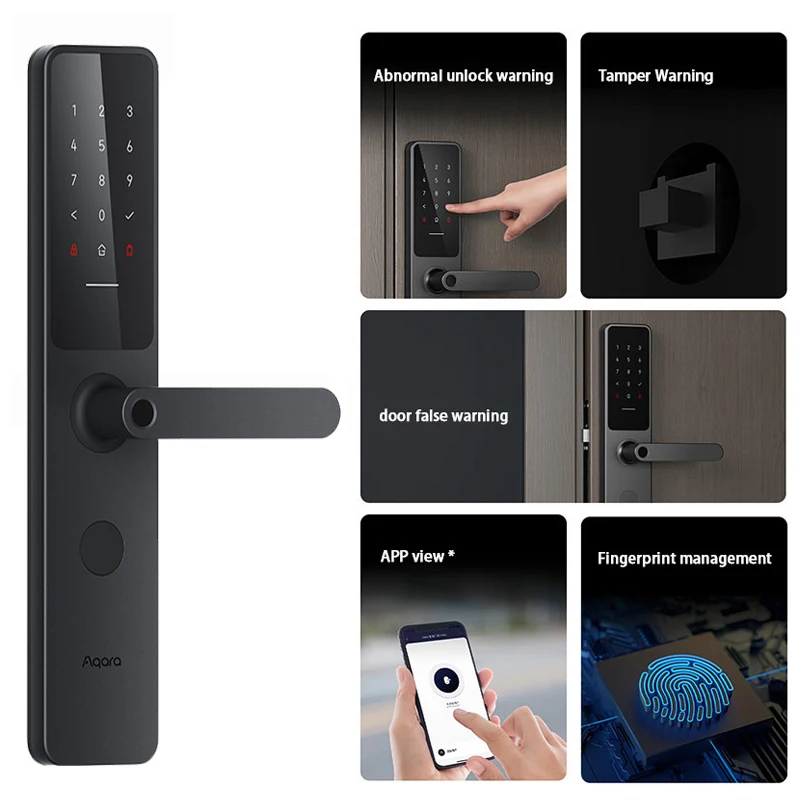
APP Remote Control: Easily set up and manage the door lock via your phone app, no complicated operation required.
-
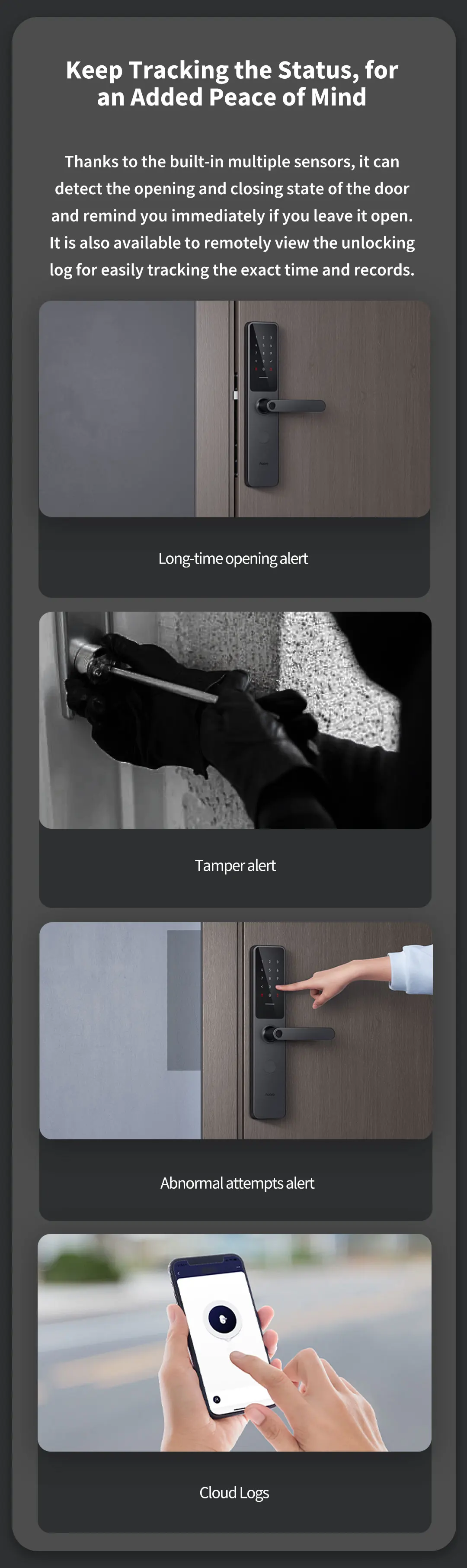
Real-Time Status Monitoring: Remotely view the door lock’s working status and access logs, keeping track of every entry and exit at all times.
-
Super Long Battery Life: 18 months of long battery life (battery life may vary depending on the working environment), reducing the trouble of frequent battery replacement.
-
Type-C Emergency Power Supply: Equipped with Type-C emergency power supply (5V DC), ensuring you won’t be locked out even when the battery runs out.
Key Features
-
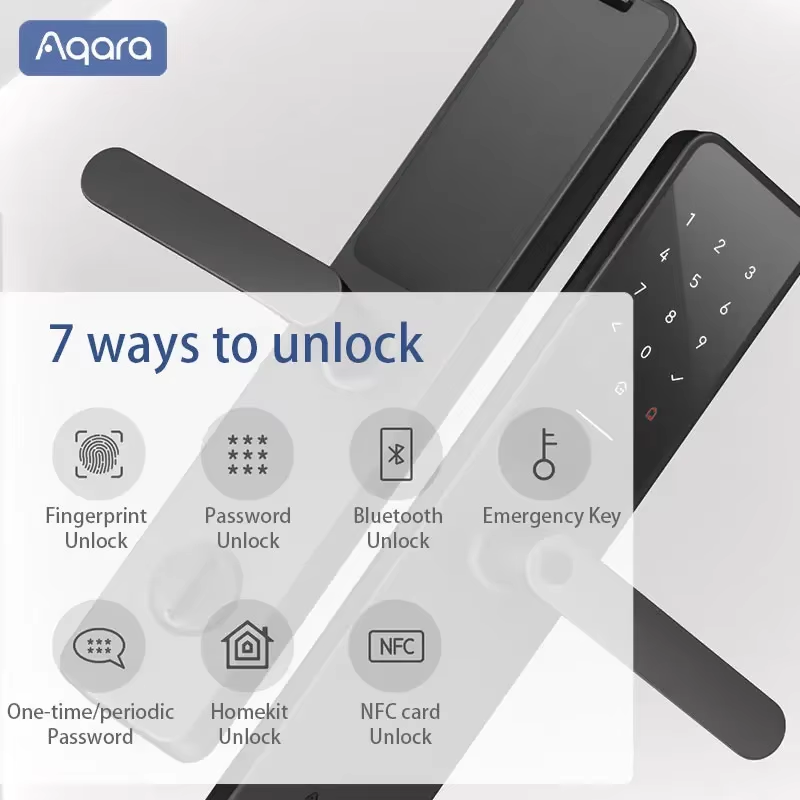
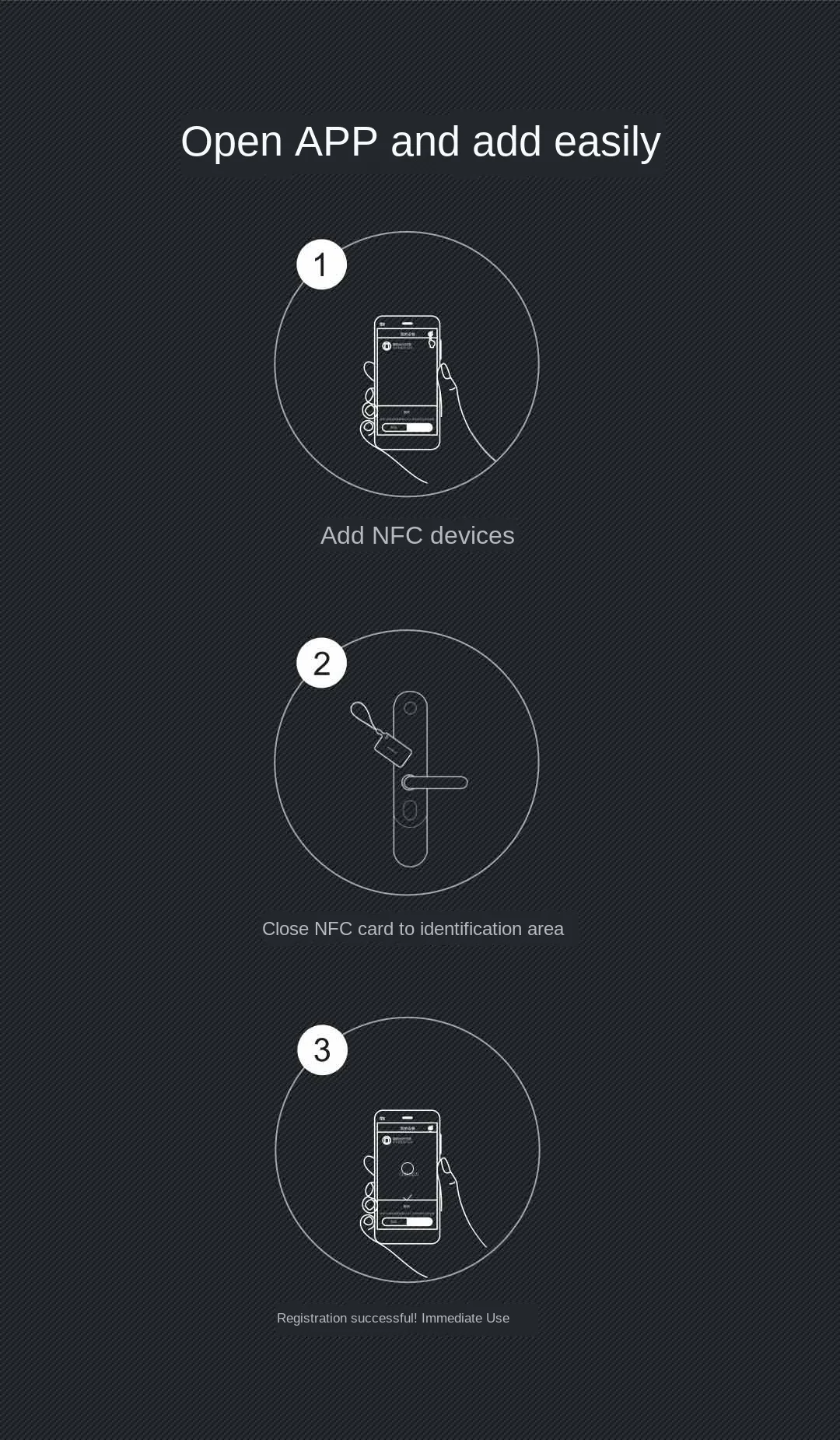
✅ 6+1 Unlock Ways: Mechanical Keys, Wi-Fi, Password, Fingerprint, NFC, Card, plus Apple HomeKit / Apple Key (total 7 ways for comprehensive access).
-
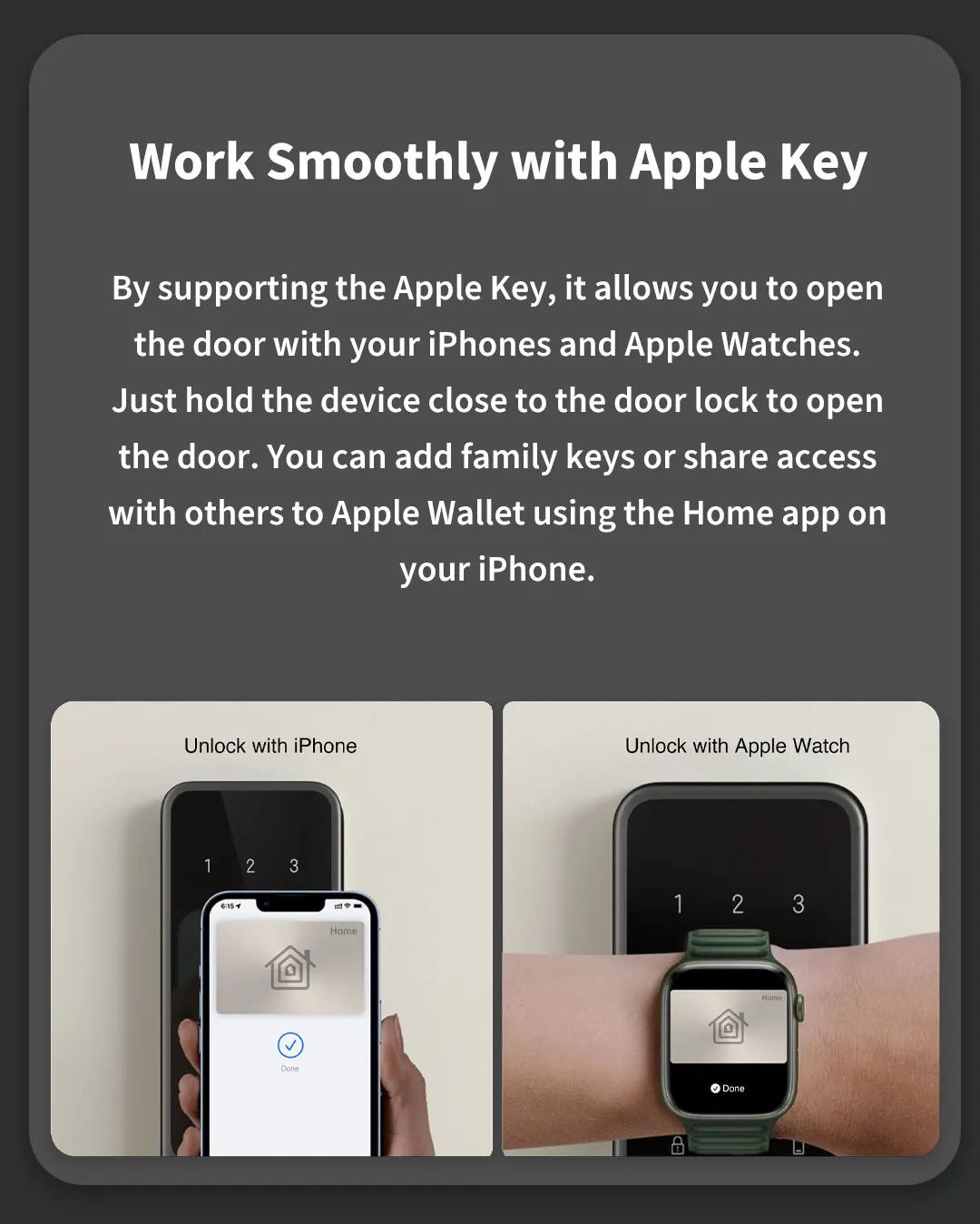
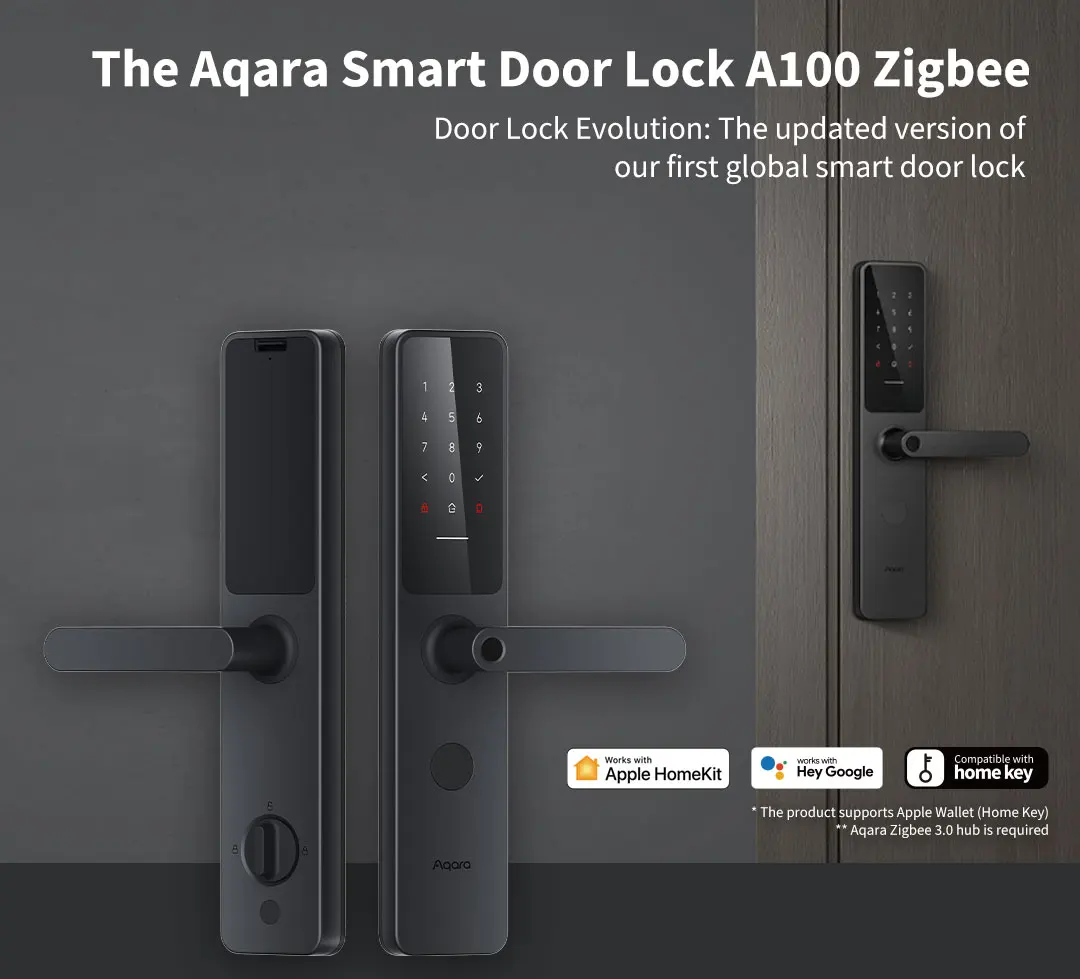
✅ Smart Home Ready: Fully compatible withMi Home App, Apple HomeKit + Apple Key, Ring, and Amazon Lock Smart Home; control and unlock via your iPhone, Apple Watch, or remote APP with ease.
-
✅ High Security Certified:
-
- Class C Lock Cylinder (highest domestic security level)
-
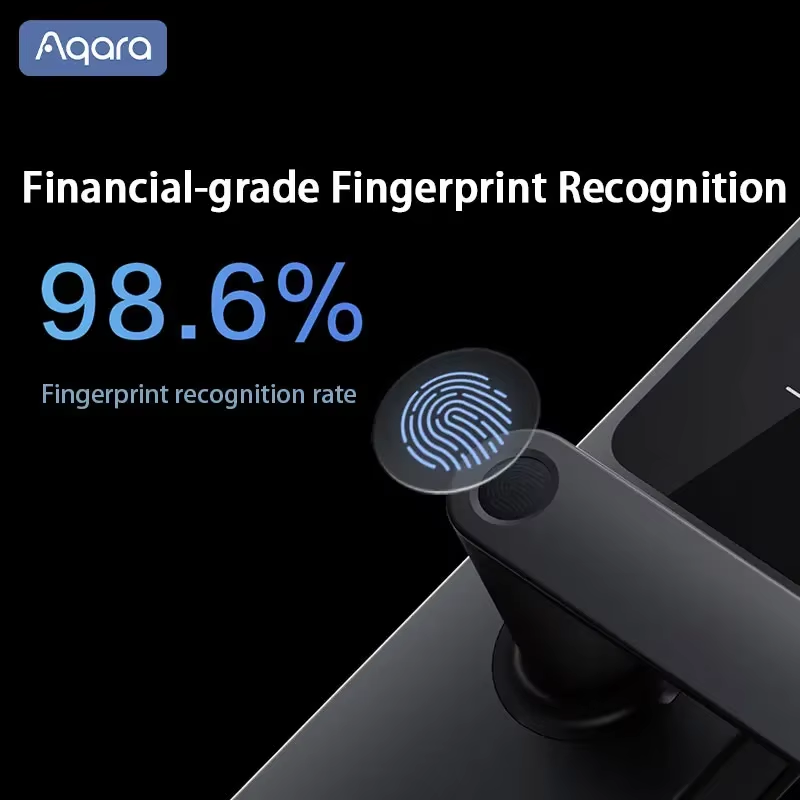
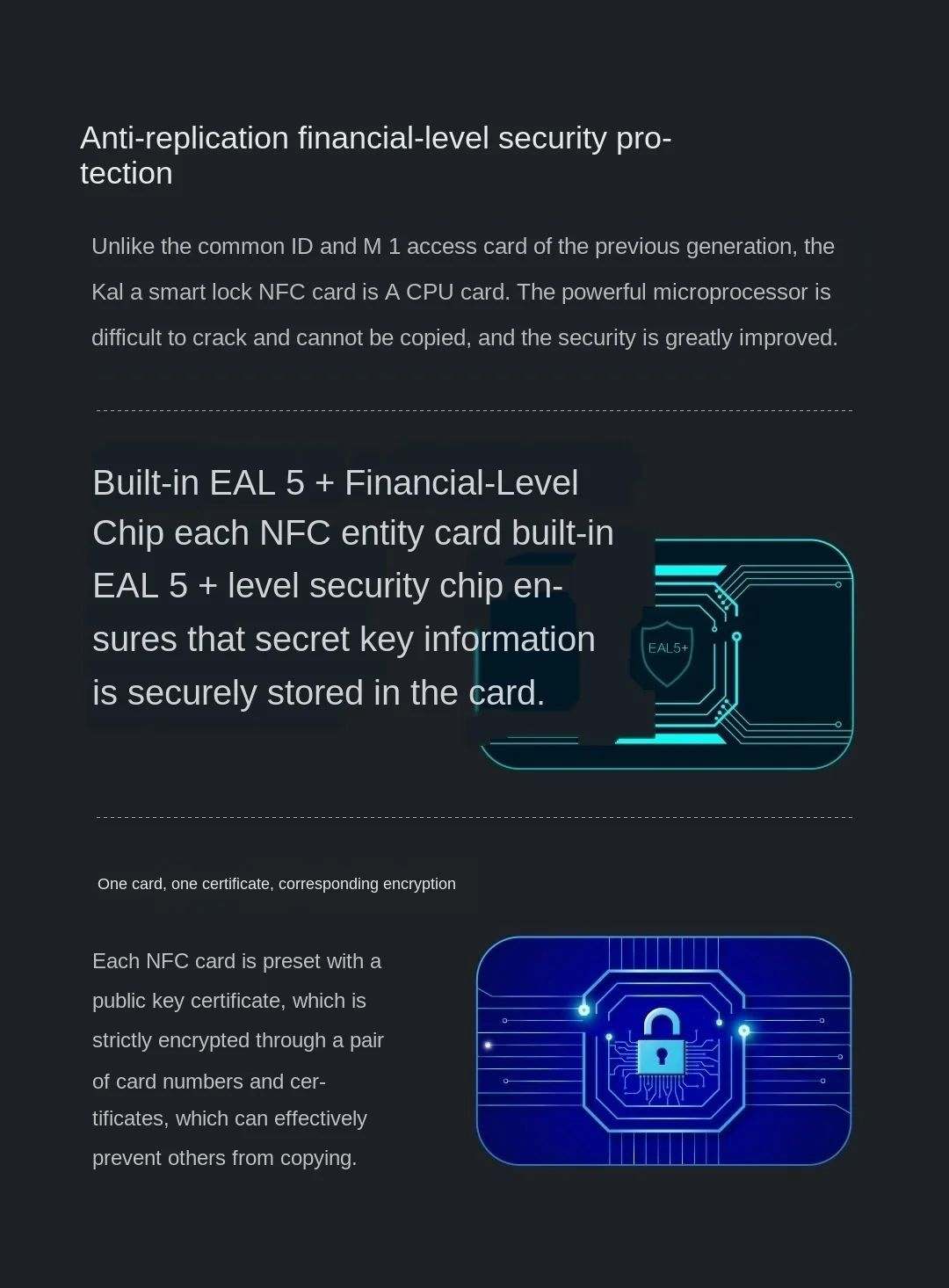
- Mijia/Apple Secure Chip for encrypted biometrics & data
-
- Safety Level B; certified to GA 374‑2019, GA/T 73‑2015, GB21556‑2008
-
- IP66 Protection Level: Withstands harsh weather conditions, ensuring long-term reliability outdoors or in damp environments.
✅ Large User Capacity:
-
- 50 fingerprints
-
- 50 permanent passwords
-
- 25 NFC devices (Xiaomi phones, Mi Band 4, latest watches, and NFC cards)
-
- 25 periodic temporary passwords
-
- 8 one-time temporary passwords
✅ Reliable Power System:
-
- 8 × AA batteries (6V DC, not included)
-
- Type-C emergency power supply (5V DC)
-
- Low‑battery alert ensures you’re never locked out
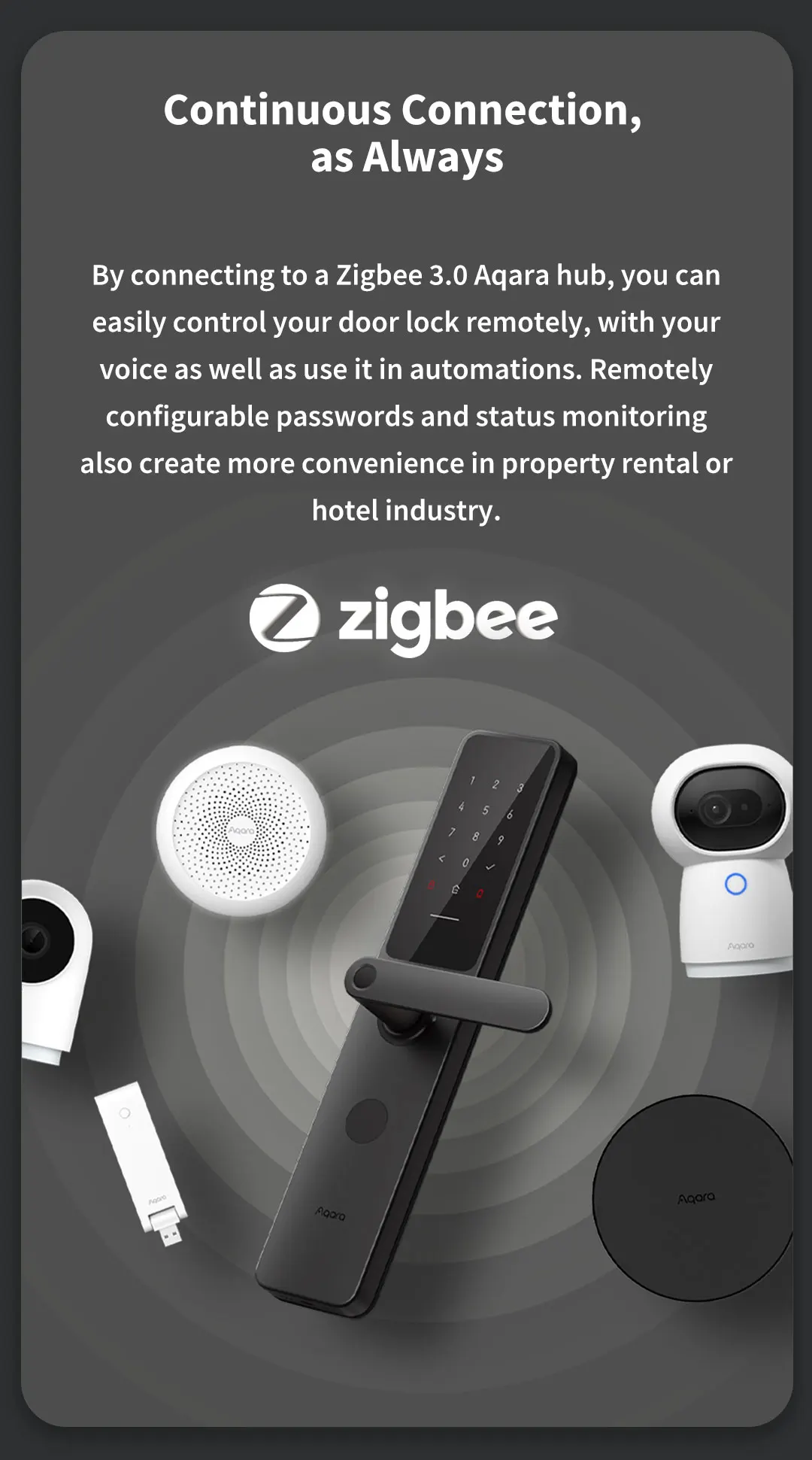
✅ Stable Connectivity: Wi-Fi + Zigbee + Bluetooth 5.0 for fast, stable pairing, low power consumption, and seamless smart home integration.
✅ All‑Weather Durability:
-
Operating temperature: -25 °C ~ +70 °C
-
Working humidity: 0–93% RH (non‑condensing)
-
- Zinc Alloy Material: Robust and durable, with a polished finish for aesthetic appeal and long-lasting protection against wear and tear.
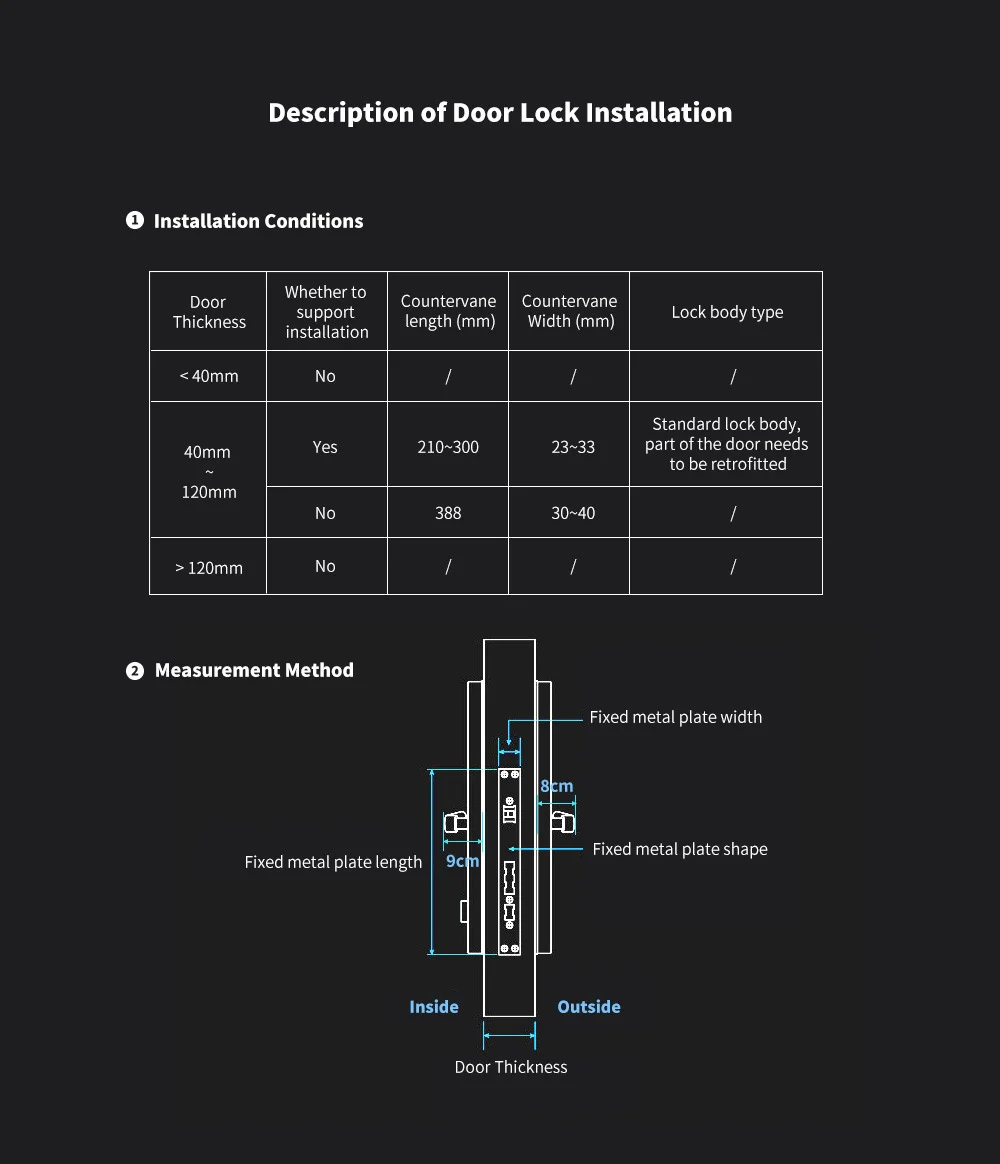
✅ Handle Reversing Design: Fits left‑handed & right‑handed doors — no need to specify door direction; compatible with steel, brass, glass, stainless steel, and wooden doors.
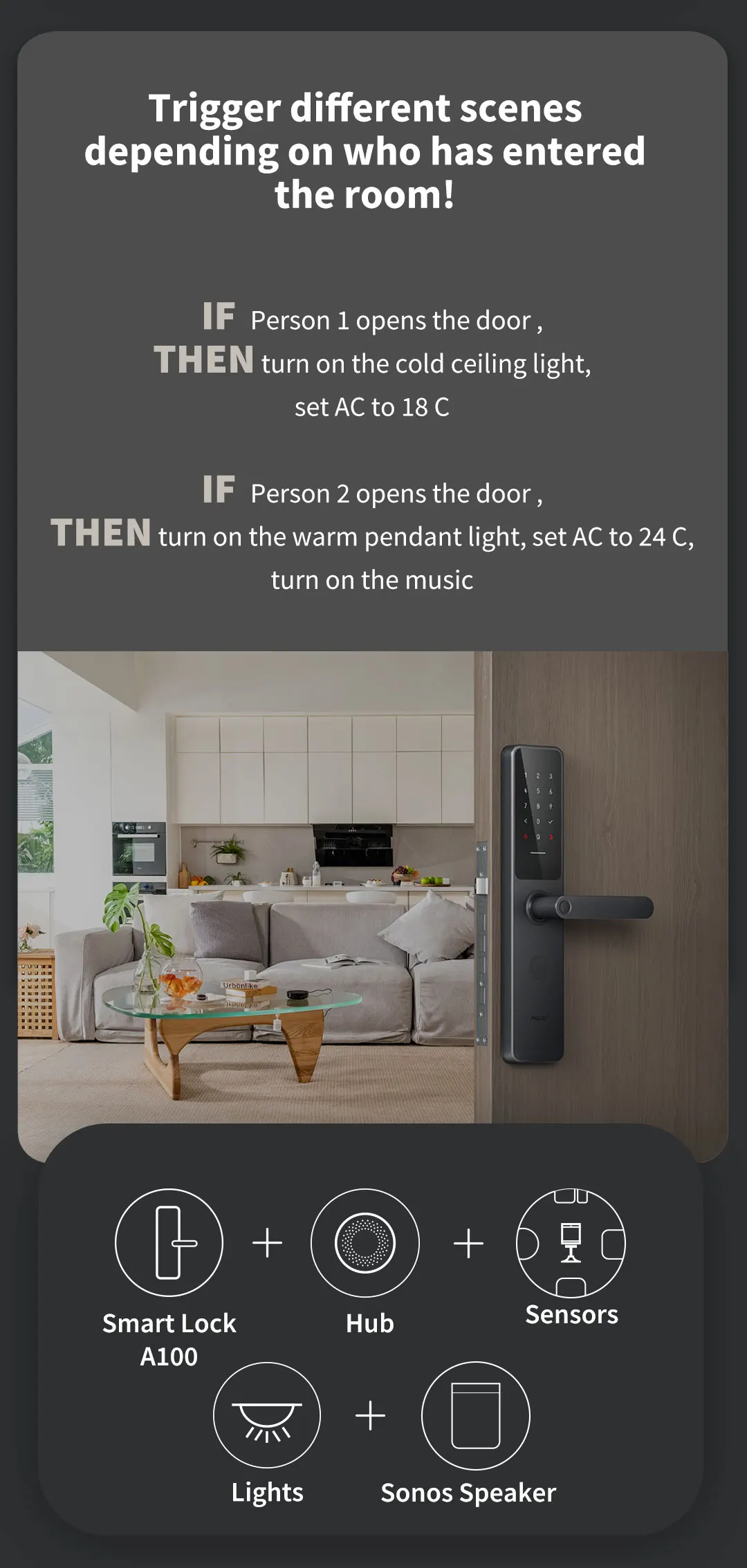
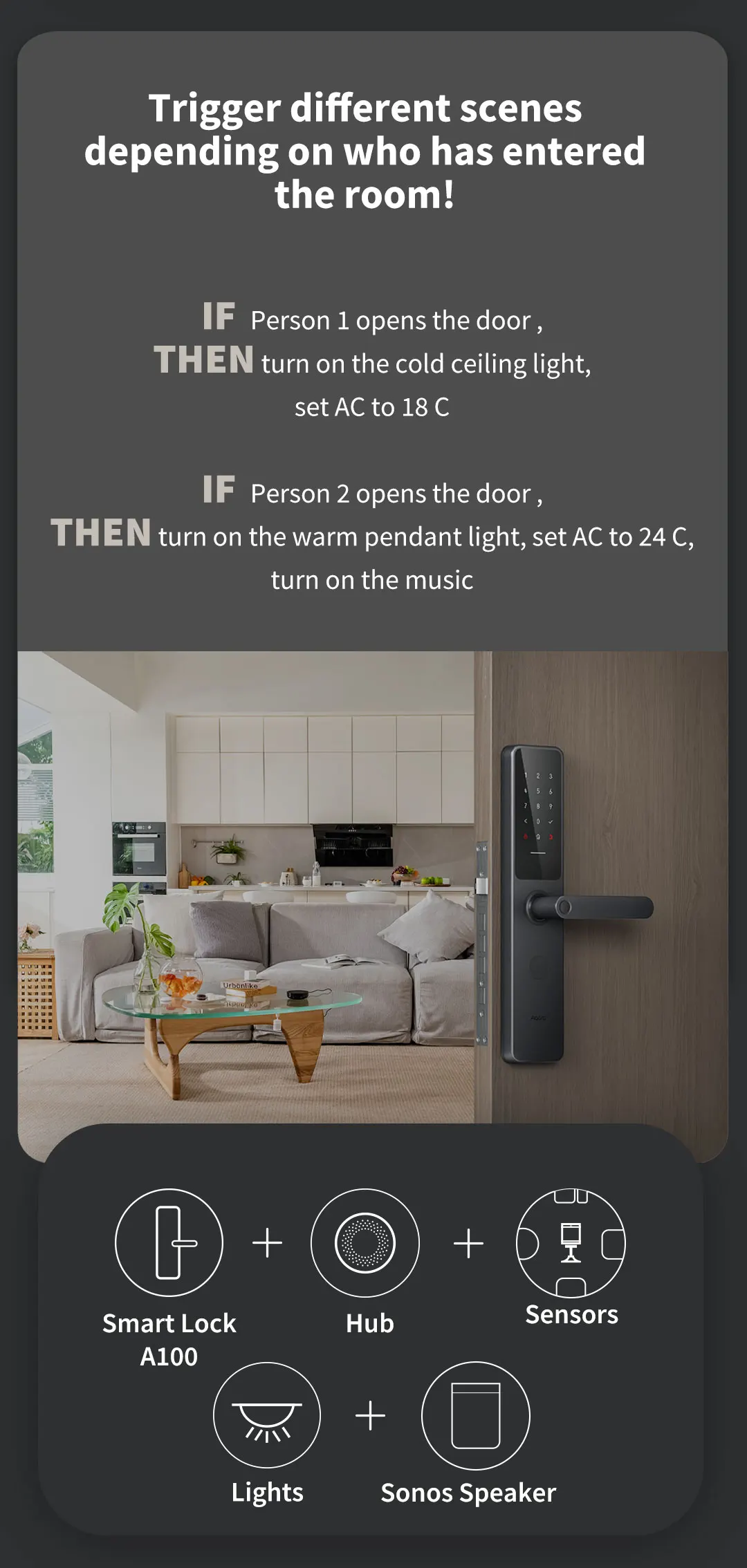
✅ Smart Home Integration: Supports Gateway, seamlessly connecting with other smart home devices for automated operation and enhanced security. It is fully compatible with Apple HomeKit, Amazon Alexa, and Google Home, enabling you to control the door lock through multiple smart ecosystems effortlessly.
How to Pair with Apple HomeKit, Amazon Alexa & Google Home
Before pairing, ensure the Aqara A100 Pro door lock is powered on (installed with 8×AA batteries) and in pairing mode (long press the reset button for 5 seconds until the indicator light flashes). The lock supports global mainstream smart ecosystems, making pairing simple and efficient.
1. Pair with Apple HomeKit
-
Open the Home APP on your iPhone or iPad (ensure the device is logged in to your Apple ID).
-
Tap the "+" icon in the upper right corner, select "Add Accessory", and choose "Don’t Have a Code or Can’t Scan?".
-
Bring your iPhone/iPad close to the door lock (within 10cm), and the APP will automatically search for the lock.
-
Follow the on-screen prompts, enter the 8-digit setup code (found on the lock’s user manual or the back of the lock panel), and complete the pairing.
-
After pairing, you can rename the lock, set access permissions, and control it via Apple HomeKit or Apple Key.
2. Pair with Amazon Alexa
-
Open the Alexa APP on your mobile phone, log in to your Amazon account, and tap "Devices" at the bottom.
-
Tap the "+" icon in the upper right corner, select "Add Device", and choose "Lock" from the device list.
-
Select "Aqara" as the brand, and follow the prompts to connect the lock to the same Wi-Fi as your Alexa device.
-
Enter the Aqara account information (if you have connected the lock to Mi Home/Aqara APP) to authorize Alexa to access the lock.
-
Complete the pairing, and you can control the lock with voice commands (e.g., "Alexa, lock the front door").
3. Pair with Google Home
-
Open the Google Home APP, log in to your Google account, and tap the "+" icon in the upper left corner.
-
Select "Set up device", choose "Works with Google", and search for "Aqara" in the search bar.
-
Log in to your Aqara account to link your device, and the APP will automatically sync the Aqara A100 Pro lock.
-
Follow the on-screen prompts to complete the pairing, and assign the lock to a specific room (e.g., "Front Door").
-
After pairing, you can control the lock via voice commands (e.g., "Hey Google, check if the front door is locked").
Note: Ensure your mobile phone, smart speaker (Alexa/Google Home), and Aqara A100 Pro are connected to the same Wi-Fi during pairing. If pairing fails, reset the lock and try again; for further issues, refer to the user manual or contact customer service.
Specifications
-
- Brand: Melery
-
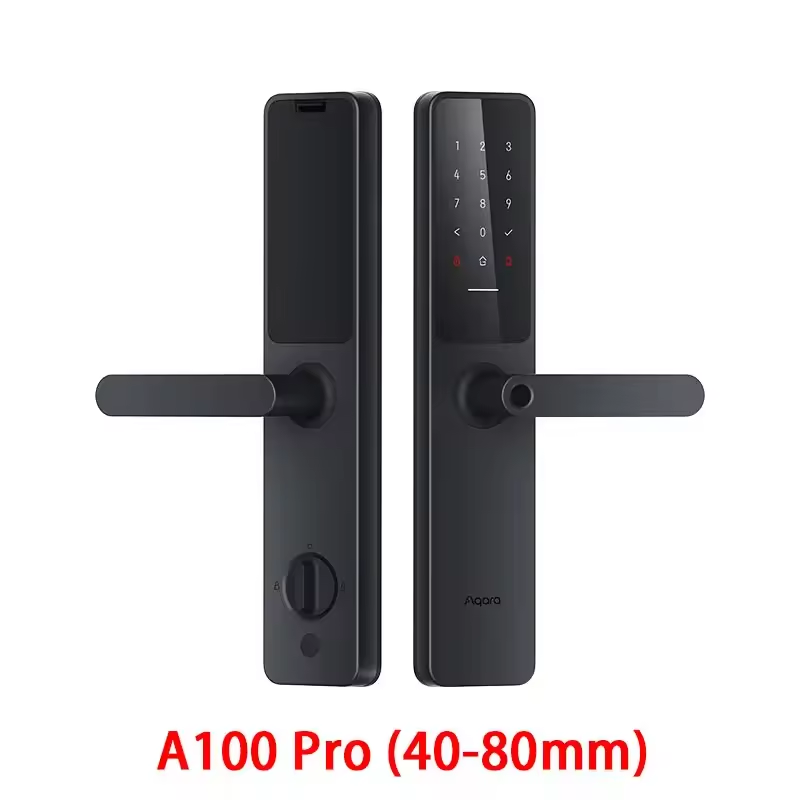
- Model: Aqara A100 Pro
-
- Power: 8×AA (6V DC) + Type‑C emergency 5V DC
-
- Connectivity: Wi-Fi, Zigbee, Bluetooth 5.0
-
- Certifications: GA 374‑2019, GA/T 73‑2015, GB21556‑2008
-
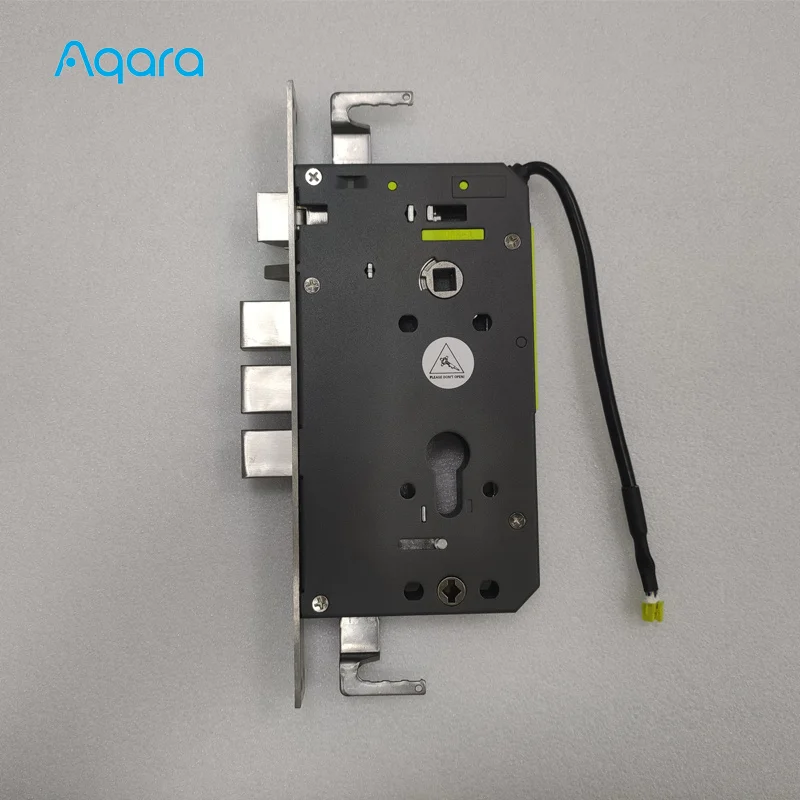
- Security: Level B (lock body), Class C (lock cylinder), IP66 Protection Level
-
- Operating Environment: -25 °C ~ +70 °C, 0–93% RH
-
- Door Direction: Left & right opening supported
-
- Battery Life: 18 months (varies by working environment)
-
- Material: Zinc alloy
-
- Ways To Unlock: Mechanical Keys, Wi-Fi, Password, Fingerprint, NFC, Card, Apple HomeKit / Apple Key
-
- Finish Type: Polished
-
- Suitable Door Type: Steel, Brass, Glass, Stainless Steel, Wooden Door
Advanced Security and Convenience
The Aqara Smart Door Lock A100 Pro is a cutting-edge solution for homeowners seeking a blend of advanced security and seamless convenience. Crafted from robust zinc alloy, this lock offers a polished finish that not only enhances the aesthetics of your door but also provides a durable and reliable barrier against intruders. With its IP66 protection level, the A100 Pro is designed to withstand the elements, ensuring your home remains secure in any weather condition.
Versatile Access Control
The Aqara Smart Door Lock A100 Pro boasts an impressive array of unlocking methods, including mechanical keys, Wi-Fi, password, fingerprint, NFC, and card, plus Apple HomeKit integration. This versatility allows you to choose the most suitable method for your lifestyle, whether it's the convenience of a quick fingerprint scan or the reliability of a physical key. The lock's compatibility with the Mi Home APP, Apple HomeKit, Ring, and Amazon Lock Smart Home ensures that you can manage your door's access remotely, making it an ideal choice for homeowners who value flexibility and control.
Designed for Modern Living
The Aqara Smart Door Lock A100 Pro is not just a lock; it's a gateway to a smarter, more connected home. With its support for Gateway, this lock integrates seamlessly with other smart home devices, allowing you to automate your door's operation and enhance your home's security. The A100 Pro's compatibility with various door types, including steel, brass, glass, stainless steel, and wooden doors, makes it a versatile solution for a wide range of home environments. Whether you're looking to secure your front door for Airbnb guests or seeking a robust lock for your home's main entrance, the Aqara Smart Door Lock A100 Pro is the perfect choice for modern living.
FAQ
Q: Do I need to choose door orientation?
A: No. The Aqara A100 Pro has a handle reversing function and works for both left and right opening doors.
Q: Can multiple phones connect at the same time?
A: No. It uses Bluetooth 5.0 one‑to‑one protocol; only one phone can be bound and operated at a time (Wi-Fi enables remote control for multiple users via APP).
Q: What if I forget the administrator password?
A: - If the lock is still in the APP: Bring the phone close, go to APP → Lock → Top-right 3 dots → User Management to re‑add fingerprints or passwords. - If the lock was deleted from the APP: Reset is not available; front and rear panels must be replaced at the user’s cost.
Important Warning: Please memorize your administrator password after setup. Failure to use the lock normally due to a forgotten administrator password is not covered under warranty.
Why Choose Melery Aqara A100 Pro?
-
- Trusted Aqara quality + Melery reliable service
-
- Full compatibility with Mi Home, Apple HomeKit, Ring, and Amazon Lock Smart Home ecosystems
-
- 7 access modes for family, guests, and cleaners, meeting diverse daily needs
-
- Military‑grade encryption + Class C lock cylinder + IP66 protection, multi-layer security protection
-
- Zinc alloy material + polished finish, durable and aesthetic; compatible with various door types for versatile use
-
- Great convenience with APP control, long battery life, and multi-connectivity; extreme safety with intelligent protection and weather resistance
-
- Gateway support for seamless smart home integration, perfect for modern living
Upgrade your door to a smart lock that’s secure, convenient, and future‑proof.