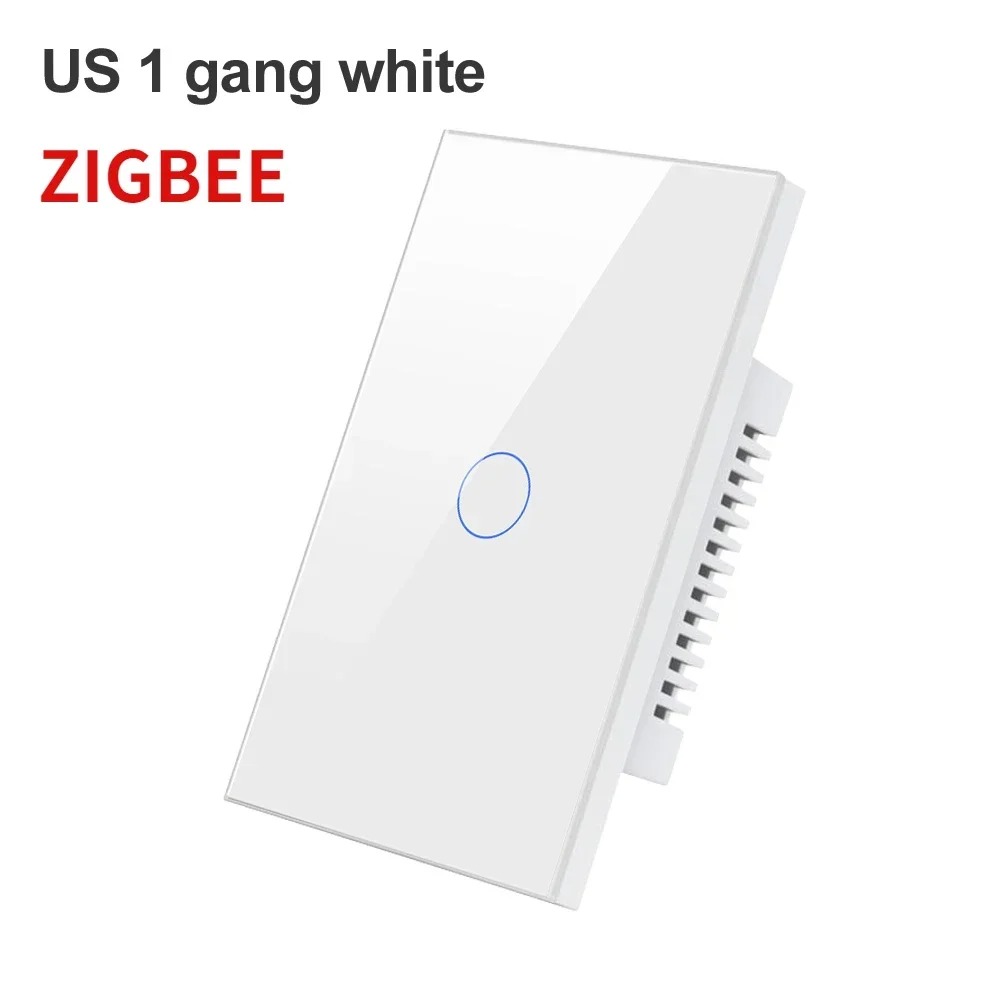
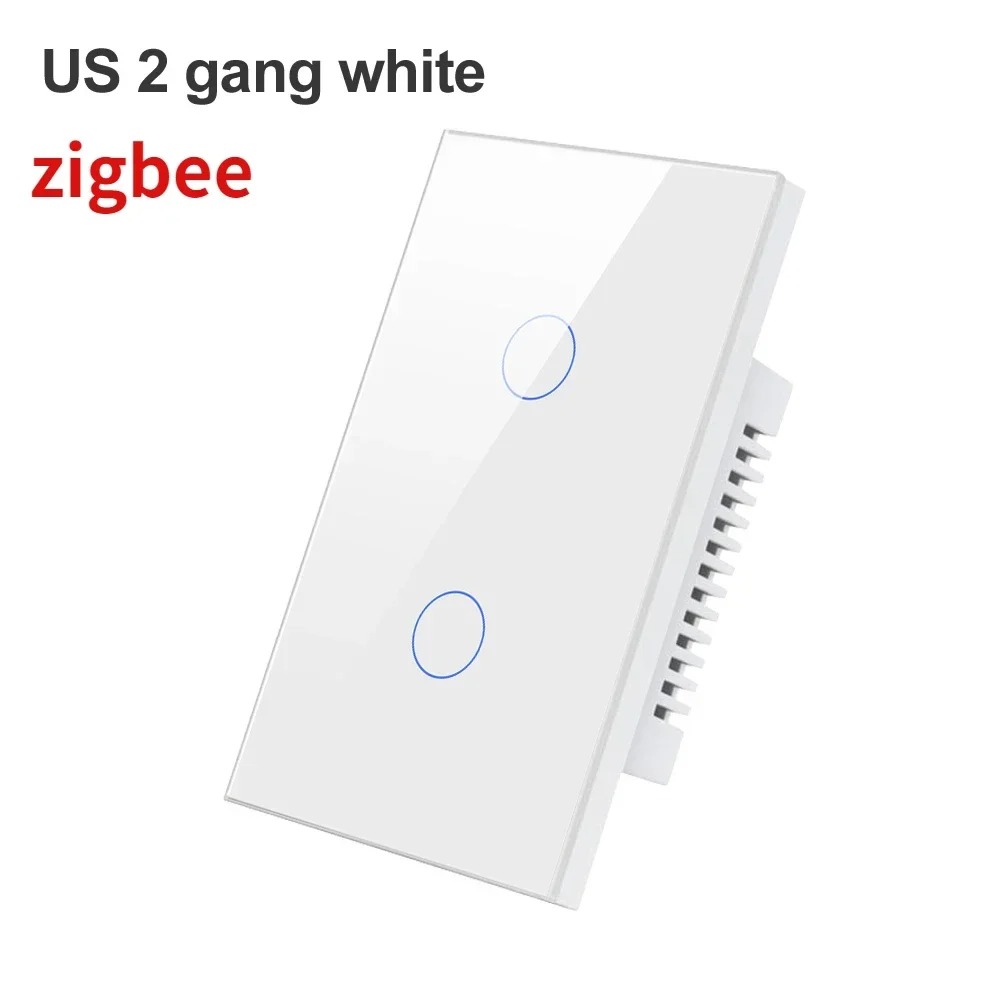
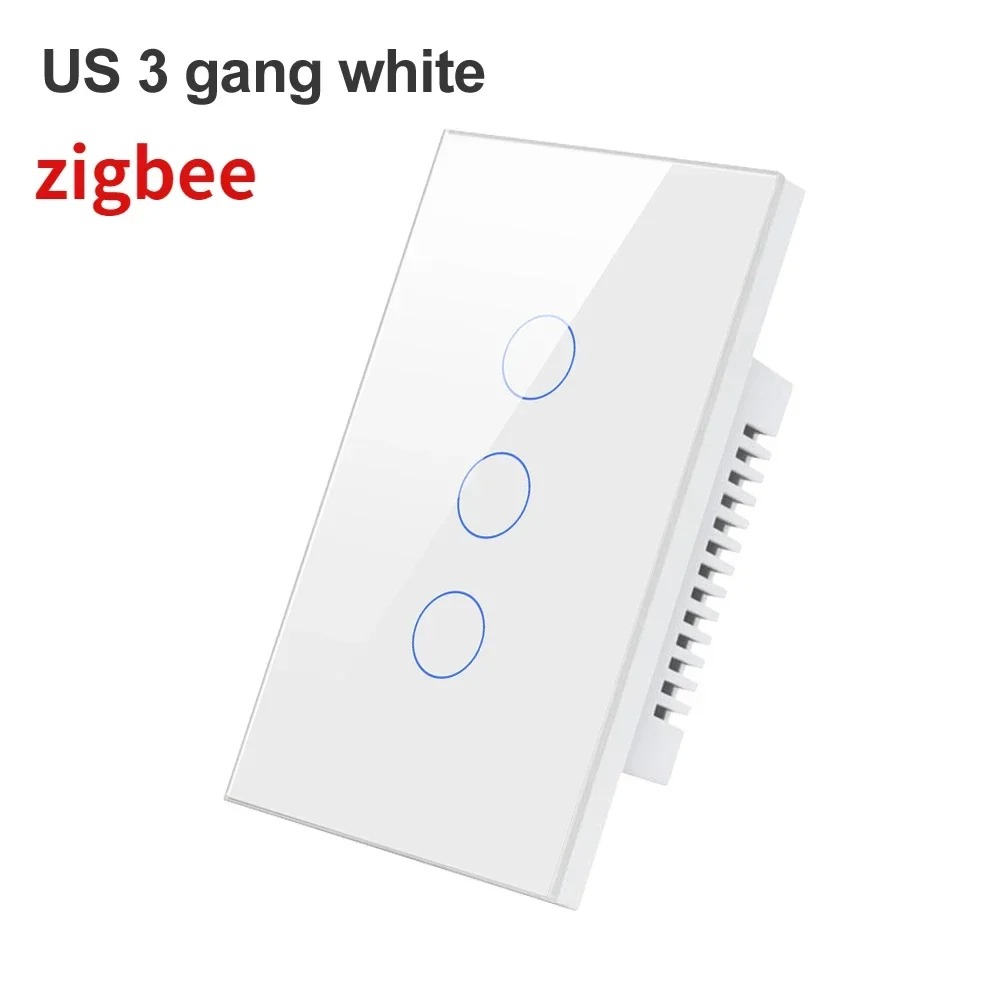
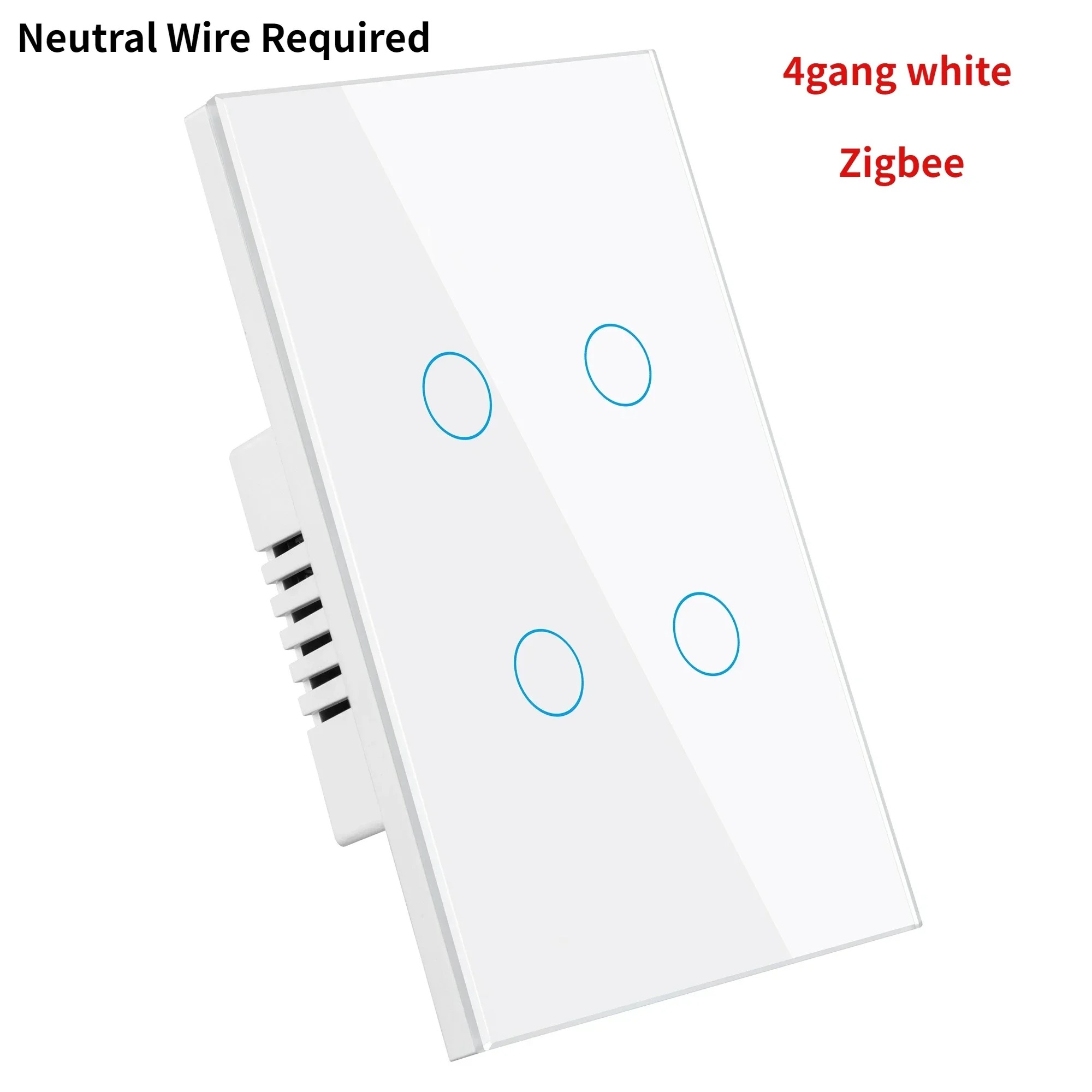
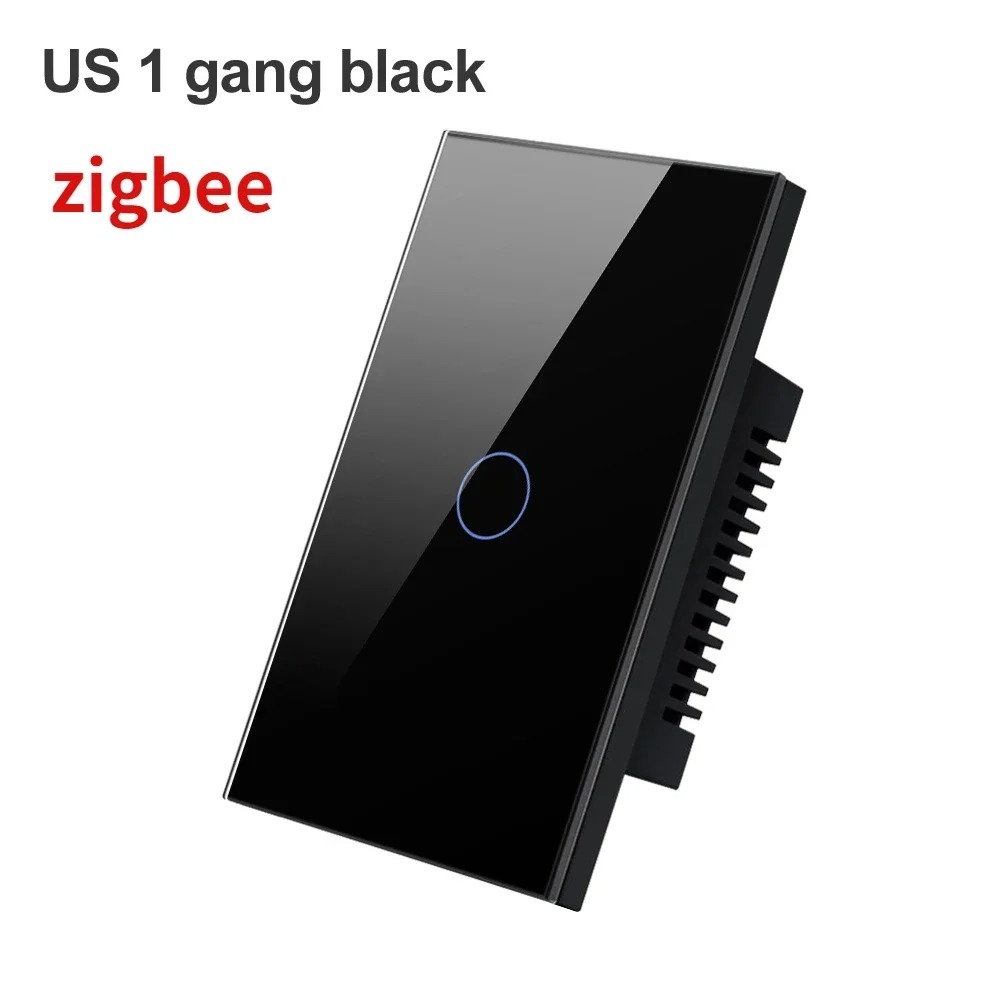
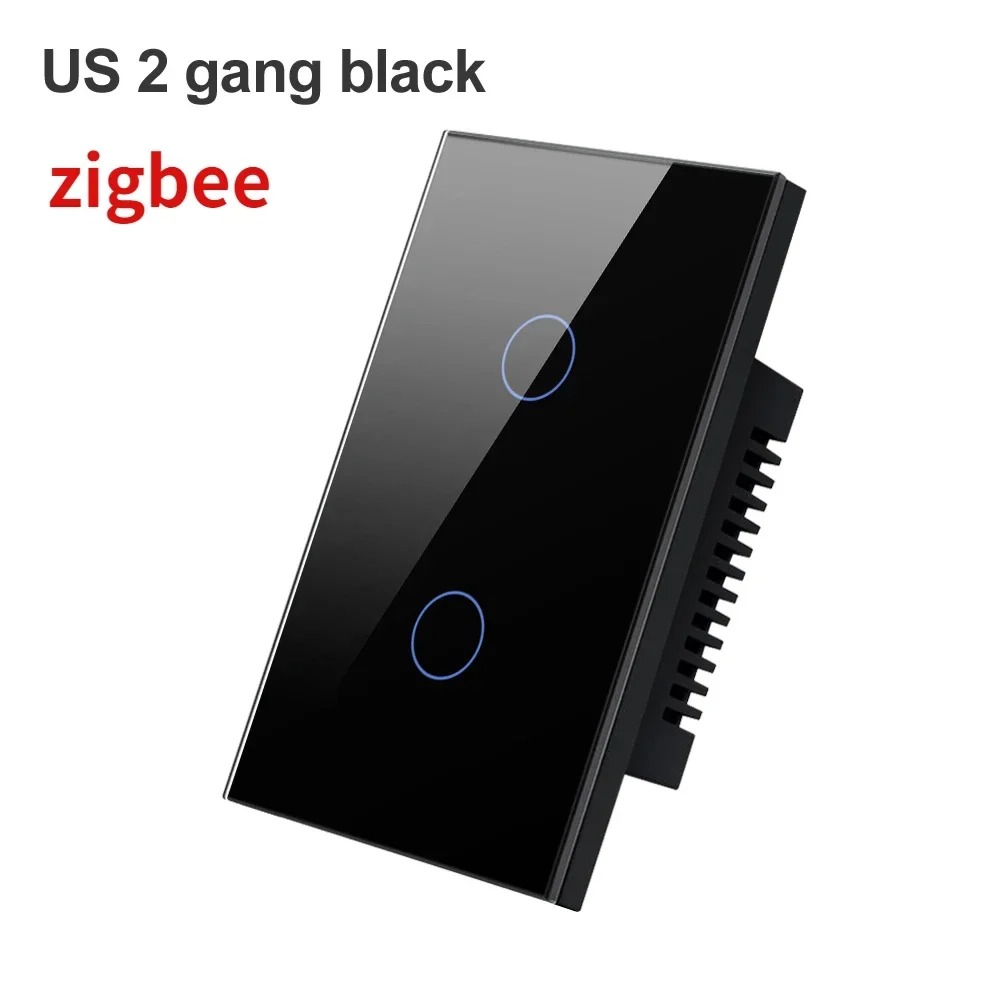
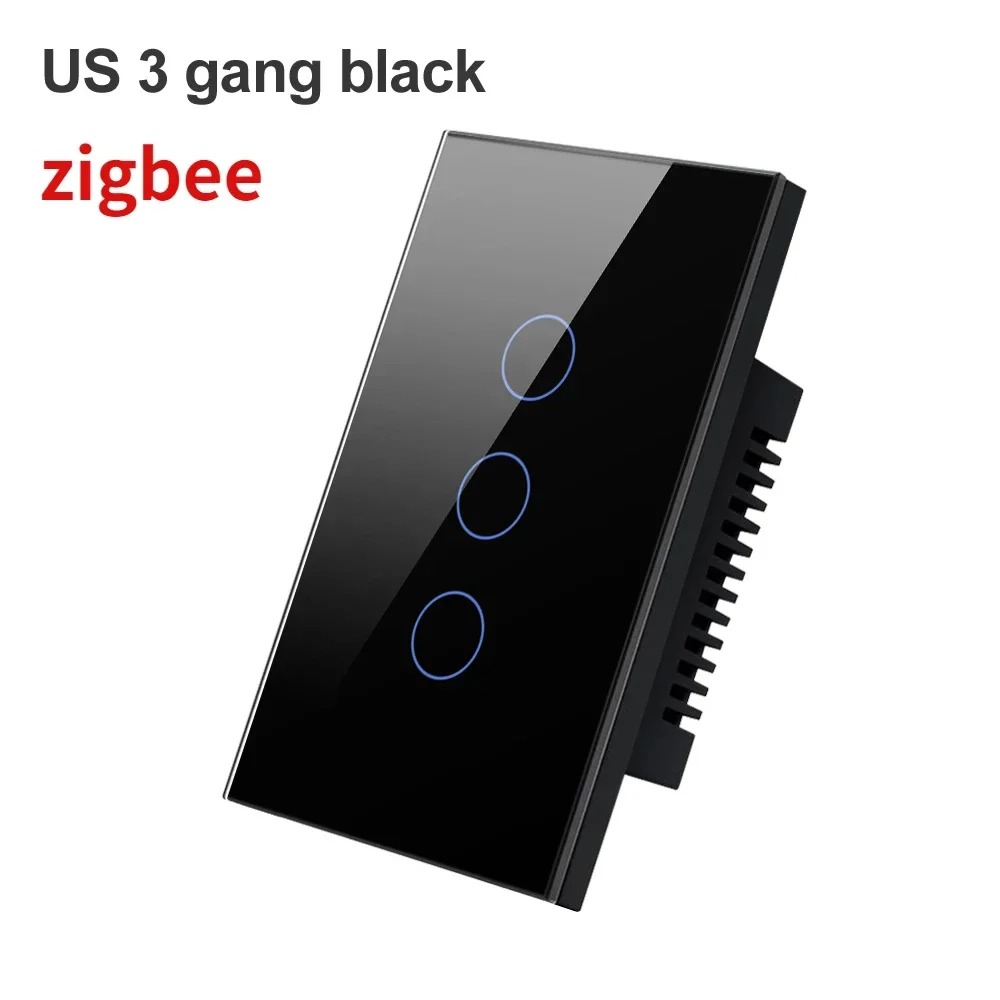
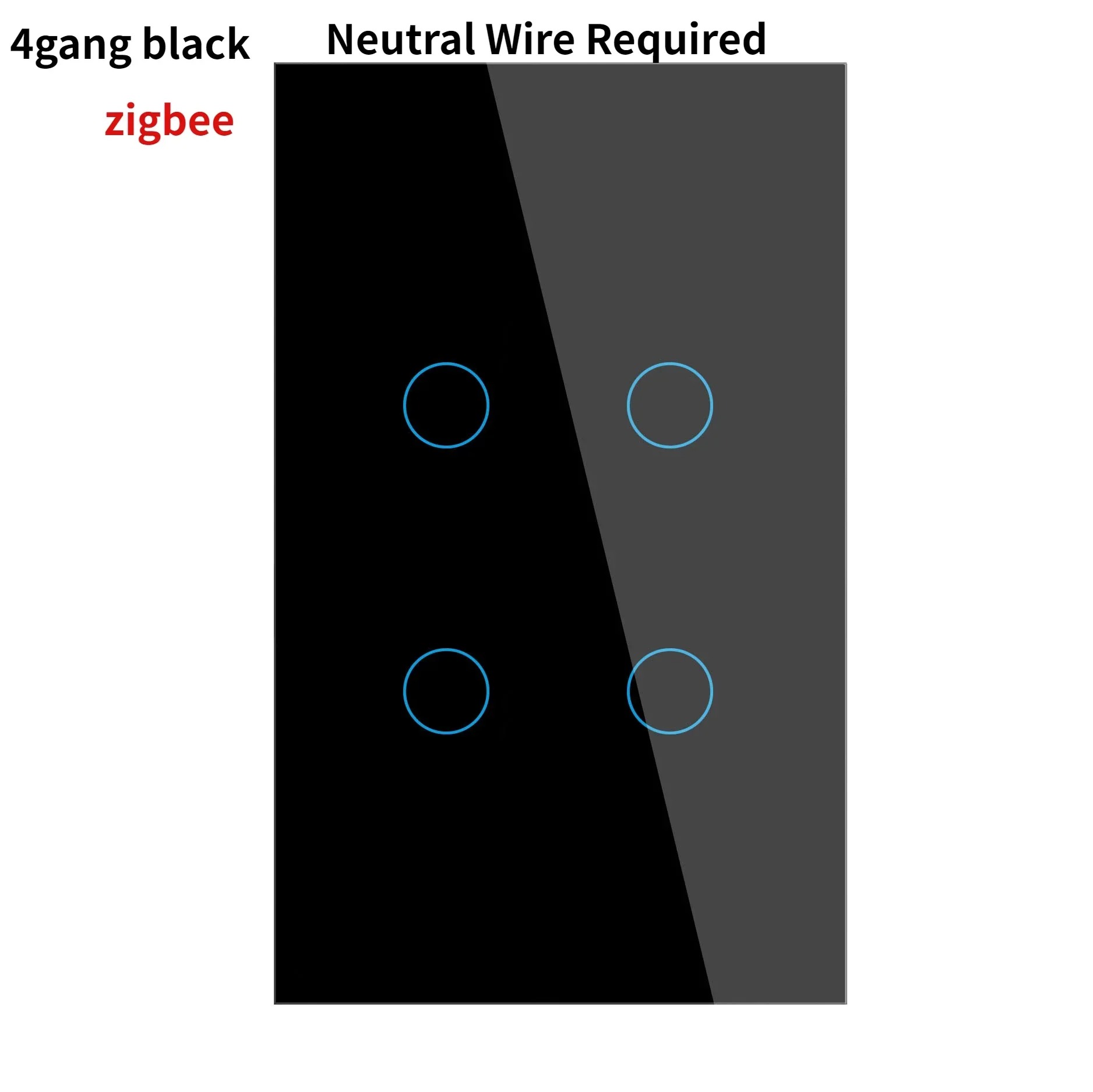
Tuya Zigbee Smart Light Switch - Neutral Wire Required, Glass Touch, Alexa/Google Compatible
✨ Tuya Zigbee Smart Switch: Safe, Intelligent & Easy to Control
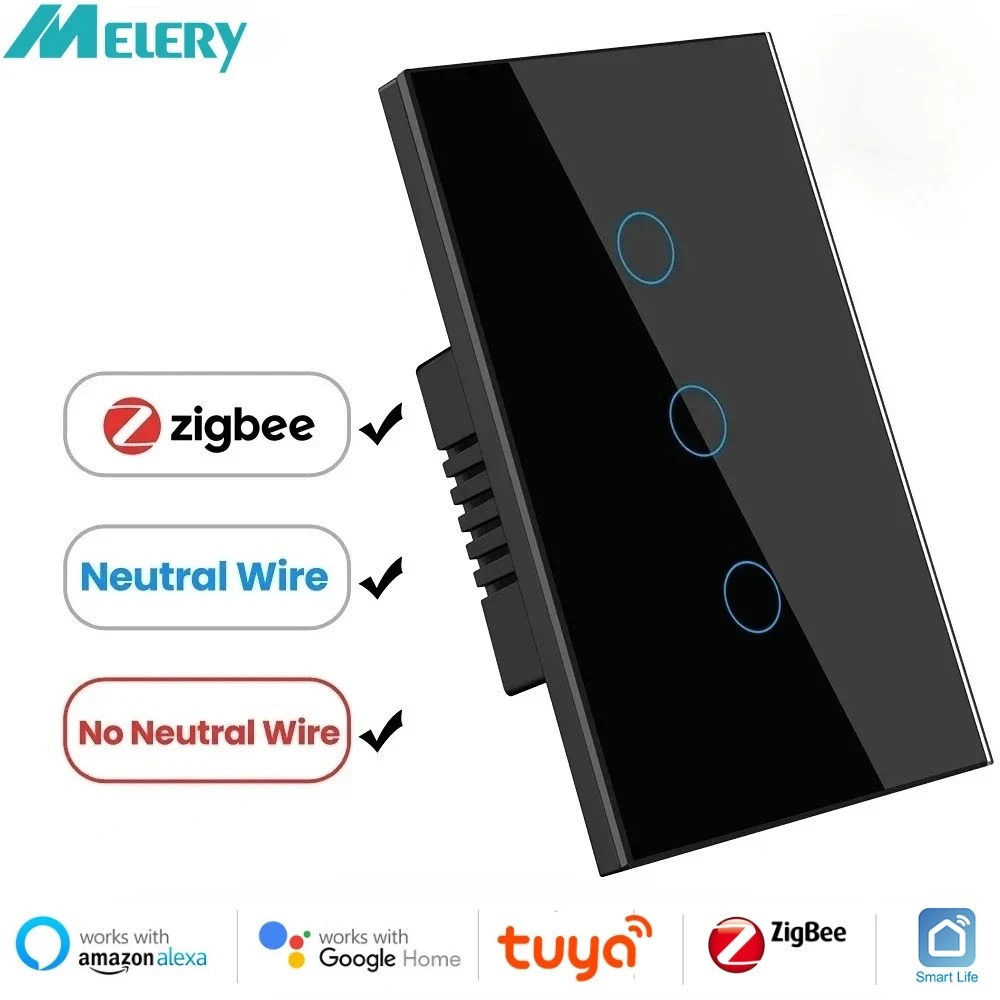
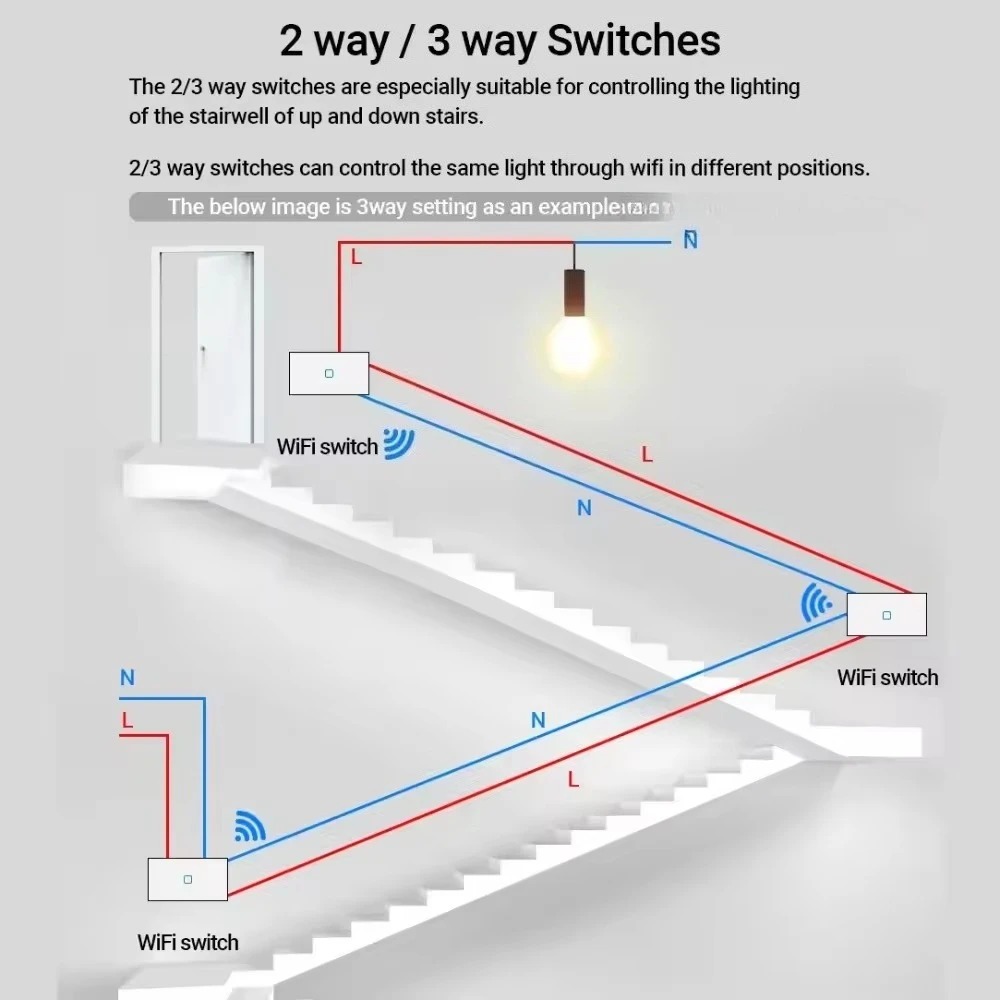
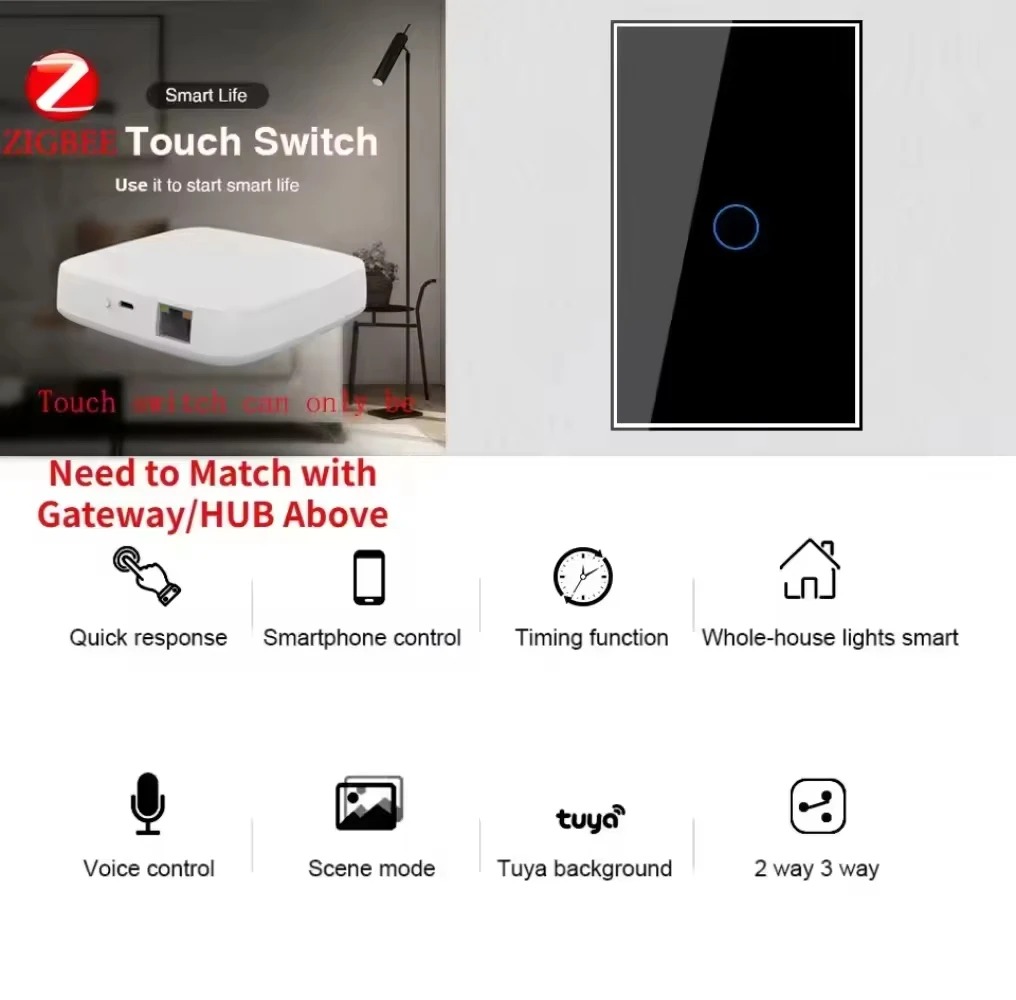
Upgrade your home lighting with this Tuya Zigbee Smart Light Switch! Featuring a sleek tempered glass touch panel, it supports voice control via Alexa/Google Home, remote management, and timing functions. As a Zigbee signal repeater, it extends your smart home network. Note: Neutral wire is required, and a Tuya Zigbee Gateway is needed for use.
Key Reminders: 1. Neutral wire (N) is mandatory for installation; 2. Tuya Zigbee Gateway (BLE + Zigbee recommended) is a must; 3. Supports 2.4GHz WiFi (for gateway), no 5GHz compatibility.
�� Core Smart Features
-
Wide Compatibility: Works with incandescent lamps, fluorescent lamps, LED lamps, water heaters, ventilators, motors, etc. Rated power 600W/gang, meeting most household needs.
-
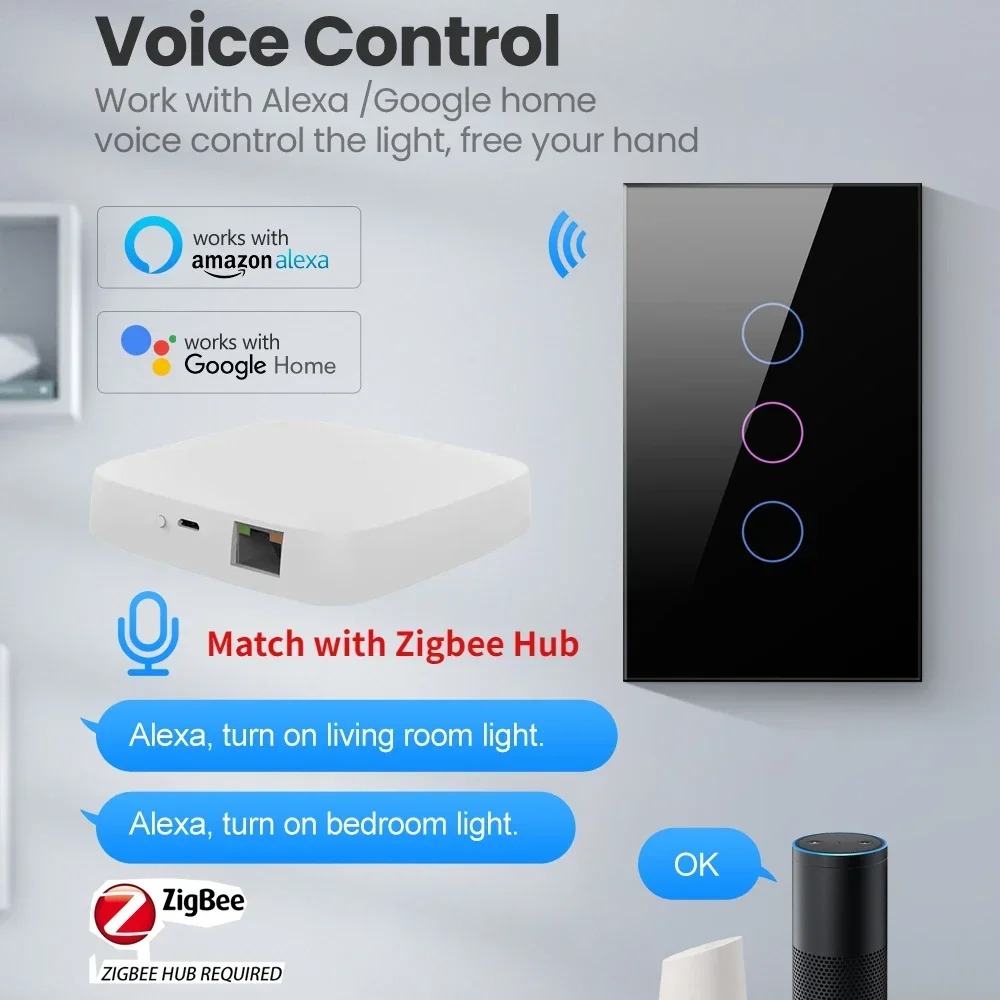
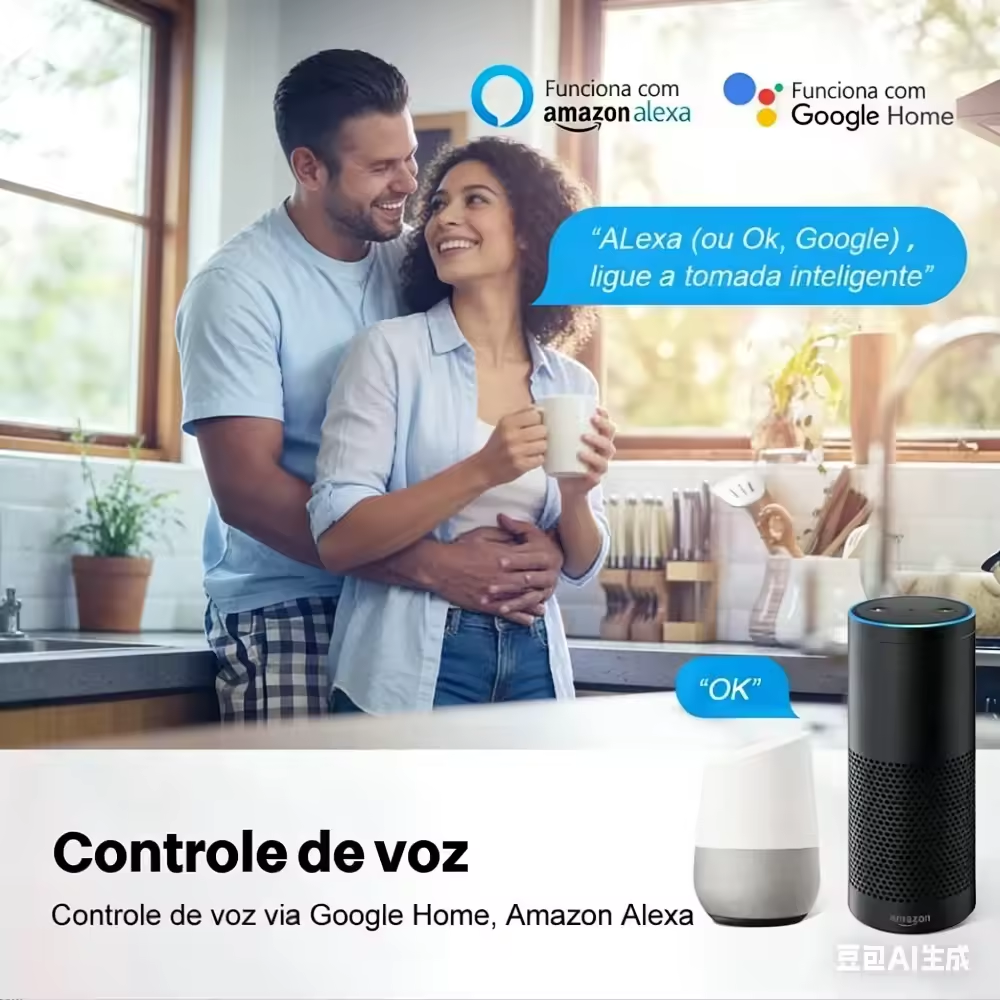
Hands-Free Voice Control: Seamlessly connects to Amazon Alexa (Echo series) and Google Home (Nest series). Simple commands like "Alexa, turn on living room light" or "Hey Google, turn off bedroom switch" make life easier.
-
Remote APP Control: Manage via "Smart Life" app (iOS 8.0+/Android 4.0+). Check real-time status and control switches anytime, anywhere—even when traveling.
-
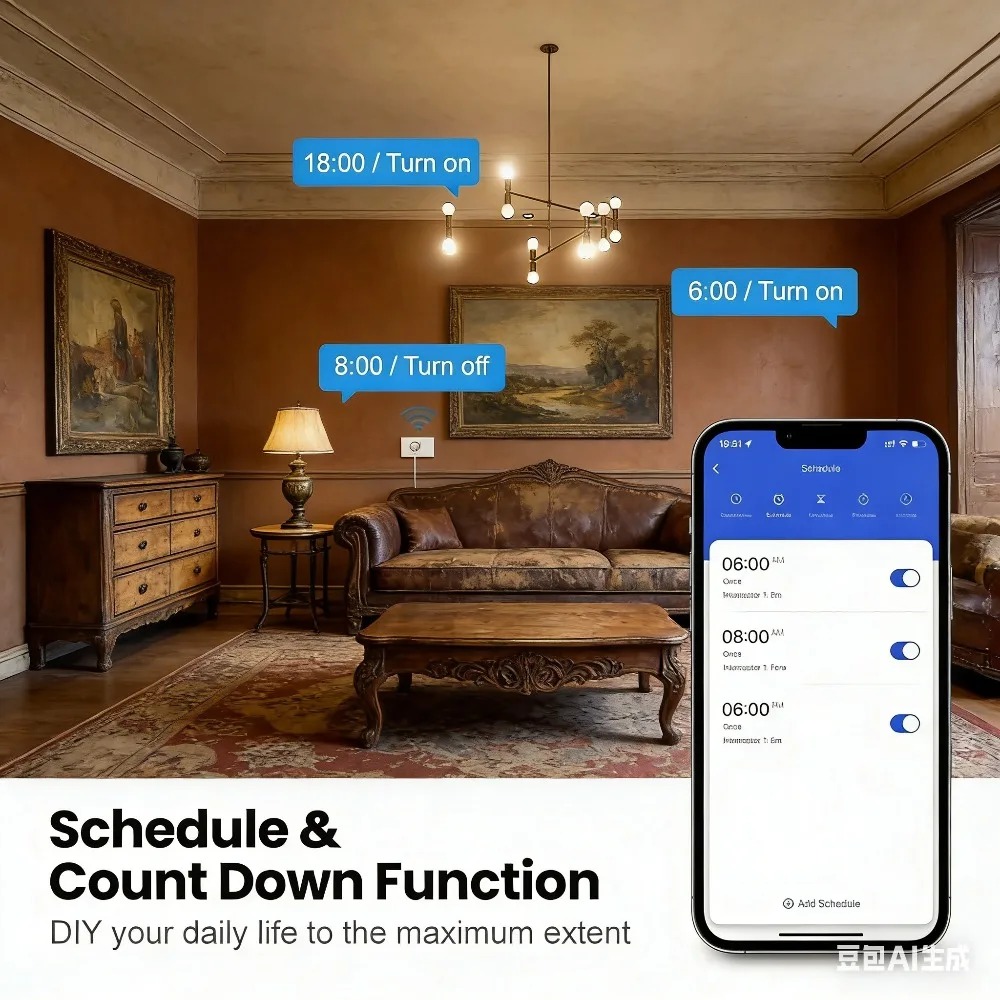
Intelligent Timing & Scenes: Set timers (works offline with continuous power) for automatic on/off. Customize scenes like "Conference Mode", "Outgoing Mode", or "Rest Mode" to fit your routine.
-
Zigbee Signal Repeater: Enhances your smart home network coverage, ensuring stable connection for other Zigbee devices.
-
Safe & Stylish Design: Tempered glass panel—waterproof, moisture-proof, fire-proof (ABS flame retardant material). Built-in LED night light: purple when on, blue when off (soft light, no sleep disturbance).
-
Easy to Use & Clean: Sensitive touch response, smooth surface for hassle-free cleaning. Simple installation (professional electrician recommended).
�� Detailed Specifications
|
Parameter
|
Details
|
|
Product Size
|
7.2 x 12 x 3.5 cm
|
|
Supported System
|
iOS 8.0+, Android 4.0+
|
|
WiFi Band (for Gateway)
|
2.4GHz
|
|
Material
|
ABS flame retardant (body), tempered glass (panel)
|
|
Rated Power
|
600W/gang
|
|
Rated Current
|
10A
|
|
Input Voltage
|
AC 110~240V, 50/60Hz
|
|
Standby Consumption
|
0.45W / 0.1mA
|
�� Step-by-Step Setup Guide
1. Tuya Zigbee Gateway WiFi Connection
1.1 Preparation
-
Power gateway via Micro cable; wait for slow-flashing red light (pairing mode). If no response, hold reset button 5s till red light flashes.
-
Connect phone to 2.4GHz WiFi, download "Smart Life" app, register (phone verification), enable Bluetooth/location.
1.2 Connection Methods
Bluetooth Auto-connection (Recommended):
-
App home page → "+" → "Add Device" (auto-scans gateways).
-
Select gateway, enter WiFi password, wait for solid indicator (success).
AP Hotspot Connection (Bluetooth fail):
-
App → "Gateway Control Center" → "Multi-mode Gateway (BLE + Zigbee)".
-
Enter WiFi password, connect phone to gateway hotspot "SmartLife-XXXX" as prompted.
-
Return to app to complete pairing.
Failure Solutions: Bluetooth fail? Disconnect phone from other Bluetooth devices, restart Bluetooth/app. AP fail? Check WiFi password, forget hotspot and re-connect, reduce connected devices.
2. Zigbee Switch & Gateway Pairing
2.1 Switch Enter Pairing Mode
-
Button Trigger: Hold pairing button 5s or quick-press twice → rapid blue LED flash.
-
Power-on Trigger: Power on/off 5x (1 cycle = 1x) → output LED flashes 10x (success).
2.2 Gateway Add Switch
-
App → paired gateway interface → "Sub-devices" → "Quick Add".
-
Auto-scans switches; select device to pair (indicator stops flashing, "ZB-SWITCH" in app).
-
Long-press device name to rename (e.g., "Living Room Ceiling Light Switch").
Failure Solutions: Reduce distance to ≤20m (≤2 walls), avoid metal/high-power interference, restart gateway/switch and retry.
3. Connect to Alexa & Google Home
3.1 Preparation
Ensure gateway/switch are online, "Smart Life" app controls work. Prepare Echo (Alexa) or Nest (Google Home) device, log in to respective apps.
3.2 Alexa Connection
-
Alexa app → "More" → "Skills & Games" → search "Tuya Smart"/"Smart Life" → enable.
-
Log in with "Smart Life" account to bind; Alexa auto-syncs devices.
-
Voice command: "Alexa, turn on the living room light".
3.3 Google Home Connection
-
Google Home app → "+" → "Set up device" → "Works with Google" → select "Tuya Smart".
-
Log in to "Smart Life" account for authorization; sync devices.
-
Voice command: "Hey Google, turn off the bedroom switch".
Failure Solutions: App control fail? Check network, re-log in to "Smart Life". Sync fail? Verify account info, unlink/re-link, ensure stable network for voice device. "Device not certified"? Contact Tuya support to add PID to whitelist.
�� Installation Precautions
-
Disconnect power before installation.
-
Switch box must be ≥35mm deep.
-
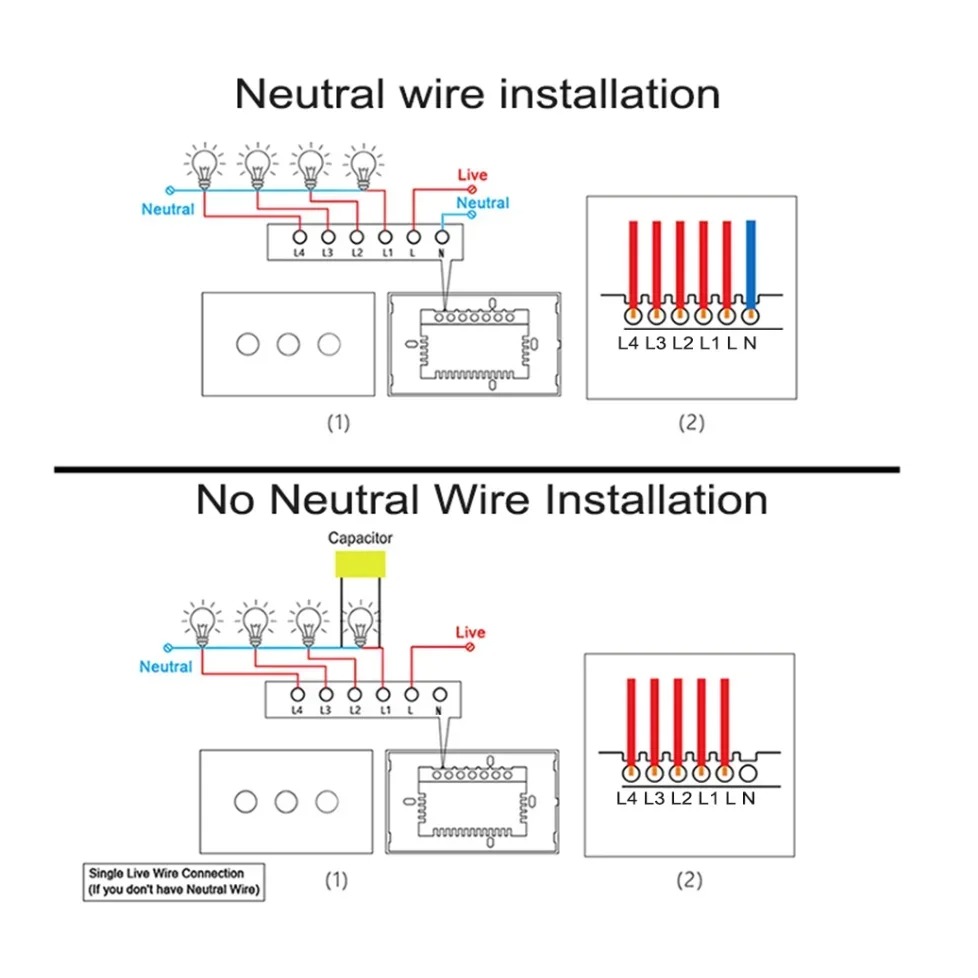
Wiring: Live wire → L terminal, Neutral wire → N terminal.
-
No wiring experience? Hire a professional electrician.
�� Package List
-
1 * Tuya Zigbee Smart Light Switch
-
1 * 3.3 μF Capacitor
-
1 * User Manual (English)
-
2 * Screws